



Introduction
Sometimes you delete a photo to get some space, but then a few minutes after deletion, you find out that it was the one that you really needed. Also, an important WhatsApp conversation may disappear after a cleanup.
Now the question is simple: can you get it back? Depends on the type of data loss and the recovery app.
Some lost data can be retrieved using Android recovery apps, whereas desktop recovery programs offer advanced recovery options depending on the supported device, data type, and recovery source.
In this guide, we'll compare both methods and look at what makes sense for photos, messages, documents, app data, and WhatsApp content.
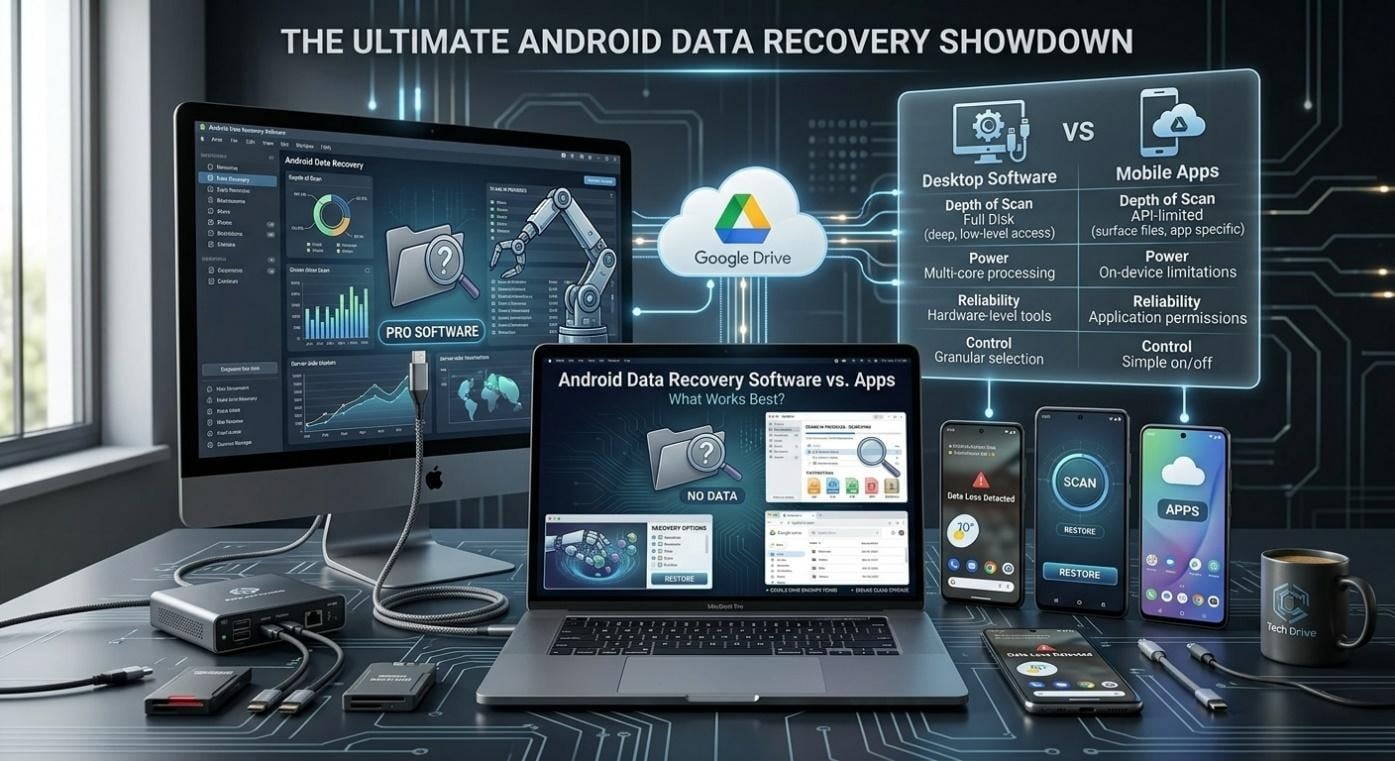
Part 1. Android Recovery Software vs. Recovery Apps
When you lose your files, you are left with two options: get a recovery app on the phone or connect the device to the computer and try out desktop software.
Recovery Apps
Android recovery apps are so convenient, but they require installation on your phone. If you are facing an issue and simply want to check what's lost or still available without having to turn on a computer, this kind of app will be extremely helpful.
The catch? A phone-based app has to work within Android's own storage and access limits. This can affect what it can scan or recover. Moreover, these apps may be easy-to-use but can face storage, permission, and scanning limitations
Desktop Android Recovery Software
A deep recovery option through desktop android data recovery software is another alternative. You connect your phone up via the computer, let the application run a scan on the storage or backup sources that it supports, and finally get the search results.
For example, a data recovery application for Android can be useful when you need to check more than just recently deleted photos. Desktop tools may also support different data types and recovery sources, depending on the device and its condition.
| Feature | Recovery Apps | Desktop Recovery Software |
| Where it runs | Directly on Android but needs to be installed | On a Windows or Mac computer |
| Ease of use | Usually quick to install and use | Needs a phone-to-computer connection |
| Scanning options | Often more limited | Can offer broader scanning and recovery options |
| Supported data | Depends on the app | Often supports photos, messages, contacts, documents, and other data |
| WhatsApp recovery | Depends on the app and device | May offer dedicated WhatsApp recovery features |
| Best for | Quick checks and simple recovery | More detailed recovery needs |
| Main limitation | Android access restrictions | Requires a computer and compatible device |
Part 2. Essential Features and Selection Criteria
If you are thinking of going for an Android recovery tool, you can first just ask yourself several simple questions. If you get the answers, you will immediately know if it's worth trying.
What exactly needs to be restored?
Start by thinking about the data lost. Some will likely work with your photos, others with your videos but not app data or SMS. If WhatsApp is your priority, be on the lookout for dedicated WhatsApp file recovery.
Where might the data still be located?
Some software will examine the phone's memory; others will have an option for searching backed-up devices or files, too. Recovering from more sources simply brings more options.
Am I able to preview before full restore?
This feature lets you preview files, verify that they are indeed what you're looking for, and sort through other files instead of trying to recover every single file the software unearths.
Will it be compatible with my phone?
Determine its compatibility with the Android version and the mobile model of the device in question. Also, look up if any permissions or connections will need to be activated.
Part 3. Recoverable Android File Types and Scenarios
So here is the actual question: “Is it really possible to recover the items?” The answer depends largely on the recovery tool, the phone model, and how the initial data loss happened.
Photos and Videos
An accidental deletion of a photo is probably the most common case of data recovery. Besides photos taken with a camera, they may also refer to screenshots taken on the device and recordings made with the phone.
Messages and Contacts
Text messages, old contact information, and records of calls can potentially be recoverable in some cases.
Documents and Other Files
PDFs, Word files, downloads, and other documents can sometimes be found and retrieved from memory.
App and WhatsApp Data
App data is one of the more complicated parts of recovery because many applications save their information in completely different ways.
WhatsApp is a good example. Recovery may depend on available backups, device access, app storage, and the recovery method being used.
Part 4. Why WhatsApp Recovery Needs Separate Attention
Recovering WhatsApp may be somewhat different from the recovery of your normal picture or document since chats and files are usually dependent on a phone, a backup, or another compatible source. Wondering how do you retrieve deleted WhatsApp messages on Android?
Check available WhatsApp backups first. If no usable backup exists, a direct device scan may still help determine what is recoverable on a supported Android device.
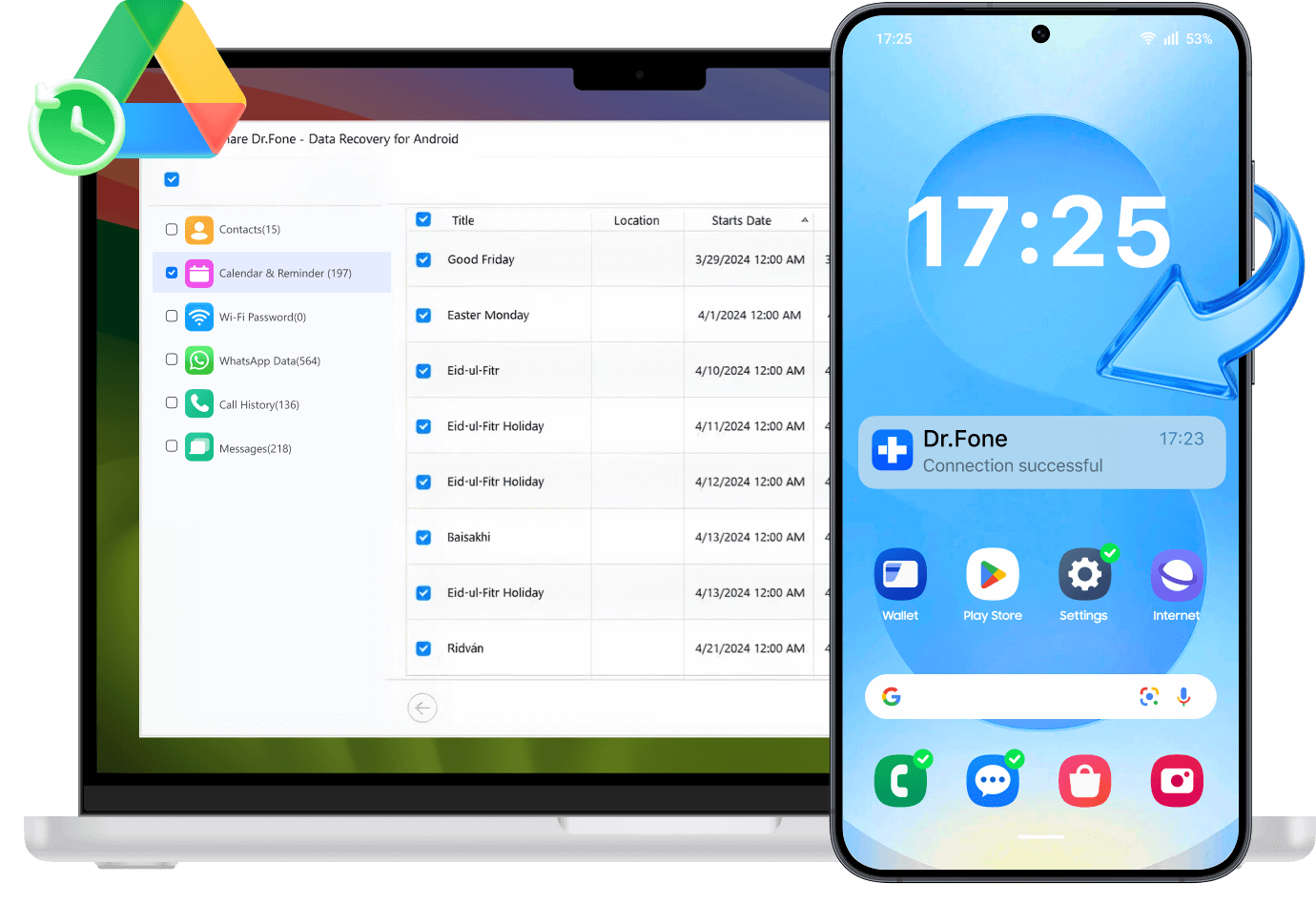
Dr.Fone – Data Recovery (Android) is a wider recovery tool that supports recovery of WhatsApp and WhatsApp Business data scanned from supported devices, Google Drive backups, and broken Phone recovery modes.
Note: Recovery results depend on the device, Android version, data type, recovery source, and whether the deleted data remains recoverable.
Part 5. Choosing a Method Based on Device Condition
The optimal recovery solution really varies based on what happened to your phone. If it works perfectly and you happened to delete only a few files, try checking the Recently Deleted folder, the default recovery methods available, or restoring from another source. If it was WhatsApp, make sure to check your Google Drive backup before moving to the other recovery methods.
If you still can't get them to work, then there's a possibility that desktop recovery programs is the last hope. Dr.Fone – Data Recovery (Android) can be an option you can consider because it can recover various data types from Android phones and different sources.
Conclusion
Lost files aren't necessarily lost forever. The way file recovery is done is very critical. You may start by using the phone's own recovery and available backups. But if they still can't do the trick, your next choice would probably be computer-based recovery software.
If you're looking for a more comprehensive recovery method, support for major file types and handling over 6,000 different Android models— Dr.Fone – Data Recovery (Android) can help!