


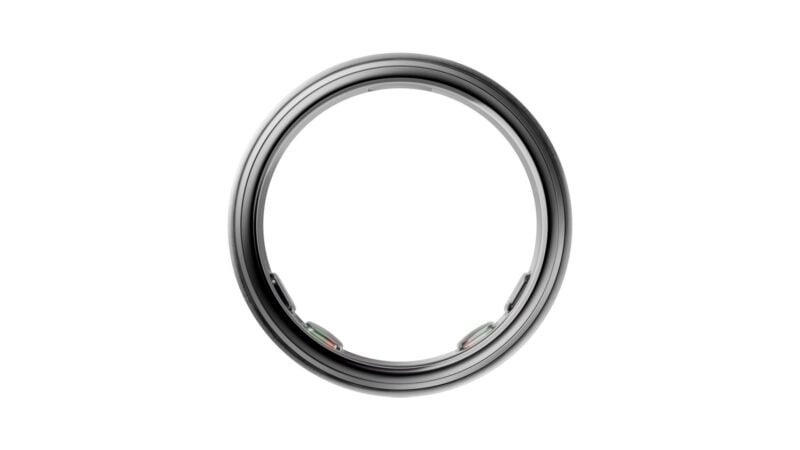
Oura is rolling out Jet Lag Plan, a new feature in the Oura app that combines your flight itinerary with your sleep history to build a day-by-day schedule for getting over jet lag. It starts rolling out today, November 17, 2026, to Oura Members worldwide with an Oura Ring Gen3 or newer, and it works in the app on both Android and iOS.
Generic travel advice tells you to get some sun and go easy on coffee. Oura's plan is built on a different idea: the timing of that advice matters, and the right timing depends on your own body clock and the direction you're flying.
“Getting sunlight at the wrong time can actually make your jet lag worse by pushing your body clock in the wrong direction,” said Raphael Vallat, PhD, Staff Machine Learning Scientist at Oura.
How Jet Lag Plan works
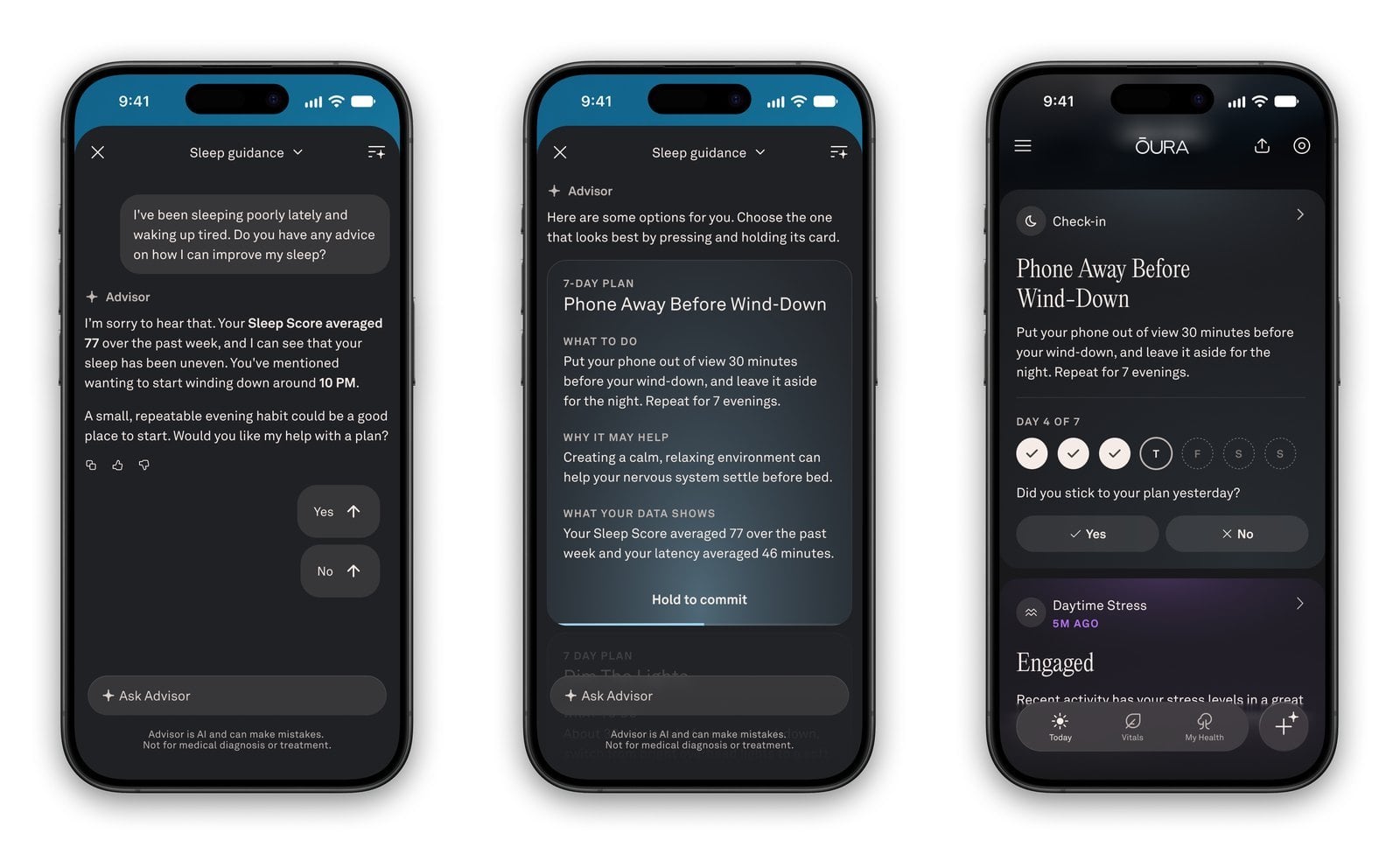
You start by entering your flight details, including trips with several stops, and the purpose of the trip. A work trip and a vacation can produce different plans. The feature is meant for journeys that cross three or more time zones.
Oura then uses your itinerary, your usual sleep schedule and your chronotype to put together timed actions for before, during and after the trip. Oura breaks the experience into three stages:
- Build: Enter flights and trip purpose, and Oura generates guidance timed to you.
- Follow: Daily actions cover when to seek light, when to wind down for sleep and when to stop drinking caffeine. You can check off actions, get push reminders for the next one and look ahead at the full plan.
- Reflect: After the trip, a report compares your Sleep Score and Readiness Score with your pre-trip baseline, sums up the actions you completed and looks back at the goal you set.
While you follow the plan, you can track your Readiness score and compare it with typical recovery for similar trips. Oura says that comparison draws on 10 million trips its members have already completed.
Travel plans change, so the feature ties into Advisor, Oura's AI health companion. If a flight is delayed or your trip's end date moves, you can ask Advisor in plain language to revise the plan. Advisor suggests the changes, and nothing is updated until you review and confirm them. You can also edit trip details yourself.
The science behind the schedule
The plan centers on what Oura calls your circadian low point. That's when your body temperature bottoms out and you're most primed for sleep, usually around 4 a.m. Oura estimates it from your sleep history and chronotype. After a long flight, that low point can land in the middle of the local day.
Light exposure is the main tool for moving it. Oura says that seeing light just before or after your circadian low point is the most important factor in resetting your rhythm. The plan sets daily windows for seeking and avoiding bright light. Each one usually lasts about three hours and moves as your clock adjusts. It also takes into account which direction you're flying and how many time zones you cross.
You don't need special equipment. Oura notes that natural daylight is usually the easiest source of bright light, and that typical indoor lighting is much dimmer and may not work as well. Even a few minutes of bright light inside your window can help. Since the plan depends on your own data, two people on the same flight can get different schedules.
The feature builds on research Oura published in March 2025 with the Centre for Sleep and Cognition at the National University of Singapore's Yong Loo Lin School of Medicine. That study looked at 1.5 million nights of de-identified sleep data from more than 57,000 Oura members across nearly 65,000 long-distance trips.
The researchers found that sleep duration recovered within about two days, but bedtimes and wake times could still be off 15 days later. Eastward trips were the most disruptive, with bigger drops in deep and REM sleep. Chronotype also mattered: late sleepers had more trouble shifting their sleep when flying west, and early risers had more trouble flying east.
Availability and how to start a plan
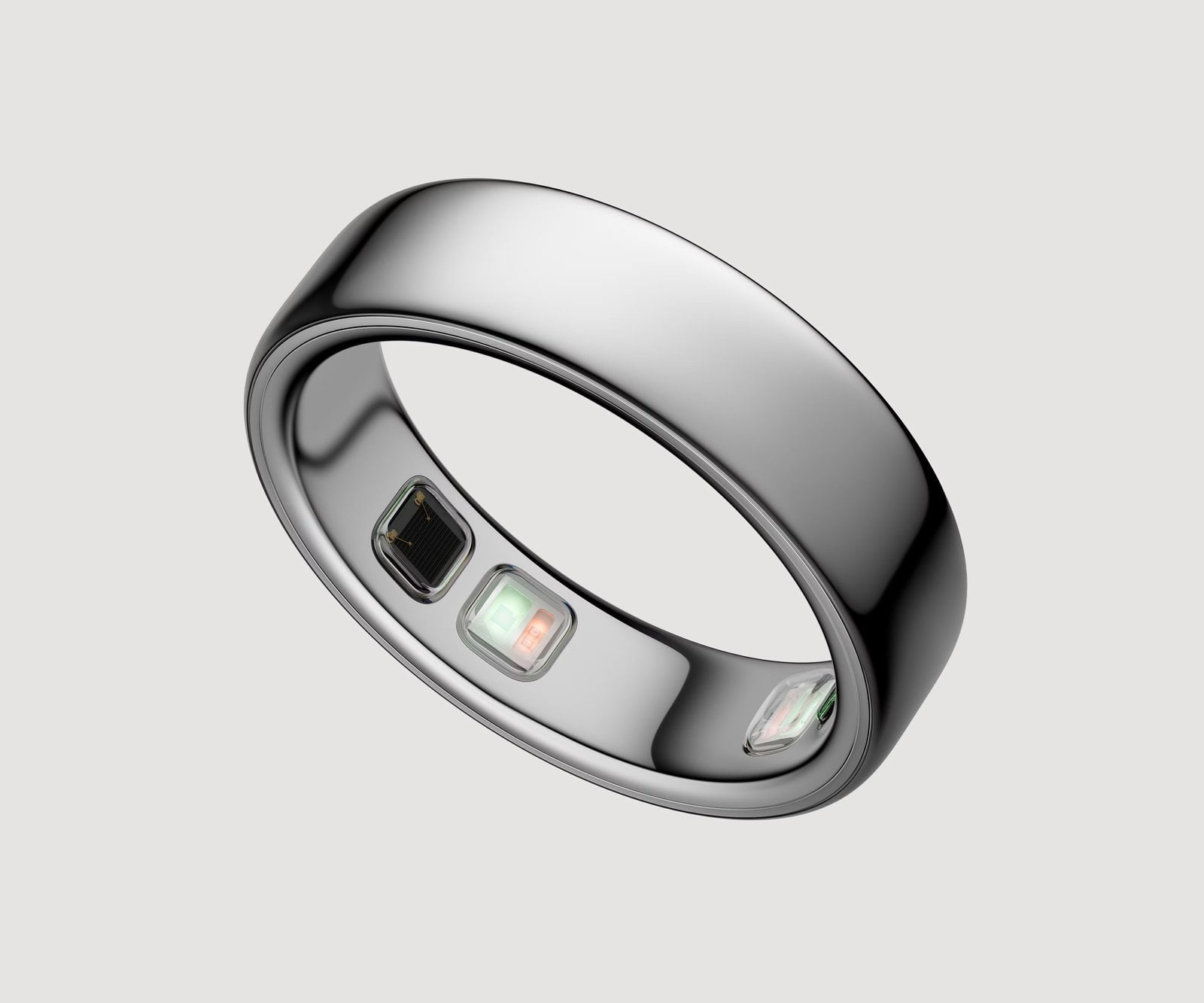
Jet Lag Plan starts rolling out November 17. It requires an Oura Ring Gen3 or newer and the app language set to English. Oura hasn't said when other languages will be supported.
There are four ways to start a plan in the Oura app:
- From the Today tab, tap the + button and choose Jet Lag.
- Select Jet Lag from the app menu.
- Tell Advisor about an upcoming trip, and it will offer to build a plan.
- After landing, if Oura detects that your phone's time zone has changed by three hours or more, you may see a prompt on Today along with a push notification.
Oura also has a tip for frequent fliers: the Oura Ring 5 Charging Case, sold separately, gives the ring a full day of battery life from 10 minutes of charging. That's easy to fit into a long-haul flight so the ring keeps tracking sleep after you land.
Because this is a staged rollout, Android users who don't see Jet Lag under the + button yet should check for an Oura app update over the next few days. The real test will be the post-trip reports, which will show owners whether following the plan helped them recover faster than on past trips.