



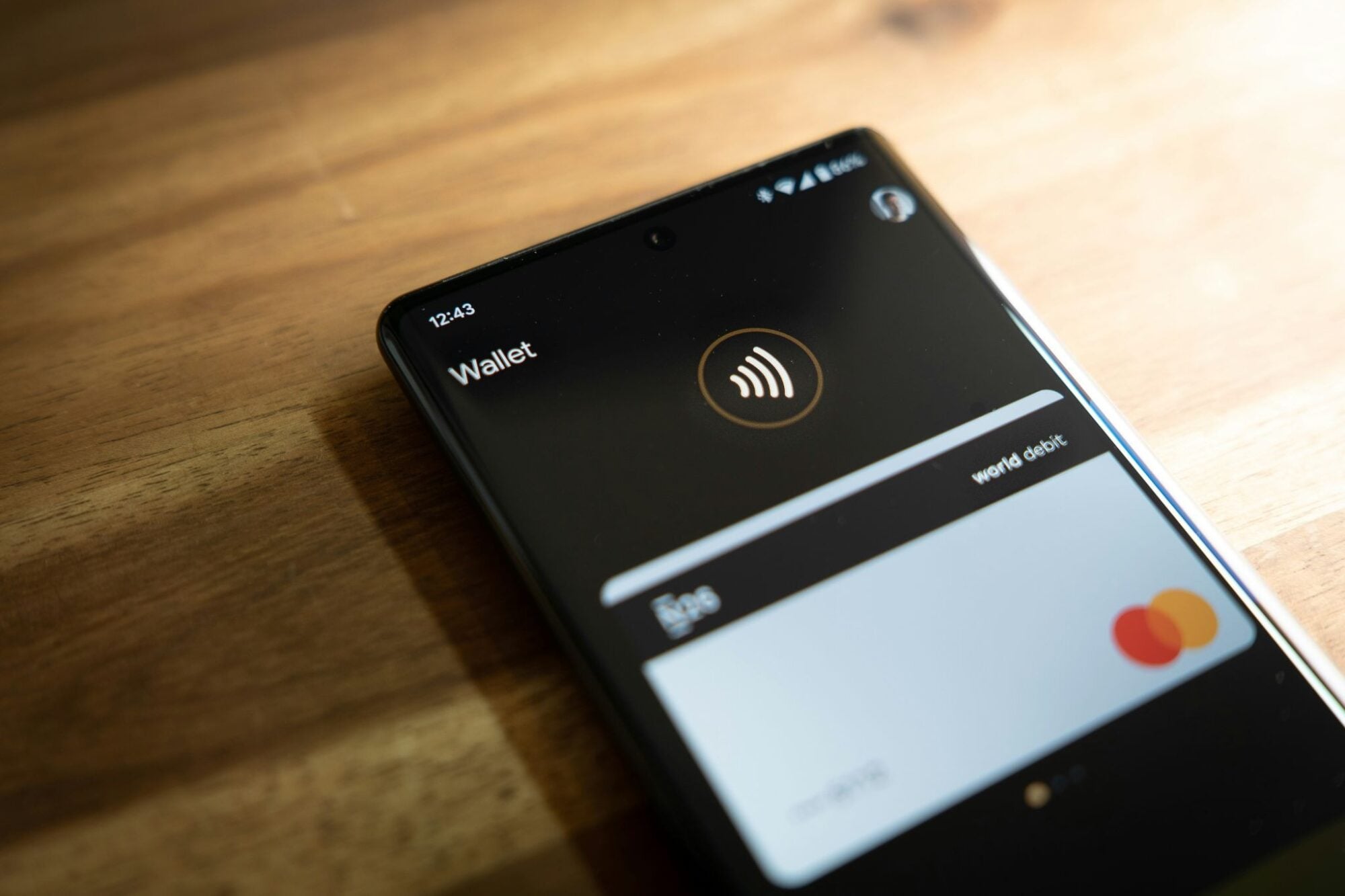
Google's Gemini assistant has gained the ability to pull up payment cards, boarding passes, loyalty details, and transaction summaries from Google Wallet through a single conversational query, extending the assistant's reach into territory that was previously the domain of dedicated finance apps.
According to Android Police, the capability arrives through Gemini's Connected App framework, letting users ask the assistant to surface stored Wallet information without opening the Wallet app itself.
What a Season of Following Euroleague Looks Like on Paper
The Sport24.lt Team covers European basketball closely, and the reaction to the spending-summary capability is pointed. For a Lithuanian basketball fan tracking top-tier European club competition, the months between October and May carry a steady stream of costs that rarely get totaled anywhere. Gemini's ability to pull transaction data through Plaid-linked accounts and compress it into an expense summary would change that.
The team notes that these at-a-glance Wallet views let a fan see exactly how much of a season's entertainment budget following Euroleague quietly claims, from matchday subscriptions to the odd wager, making it one of the discretionary lines that only becomes legible once an assistant totals it up.
“A tool that can actually show you the running cost of a season is something fans didn't know they were waiting for.”
Gemini, in other words, would do for discretionary sports spending what a bank statement rarely bothers to do: organize it by category and put a number on it.
Passes, Cards, Budgeting Tips, and Rewards in One Query
The full scope of the integration is broad. Per Android Police, Gemini can surface details from saved passes, loyalty cards, event tickets, and boarding passes stored in Google Wallet. It can also retrieve rewards and special offers tied to cards and passes a user has on file.
Beyond static pass retrieval, the assistant can draw on transaction data from financial accounts linked through Plaid, using that information to summarize expense activity and offer budgeting tips. The mechanism for triggering all of this is intentionally simple. Users tag Wallet inside a Gemini conversation with the “@” symbol followed by a plain-language request, such as asking for a monthly grocery expense overview, and the assistant assembles the response.
The integration itself represents a continued expansion of the Connected App architecture. Google recently added support for more than 13 third-party applications through MCP, and the Wallet connection follows that pattern, treating a user's financial footprint as another data source the assistant can query conversationally.
Official documentation from Google describes the output as “information and personalized insights based on your saved info from Google Wallet in Gemini Apps,” a framing that captures both the pass-retrieval and the spending-analysis sides of the feature.
What Gemini Cannot Do, and a Caveat Worth Reading Carefully
The integration comes with firm limits that matter for anyone inclined to treat Gemini as a financial agent.
Gemini cannot execute transactions on a user's behalf using payment options stored in Google Wallet. The assistant surfaces information; it does not move money. Equally, Gemini cannot access the linked financial accounts directly. What it receives is data surfaced through the integration layer, not a live connection to the accounts themselves.
The more consequential caveat concerns what happens when a user decides to sever the connection. Unlinking Wallet from Gemini does not automatically remove previously saved transaction information from Gemini's records. That data persists until the user deletes it manually. The integration, in other words, can leave a footprint that outlasts the connection, and clearing it requires a deliberate step rather than a passive one.
Availability, Settings Path, and the Rollout Timeline
The feature is currently available only to users aged 18 and older in the United States. Eligible users can link Wallet to Gemini by navigating to Settings, then Personal Intelligence, then Connected Apps, or by locating the option directly inside the Android or iOS Gemini app.
Availability is not guaranteed immediately. The rollout is gradual, and the Wallet option may take time to appear as a connected app within a given Google account. Users who check the settings path and do not see Wallet listed are expected to wait rather than assume something has gone wrong on their end.
That rollout caveat is a routine qualifier for Google feature launches, but it is worth noting given the concrete nature of the capability. For users who do see it appear, the practical starting point is the settings path above, not a workaround.
The data-retention detail, though, is the one requiring active attention. Once the link is established and queries are made, that transaction history sits in Gemini's records until a user takes explicit steps to remove it, regardless of whether Wallet remains connected.