


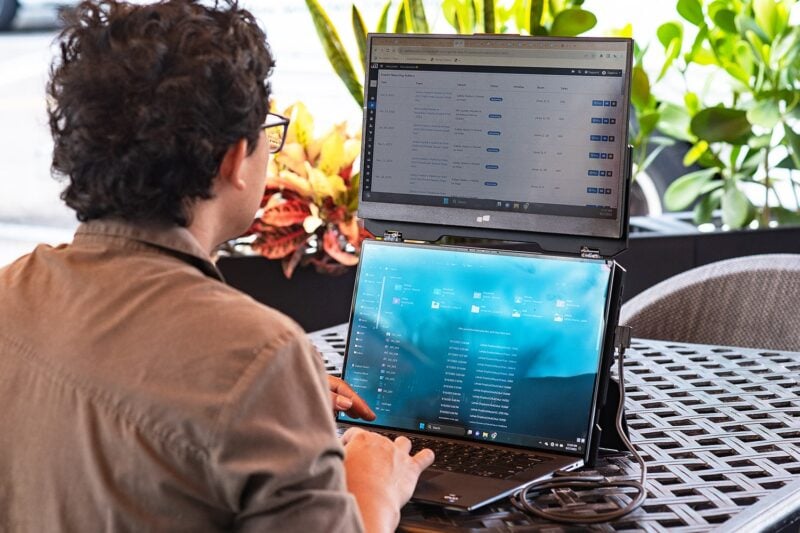
The idea of working on the road sounds desirable until your laptop screen is too small, colors are wrong, and your work desk moves every day. As a designer, inspiration alone doesn't cut it when traveling if you want to continue being creative; you need the right setup. A portable monitor can give you that added screen real estate, help keep your colors accurate, and process in a workplace that helps your ideas flow. Let’s see how!
Use Color Accuracy to Keep Your Designs Consistent
Why Color Accuracy Matters for Designers
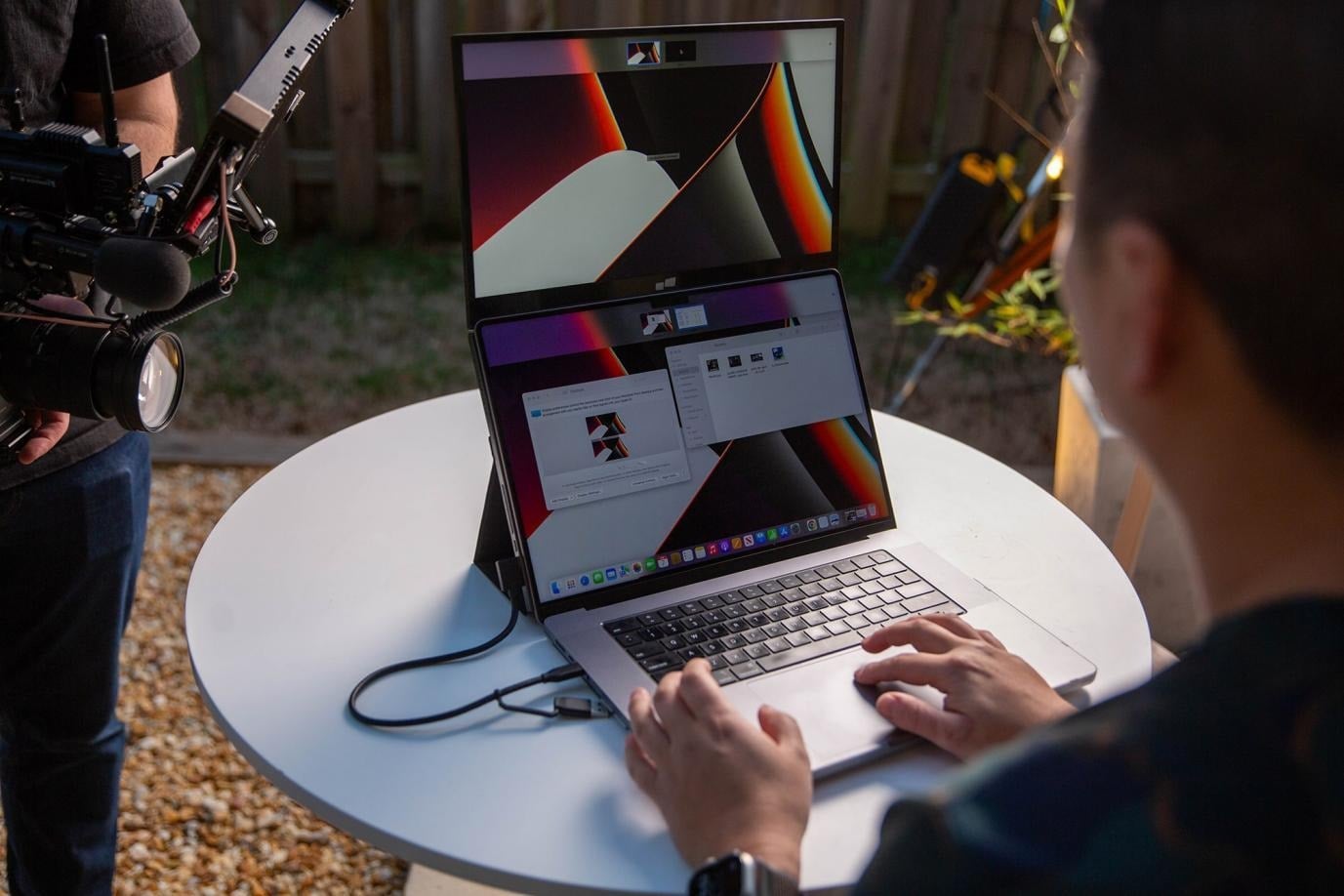
Color accuracy is very important when designing on the go. Your brand colors, UI elements, photos, and illustrations must align with each other across screens. When the display is poorly calibrated, you will adjust colors that were already correct and unnecessarily create a revision.
With an appropriate solution like Mobile Pixels portable monitor that produces close to true colors, you have a more accurate canvas, so whatever you design is closer to reality and hence looks similar wherever you work.
Things to Consider While Buying the Best Portable Monitor
It helps to aim for a portable display with good sRGB coverage, while Adobe RGB or DCI-P3 can be important to photography and other advanced visual work. The other helpful benefit is that it is factory calibrated.
Consider brightness, contrast, and viewing angles, and whether you want a matte or glossy screen. It helps you mix with much more confidence in terms of judging colors without taking a full-size studio monitor with you.
Give Your Design Tools More Room to Breathe
Why More Screen Real Estate Matters on the Road
Designing on a laptop means windows upon windows, tabs within tabs. Having a portable monitor provides more breathing space so that while your canvas is visible, the tools, references, assets, or feedback can be open next to it. Less Alt-Tab switching allows for comfortable navigation through complex projects without carrying the burden of a full desktop setup.
Figma Workflows That Benefit From Two Screens
Figma allows you to place your primary canvas on your laptop and use a portable monitor for layers, properties, references, documentation, or client feedback. You can compare frames, explore inspiration, and check the project details without leaving your design. The easiest way to really bring a travel workspace just a touch closer to the desktop feel.
Adobe Workflows That Benefit From Two Screens
The dual-screen device is equally useful for Adobe apps too. Work on your Photoshop canvas, Illustrator artwork, or InDesign document on one screen while all the panels, assets, and references live on the portable monitor. The additional screen gives a little extra room for what you are working on in your timeline and editing panels for Premiere Pro, making detailed projects easier while traveling.
Build a Workspace That Inspires Creativity
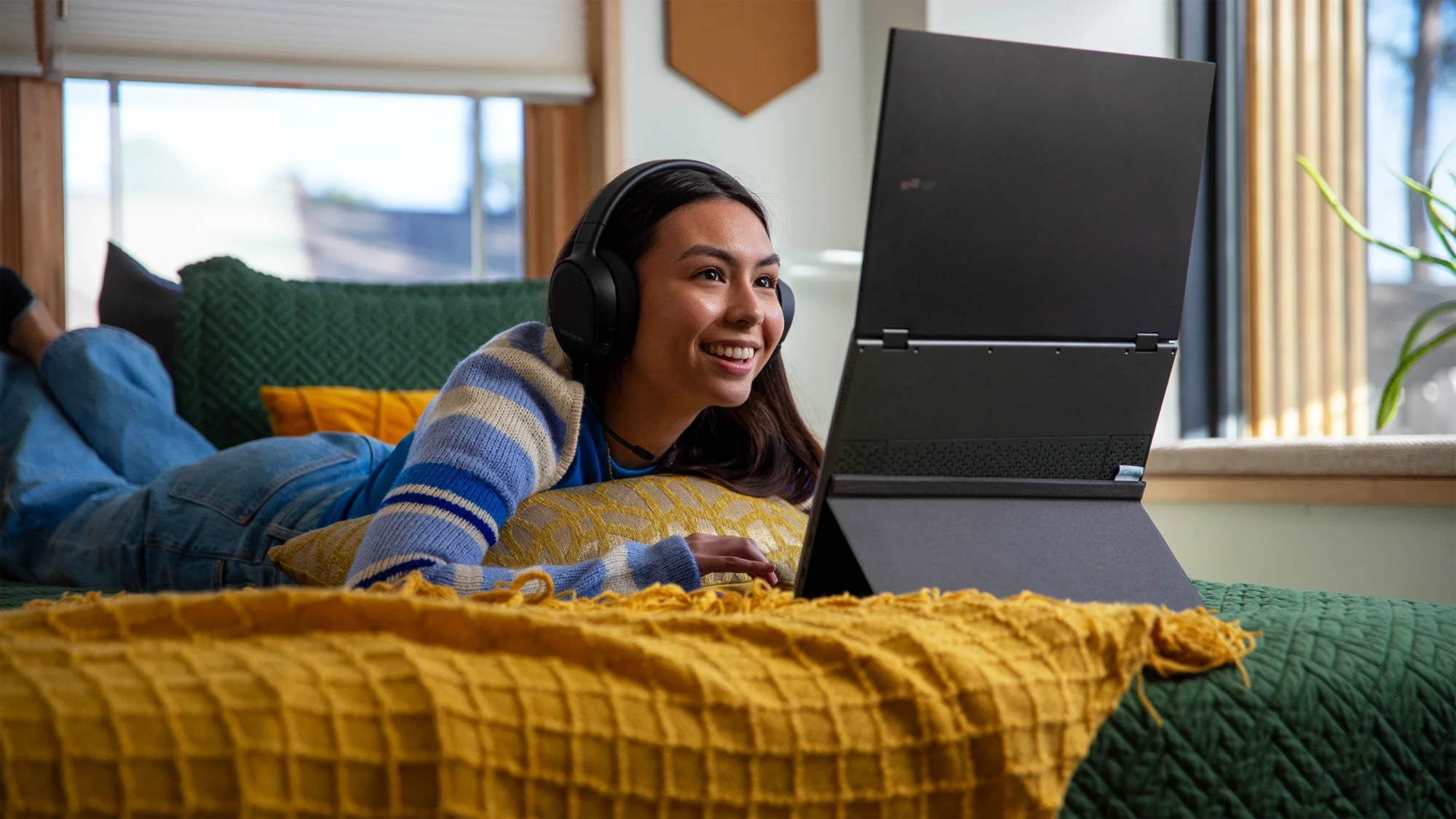
When you work from different cities, cafés, beaches, coworking spaces, or hotels, your environment can be a part of the creative process. Pay attention to the colors, architecture, typography, textures, and visual styles you see nearby and document anything that inspires an idea. This is easier with a portable monitor, which allows you to explore and organize those references with extra room.
Keep Pinterest finds, photography color palettes, typography competitors, and client references. You should have a digital mood board on your second screen. In the meantime, your laptop will keep you focused on real building. With this simple setup, creation is separated from inspiration; you can explore without having to constantly pop away from your artwork.
Conclusion
You don’t need an entire studio to do awesome design work on the road. A connectivity-dependent screen is a conditional request for making the system more powerful, as soon as it was planned outside of office premises. Even if you are in Figma, Adobe, or any other creative tool, a smarter mobile setup helps you keep creating and work on what inspires you even on the go.