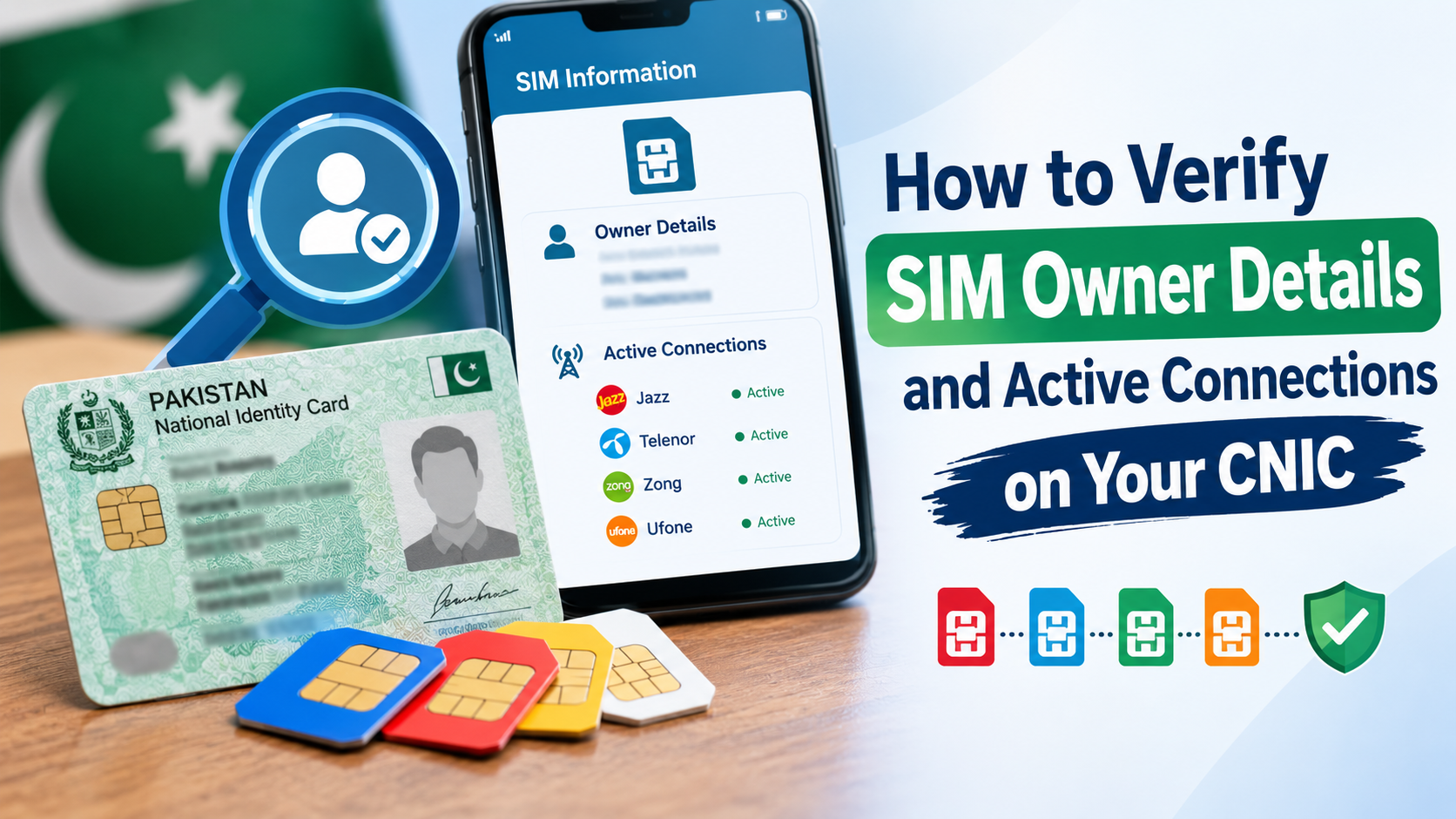
Checking mobile numbers registered to your CNIC is quick and straightforward in Pakistan. PTA and NADRA link every active SIM directly to your thumbprint.
Running a quick audit on your Sim Owner Details helps you find unrecognized numbers, avoid digital scams, and keep your identity clear of legal trouble.
How SIM Registration Works in Pakistan
In the case of telecom companies such as Jazz, Zong, Telenor, and Ufone, they need to carry out a live scan before activating the SIM. According to the existing regulations, one can have 5 SIMs for voice purposes with the same ID. Checking your count once in a while ensures no one else activates a line using your name.
Official Ways to Check Registered Numbers
Always stick to official government tools. They are secure and update in real time.
- Check Online: Open the official SIM tracking portal (cnic.sims.pk).Enter your 13-digit CNIC without spaces and dashes, proceed to verify the security code, and then click on search. You will get a list of your active SIMs from all operators.
- SMS to 668: Send your 13-digit CNIC number without dashes to 668.
- SIM Card In Your Mobile Phone: If you want to find out who owns the SIM card in your mobile phone, dial MNP to 667 and your information will be sent via SMS.
The Reality Behind “Sim Database Pakistan” Trackers
Searching online brings up dozens of suspicious sites claiming to give access to an open Sim Database Pakistan or live address tracker.
Do not fall for these sites. Official telecom databases are encrypted and private. Public access to full residential addresses or private logs is illegal.
Third-party tracking sites rely on either old stolen lists or bogus data. Using such services exposes you and your cell phone to risks associated with malware and phishing attacks. According to cybercrime laws (PECA), any attempt to breach someone else’s privacy is a criminal offense.
Why Auditing Your SIM Count Matters
Checking your numbers regularly protects your digital life:
- Stops Identity Theft: Fraudsters occasionally use stolen CNIC copies to open temporary connections. Regular checks spot these lines right away.
- Guards Online Banking: Applications such as EasyPaisa, JazzCash, and banking applications provide passwords to your mobile.
- No Legal Issues: You will be liable for anything done with the SIM that is linked to your CNIC through any legal procedure.
- Deactivates Old Lines: Find out which connections have gone obsolete in order to disclaim them forever.
Understanding the Regulatory Role of PTA and NADRA
The regulatory ecosystem in Pakistan relies on close cooperation between the Pakistan Telecommunication Authority and the National Database and Registration Authority. Every single mobile network operator operates under strict regulatory compliance frameworks.
When you purchase a SIM card, the vendor captures your biometric fingerprint data using digital scanners connected directly to national servers. NADRA validates the fingerprint match instantly against your national identity record. Once validated, the system grants authorization, and the telecom network activates your connection.
This multi-layered process exists specifically to eliminate anonymous SIM cards, curb illegal call routing, and prevent criminal organizations from utilizing unverified cellular channels.
Essential Identity Protection Practices
Keep your personal details safe with these simple habits:
- Avoid Unofficial Retailers: Never give physical identity copies to unverified street setups. Buy SIM cards directly from official company franchises.
- Mark Physical Copies: When handing over a CNIC copy for administrative work, write across it in pen (for example: “For bank account opening only”). This stops people from reusing it.
- Keep Documents Off Public Sites: Never upload images of your identity card to public social media accounts or unsecured forms.
Security Warning: No legitimate service offers live location tracking or full residential address lookups for mobile numbers. Public access to private address records is blocked by law.
How to Block and Disown Unknown SIMs
If you run a check and find numbers on your CNIC that you never bought, follow these steps immediately:
- Visit the nearest official customer center or franchise of that specific network.
- Please come with your original CNIC and its photocopy.
- Inform the counter that you wish to dissociate yourself from some unauthorized numbers.
- Complete the biometric thumb scan to remove the number from your PTA record.
Common Myths Regarding Mobile SIM Verification
There are many myths associated with cell phone verification in Pakistan. One such myth is that mobile applications from external entities can somehow break into the system and get GPS location or personal data of the owner. In reality, telecom networks strictly isolate location data within secure network operations centers.
Another misconception is that family members can freely register SIMs under another relative's CNIC without their knowledge. It is impossible for biometric scanning purposes without physical presence and live thumb printing.
Knowing the realities can help citizens become aware of the potential for online fraud regarding accessing their records.
Conclusion
Auditing your Sim Owner Details through official tools like 668 or the central web portal gives you complete control over your identity. Steering clear of unverified Sim Database Pakistan sites keeps your personal data safe while making sure your CNIC record stays clean.