


These days, stock camera software tends to ruin photos by applying aggressive, over-the-top post-processing that introduces harsh shadows and unnatural over-sharpened edges.
I'm a victim of of it on my Android phone, and it's one major reason I ditched native manufacturer apps for simpler alternatives.
These specialized camera replacements bypass those heavy-handed factory filters so I can finally capture raw images that accurately reflect the world around me.
Snapseed
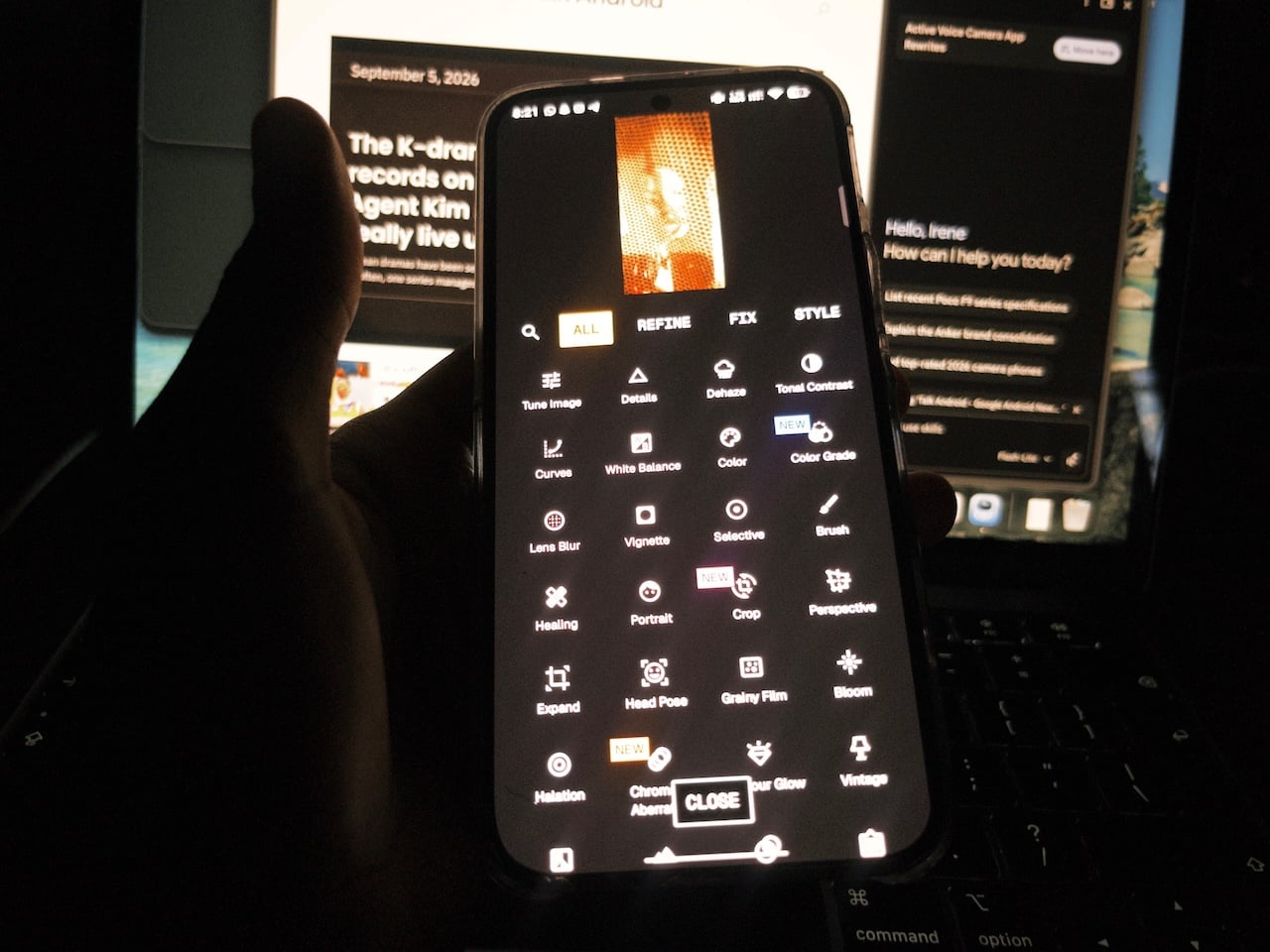
You may not know this, but Google owns Snapseed. It recently improved the app with a massive version 4.0 overhaul. It now integrates a robust built-in camera that lets you shoot and edit in one seamless workflow.
The intuitive Pro mode unlocks subtle customization tools, while vibrant preset styles, such as Fujifilm simulations, inject rich contrast and classic film aesthetics into your shots.
Plus, you can skip tedious file transfers by immediately applying professional grading controls right after clicking the shutter.
Secure Camera
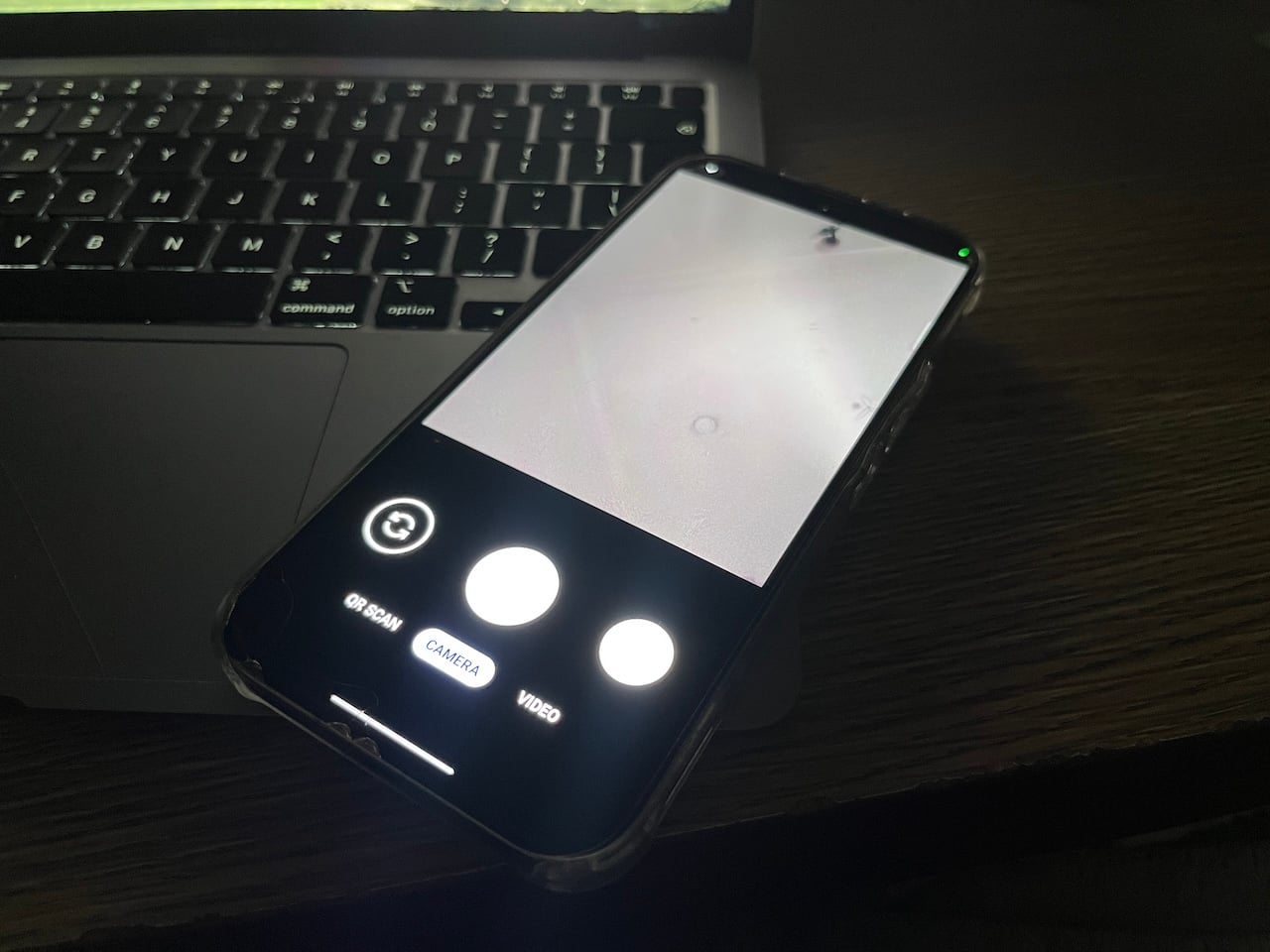
GrapheneOS engineers built Secure Camera as a minimalist, highly streamlined alternative. It may not look like much on your first interaction.
But the app automatically wipes sensitive EXIF metadata, including your phone model and location coordinates immediately you snap a photo.
Its aggressive privacy protection protects your personal security when uploading pictures to public forums or selling items on virtual marketplaces.
Snapchat
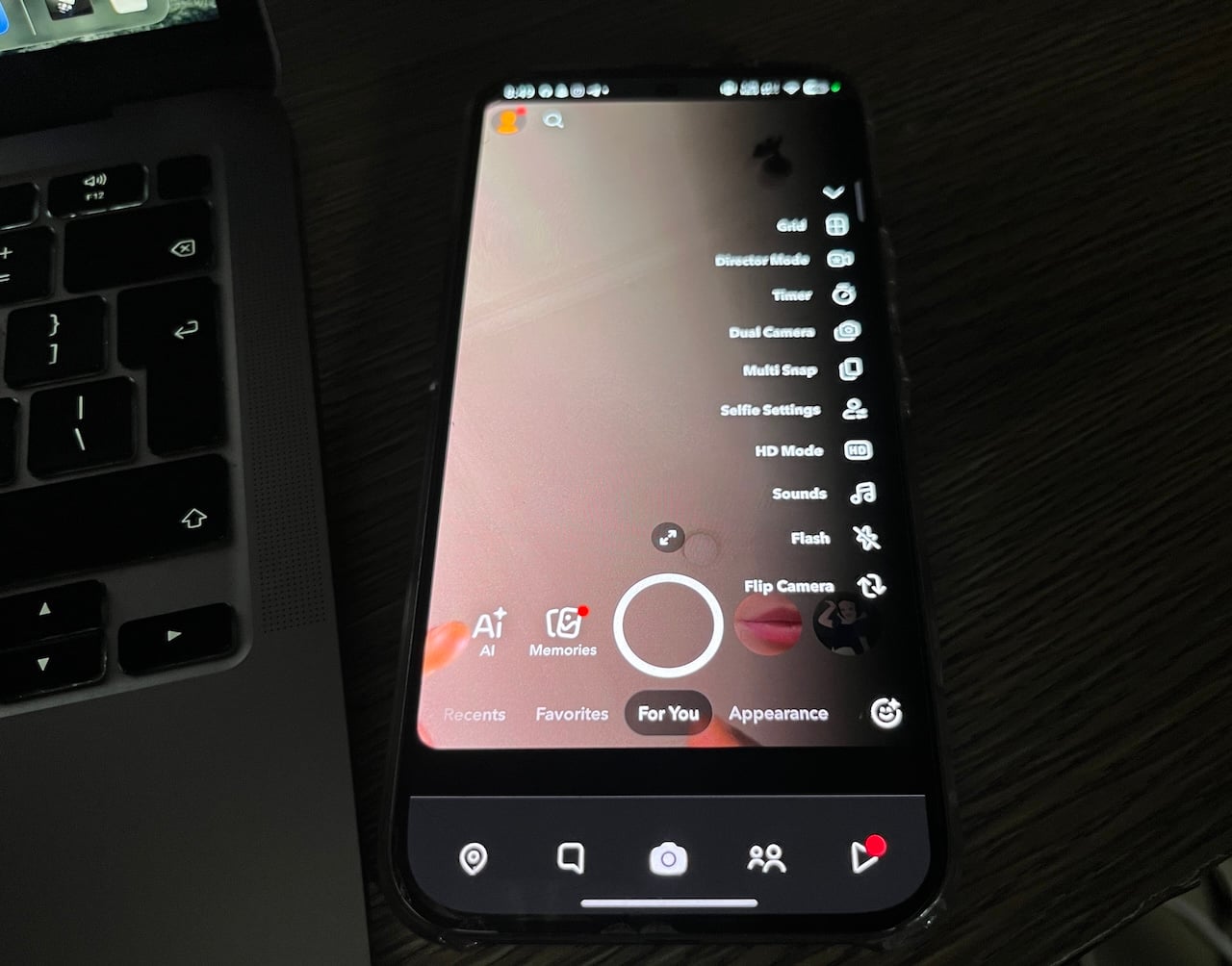
Repurposing Snapchat purely as a dedicated camera unlocks a surprisingly powerful suite of creative shooting modes. The best part is that you can access them without needing a social media presence.
Dual-camera mode fires up the front and rear sensors simultaneously, while multi-snap captures rapid bursts to save multiple action frames at once. An advanced HD mode exists to boost image sharpness when you shoot in challenging low-light environments.
There's also a massive library of user-created film grain textures and vintage viewfinder filters that let you bypass post-processing.
Open Camera
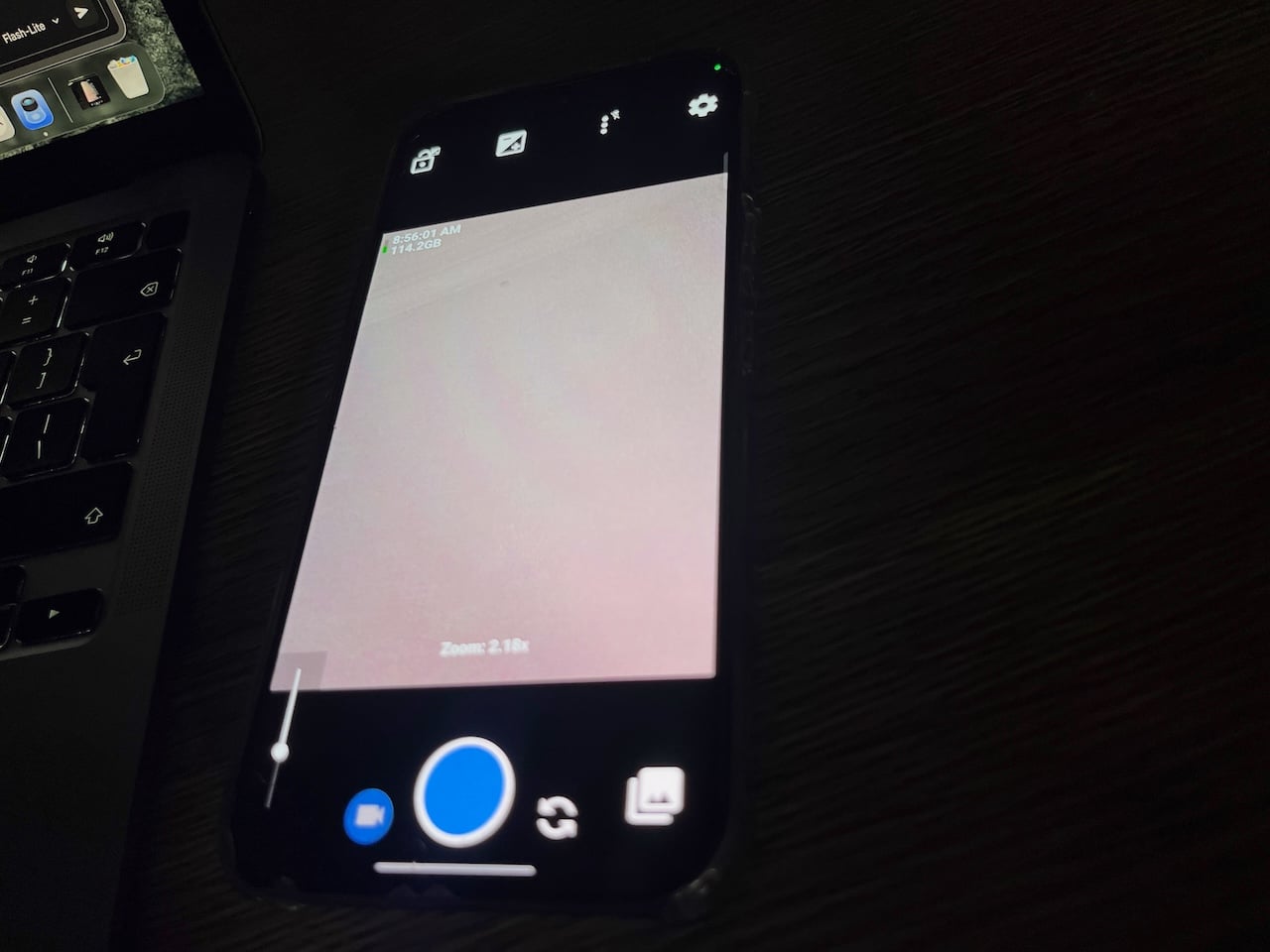
Open Camera strips away confusing bloatware to give you direct, distraction-free command over your mobile sensor.
A convenient storage capacity counter tracks your remaining memory in real-time and prevents unexpected performance slowdowns during heavy video shoots.
The comprehensive quick-overlay menu lets you lock focus, adjust auto-levels, and fine-tune macro settings instantly with a single tap.
Google Camera ports (GCam)
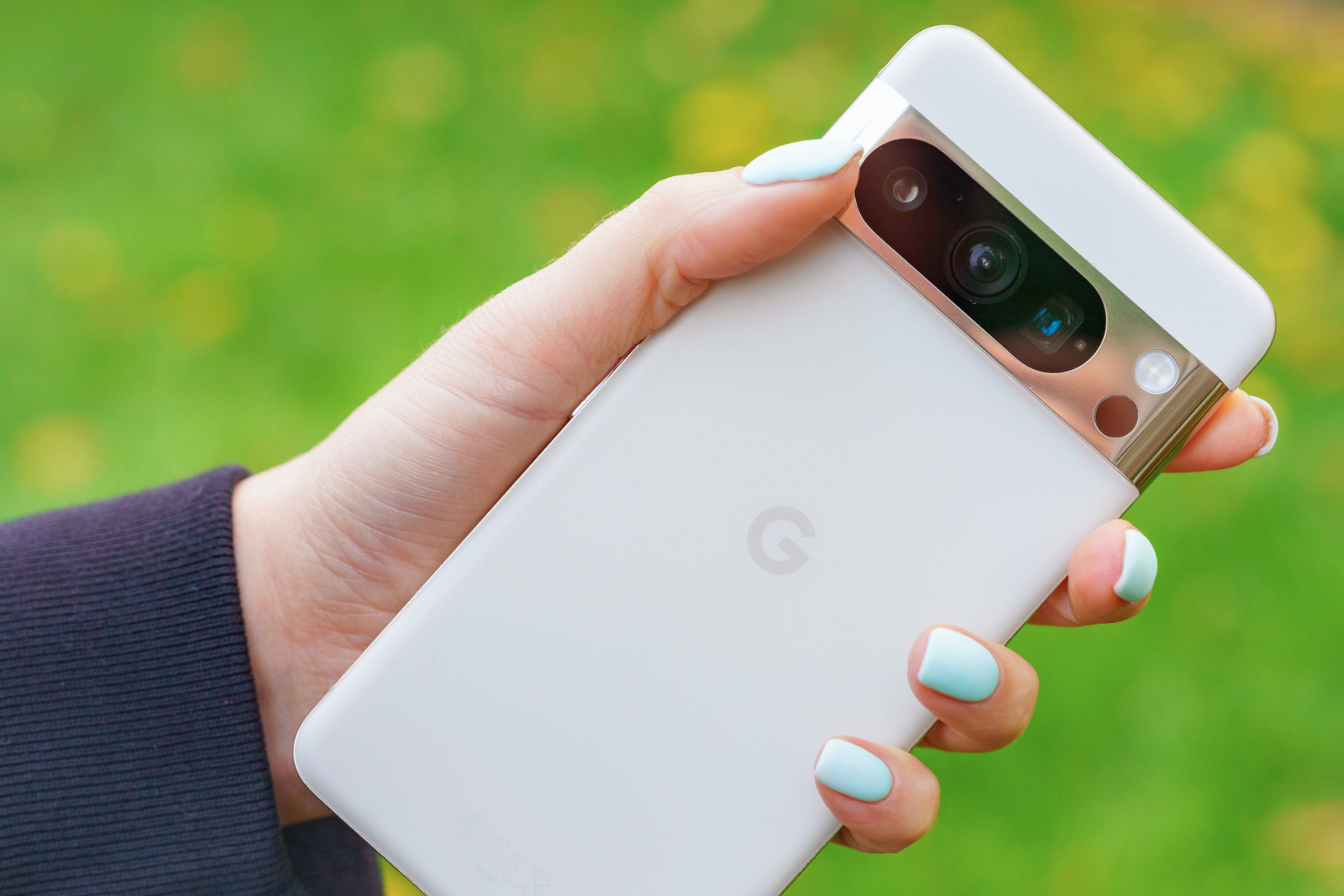
Dedicated developers reverse-engineer Google's proprietary software to create GCam. It delivers unmatched computational photography control to non-Pixel devices.
You gain direct access to advanced adjustments like Polysharp Sharpen, RAISR, and luma denoise levels that stock software forcefully hides. The app independently configures multiple system IDs for individual lenses rather than treating your entire camera array uniformly.
So, you can capture natural-looking portraits and landscapes. The software optimizes contrast and noise reduction specifically for the unique physical properties of each individual lens.
Unfortunately, GCam is not downloadable from the Google Play Store. Google only distributes the official Google Camera app natively to its own Pixel devices through the Play Store. You have to download them manually from trusted third-party repository sites.
Capture true moments
Hardware specifications are ridiculed if heavy-handed algorithms mangle every shot you take. Shifting away from default camera apps proves that you do not need an expensive flagship upgrade to achieve stellar photography.
In fact, you just need good software. So, take control of your mobile camera today and stop settling for artificial factory filters.