

Video translation is unforgiving in a way text never was. A clumsy sentence in a blog post reads slightly off, while a mouth moving out of sync with the words reads as fake within two seconds.
That gap is why language counts have become a misleading way to shop. A tool advertising 140 languages and a tool advertising 90 can produce identical results on the pair you actually need, and the difference shows up in credit cost, review time and whether on-screen text gets translated at all.
This guide ranks seven tools on what changes the finished video: lip sync behavior on real faces, whether the voice survives translation, how much correction the editor allows and what a corrected export genuinely costs.
The short answer:
Choose Synthesia for governed business localization, Rask AI for a dedicated creator dubbing workspace, ElevenLabs when the voice matters more than the mouth, VEED when translation belongs inside the edit, Maestra for high-volume subtitle and dubbing work, Happy Scribe for subtitles with human review, and Fliki for fast multilingual repurposing. None of them removes the need for a native-language check before publishing.
Quick picks: best AI video translation tools in 2026
| Use case | Best pick | Why |
|---|---|---|
| Best overall for business | Synthesia | 140+ dubbing languages with brand controls, review workflow and enterprise governance |
| Best creator dubbing workspace | Rask AI | 130+ translation languages, voice cloning across dozens, multi-speaker detection |
| Best voice quality | ElevenLabs | Dubbing v2 across 90+ languages, conditioned on the original performance |
| Best editor-first workflow | VEED | 125+ subtitle languages with translation inside a full editor |
| Best for high volume | Maestra | 125+ languages with pay-as-you-go pricing that suits large batches |
| Best subtitles and review | Happy Scribe | Transcript accuracy, exports, glossaries and optional human proofreading |
| Best fast repurposing | Fliki | 80+ languages alongside text-to-video, captions and voice cloning |
What really matters in an AI video translator
Five factors separate a usable result from one you quietly never publish.
- Lip-sync behavior. Does the mouth stay believable on angled faces, fast phrases, pauses and cuts? Look for errors that distract rather than a flawless score no generative system can guarantee.
- Voice preservation. Does the translated voice still sound like the speaker, or like a competent stranger reading their script? Tone and cadence carry more audience trust than accuracy alone.
- Editing control. No model gets names, acronyms and jargon right first time. The editor is where those get fixed, so check whether a correction triggers a full regeneration and another credit charge.
- Real cost per finished minute. Advertised plan price is not the number that matters. Lip sync, extra speakers and re-exports all consume credits, and the cheapest subscription often produces the most expensive output.
- The language pair, not the language count. Quality varies enormously between pairs. Test the one you need rather than trusting a headline figure that averages across dozens you will never use.
The 7 best AI video translation tools of 2026
1. Synthesia: best overall for professional quality
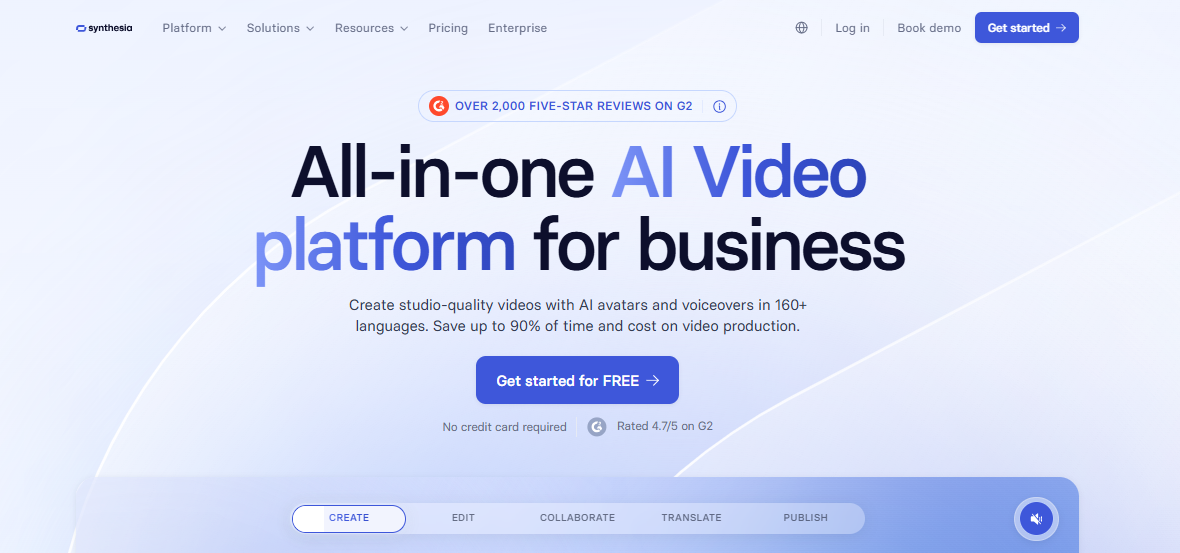
Synthesia is the pick when the output carries your brand rather than your personality. Its AI Dubbing covers 140+ languages and dialects, and the ability to translate videos with AI in one click sits inside a workflow that also handles review, brand kits and collaboration.
Express-Voice is the feature that does the heavy lifting. It clones the speaker from a short sample and preserves cadence and emphasis rather than just accent, which is what stops a translated video sounding like a stranger reading a transcript.
What I like:
- AI Dubbing covers 140+ languages and dialects
- Express-Voice preserves the original speaker’s tone and cadence
- One-click translation with review controls before committing an export
What I do not like:
- Lip sync doubles the credit cost at 240 credits per minute of dubbing, so budget for it explicitly
- On-screen text in an uploaded source video is not translated by the dubbing tool, so localize titles and graphics in the source before you dub
2. Rask AI: best for creator-focused localization
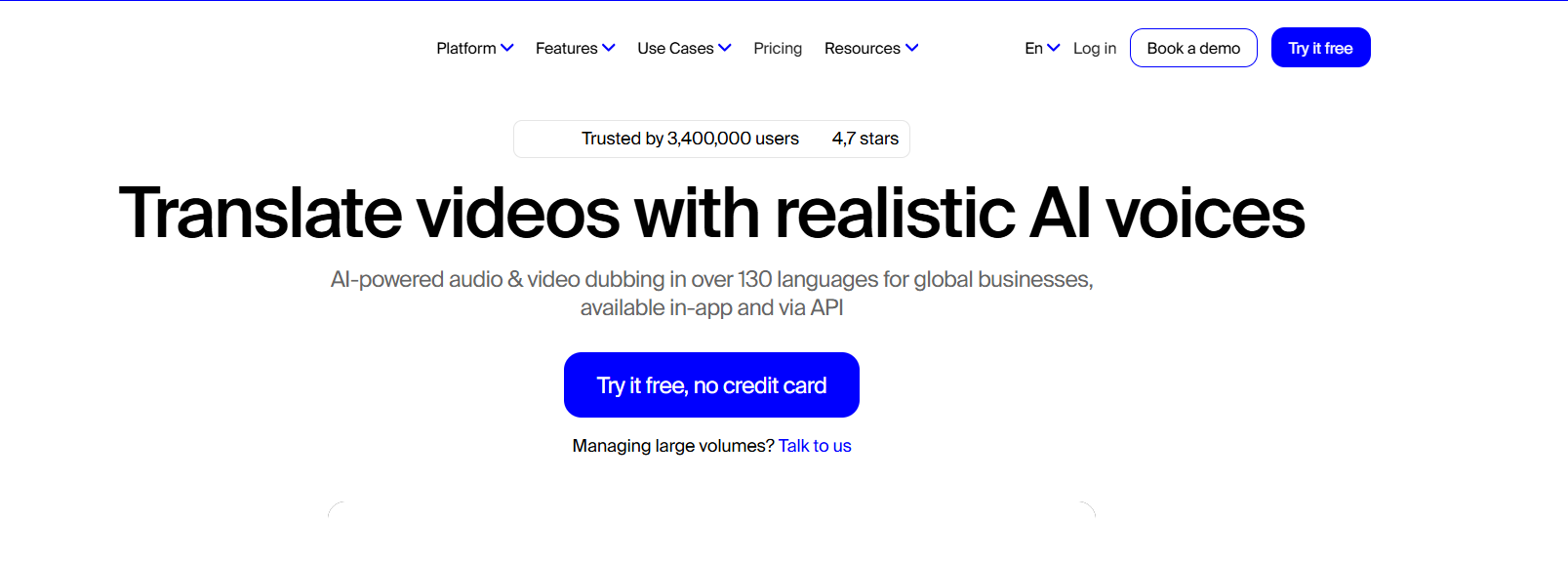
Rask built a workspace around dubbing rather than bolting translation onto something else. Transcript editing, speaker management and team review all live in one place, which suits anyone localizing a back catalogue rather than a single clip.
What I like:
- 130+ translation languages with voice cloning across dozens of languages and dialects
- Strong multi-speaker detection within a single file
- Transcript editing and team review built into the workspace
What I do not like:
- Lip sync sits on higher tiers, consumes additional minutes and has stricter face and lighting requirements
- Voice cloning can sound less natural than dedicated audio tools
3. ElevenLabs: best for performance-preserving audio
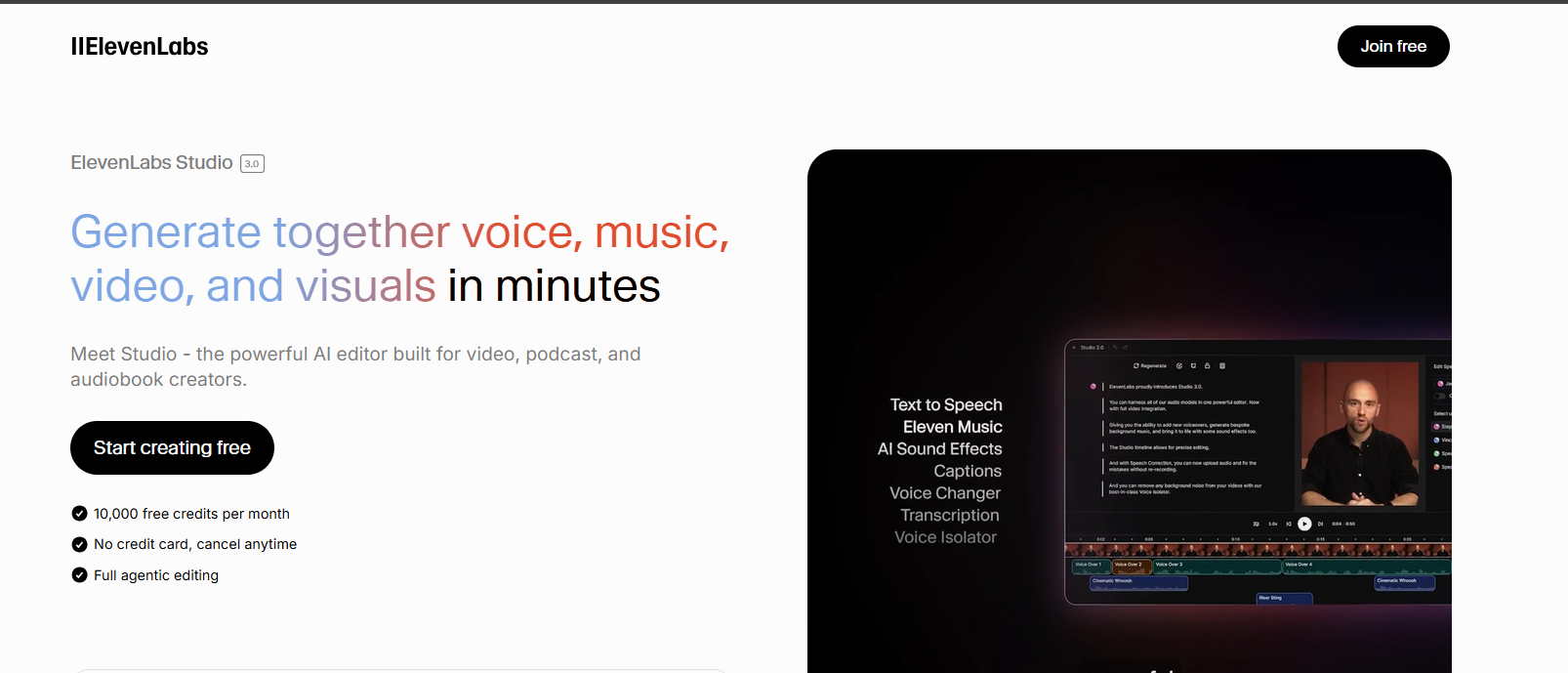
Dubbing v2 translates across 90+ languages while conditioning on the original performance and preserving background audio. When the voice is the product, nothing else in this list comes close.
The limitation is visual and absolute. It synchronizes dubbed audio to the scene but does not re-animate the speaker’s mouth, so a talking-head video will show the mismatch.
What I like:
- Dubbing v2 across 90+ languages with performance conditioning
- Background audio preserved rather than flattened
- Voice cloning, text to speech, Studio and API in the same account
What I do not like:
- Outputs audio files rather than finished video, so presenter-led footage still needs the mouth handled elsewhere
- Dubbing v2 is currently labeled alpha, with the editable legacy flow in maintenance mode
4. VEED: best editor-first workflow
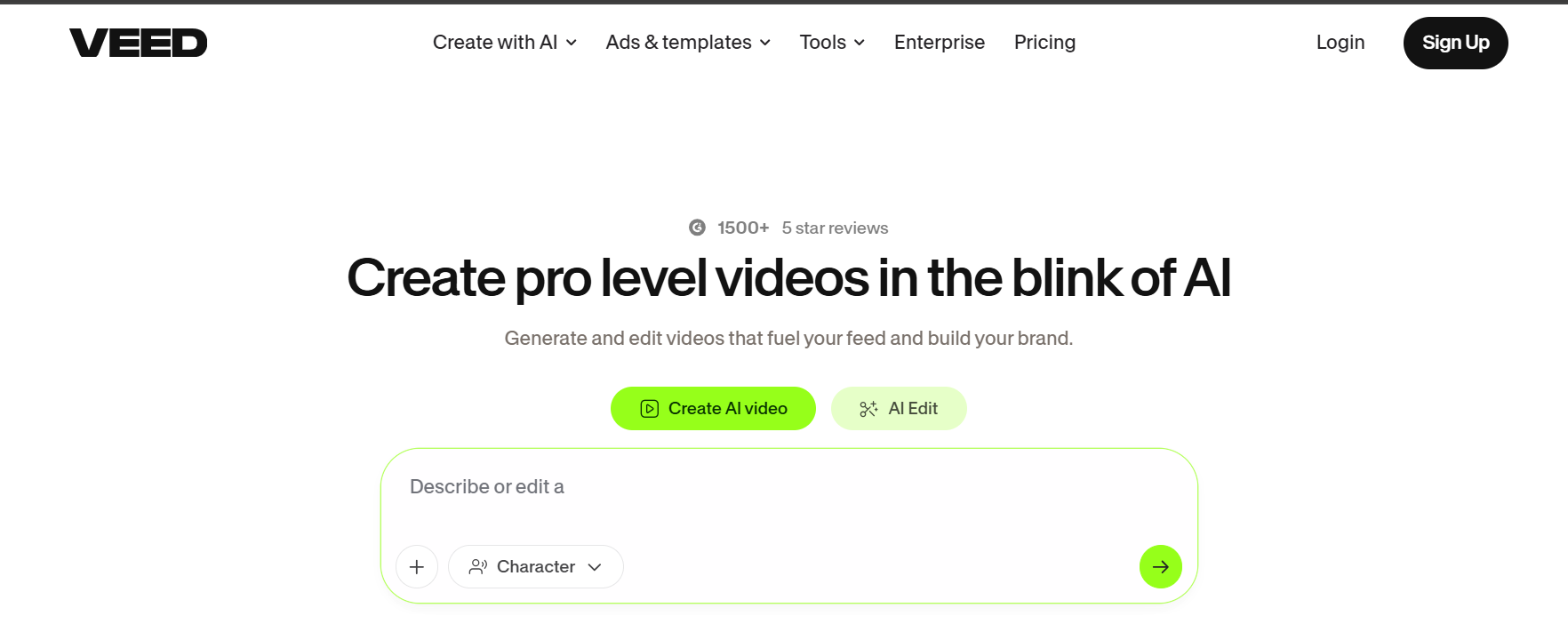
VEED treats translation as one step inside a broader editor rather than a destination. If the edit is already happening there, adding localization costs no context switch at all.
The feature set has moved well past subtitles. It now covers AI voice translation, voice preservation, optional lip sync and background audio retention across 125+ subtitle languages.
What I like:
- 125+ subtitle languages with AI voice translation and voice preservation
- Translation, styling, resizing and social export in one workflow
- Fast for generating, translating and downloading subtitles
What I do not like:
- Proofread and SRT controls remain Enterprise-only
- Less specialized than dedicated localization platforms for quality control
5. Maestra: best for high-volume translation
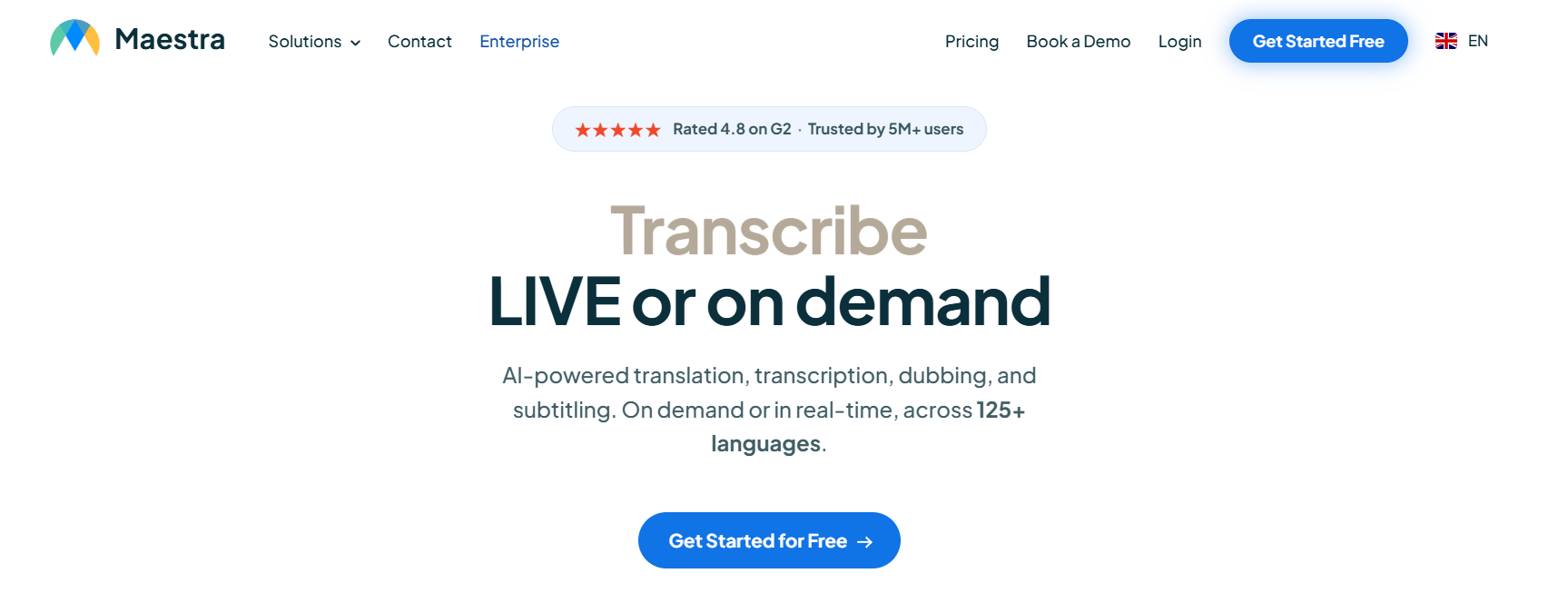
Maestra transcribes, translates and dubs across 125+ languages, running multiple AI engines in parallel for subtitle translation. The interface is busier than most, but the economics work at scale.
Pay-as-you-go pricing is the reason to consider it. Per-minute costs are reasonable for a large batch and poor value for a single short clip, which is an unusual shape in this market.
What I like:
- 125+ languages for transcription, translation and dubbing
- Pay-as-you-go pricing suited to large translation projects
- Multiple AI engines used simultaneously for subtitle translation
What I do not like:
- Lip sync is restricted to enterprise plans
- Interface is cluttered compared with purpose-built dubbing tools
6. Happy Scribe: best for subtitles and human review
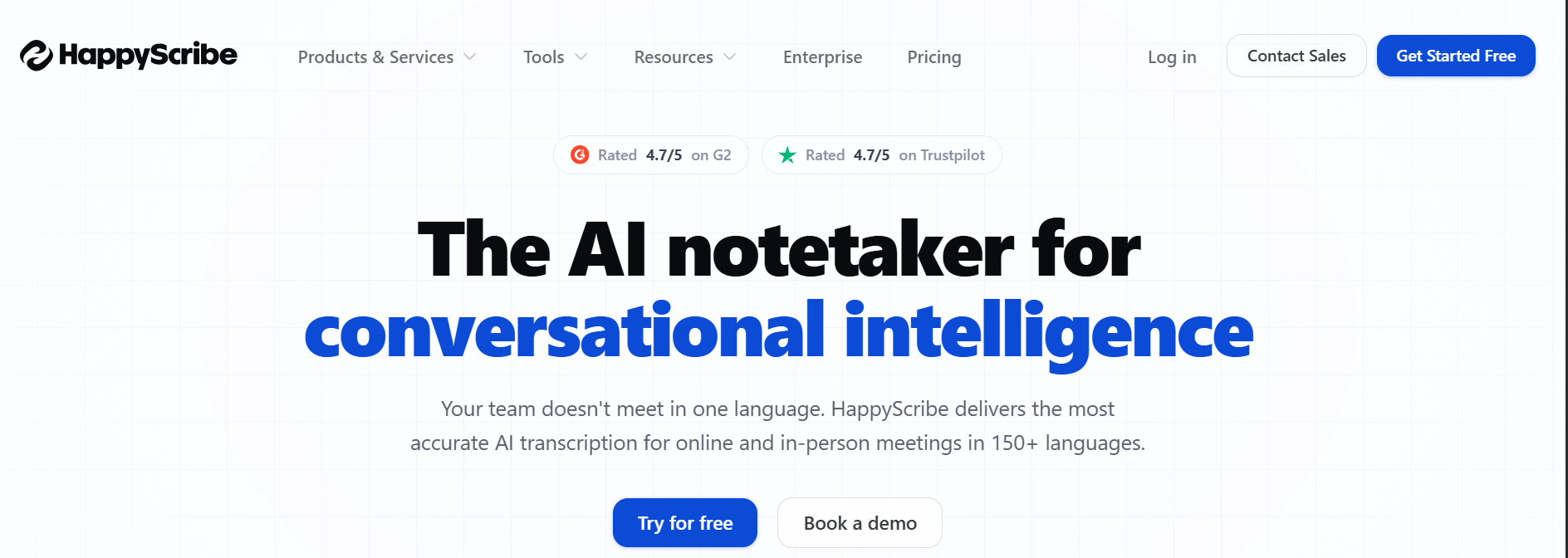
Happy Scribe optimizes for transcript accuracy rather than automated dubbing. Subtitles, exports, glossaries, style guides and collaborative review are all stronger here than in the avatar-led platforms.
One change matters more than any feature. Happy Scribe has removed the Create Dub option for all users, so this is now a text and subtitle localization tool rather than a voice replacement one.
What I like:
- Among the most reliable multilingual subtitle and caption accuracy available
- AI translation combined with optional human proofreading
- Review and approval workflows built for teams
What I do not like:
- Create Dub was removed for all users, with legacy files editable until fully retired
- Not the tool for mouth-synced voice replacement
7. Fliki: best for fast multilingual repurposing
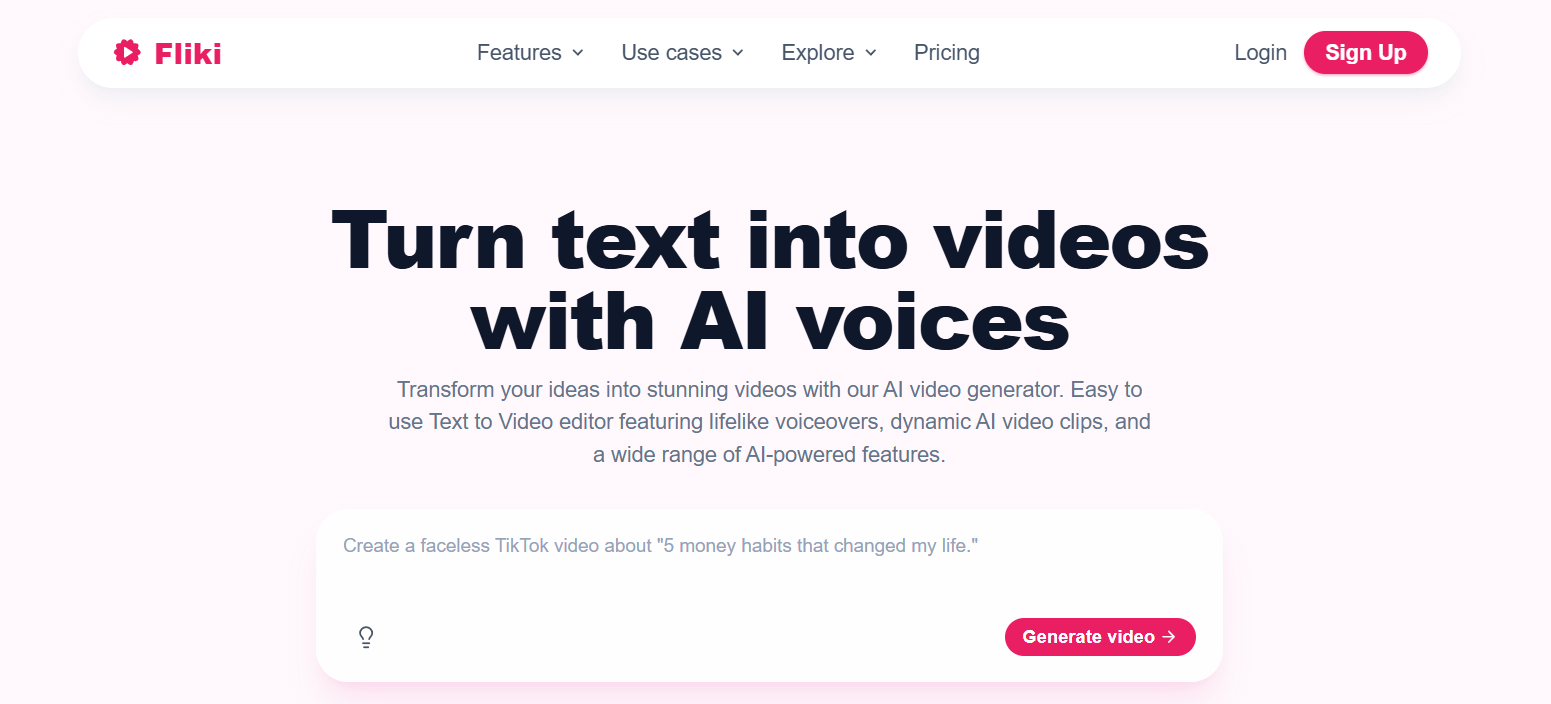
Fliki bundles translation with text-to-video, AI voiceovers, captions and editing in one workspace. For social clips, tutorials and training content the speed advantage is real.
It supports 80+ languages with voice cloning across 30+, plus lip sync and translated captions, which is a wide feature spread for the price band it occupies.
What I like:
- 80+ languages with voice cloning across 30+
- Text-to-video, voiceovers, captions and translation in one place
- Workflows for idea-to-video, script-to-video and blog-to-video repurposing
What I do not like:
- Built for speed rather than studio-level localization control
- Advanced voices and higher export limits sit behind paid tiers
Final thoughts: quality is the differentiator now
Every tool here can translate. That stopped being the question some time ago, and the market has moved on to whether the result survives contact with a native speaker.
A bad translation with robotic delivery and drifting lip sync damages a brand more than no translation at all. It signals that the new market was an afterthought, which is precisely the impression you were trying to avoid.
Synthesia leads this list because it pairs the widest dubbing coverage with the governance and review controls a business needs to publish safely. Whichever you choose, run the 90-second test with your own footage and your own language pair before committing to a plan.