
Lending your smartphone to a friend or family member can quickly go from a small favor to a source of anxiety—especially if you’re worried about curious eyes. Google has stepped up privacy for Android users: in Android 17 QPR2, a native feature now makes it much easier to lock down individual apps like WhatsApp or Instagram.
App Locking Comes Native to Android 17 QPR2
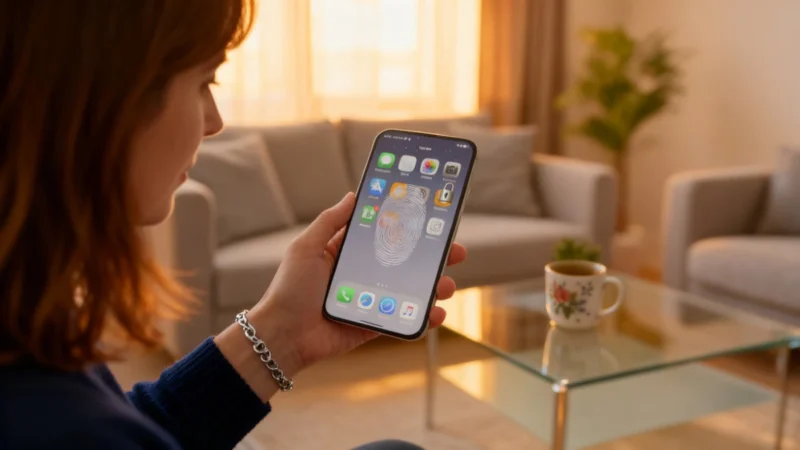
If you’ve ever handed over your phone and worried someone might peek at your messages, photos, or social feeds, Android’s latest move addresses your concerns. In the latest beta of Android 17 QPR2, Google has introduced an integrated, system-level option to lock specific apps. With a long press on an app icon, you can activate a lock that requires either your PIN or biometric authentication—such as fingerprint or face recognition—to open that app.
This method draws inspiration from Apple’s longstanding iOS feature but is tailored for Android’s unique approach, aiming to provide a universal, built-in privacy control for all users.
No More Relying on Third-Party Solutions
Unlike previous workarounds involving third-party apps or custom manufacturer overlays—features that were only available on select models—this is the first time a system-level app locking solution is available across all compatible devices running Android 17 QPR2. This ensures consistency and enhanced security, without the need for special launchers or depending on whether your phone maker included extra features.
Once the app lock is activated, the feature does more than just require a password at launch. Notifications tied to the locked app are hidden, and any widgets or home screen shortcuts for that app also disappear automatically. This prevents anyone from glancing at sensitive content or catching private information in notifications or widgets, even if your device is in their hands.
Automation Stays Unhindered
For tech enthusiasts using AI assistants or automated routines, there is one exception: pre-programmed tools like these will retain access if set up in advance. This system is focused on stopping curious human eyes, not blocking the legitimate automation you’ve enabled.
Rollout and Controls
According to the information provided at the time, the QPR2 update was scheduled for release first on Google Pixel devices toward the end of 2026, with a gradual rollout to other manufacturers afterwards. Once installed, users can manage which apps are protected directly within their security and privacy settings.
For anyone who frequently shares their phone at gatherings or conventions, this feature offers extra peace of mind—without making everyday use any more complicated. It strengthens personal data protection at a time when privacy is front and center for users everywhere.