



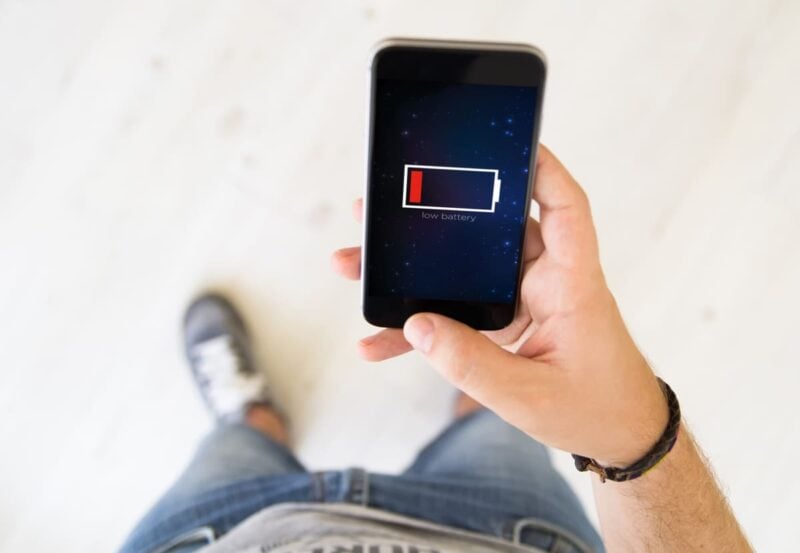
Is your Android phone’s battery draining faster than usual? You might be surprised to learn that a preinstalled app you rarely notice could be partly responsible—and many Android users have experienced the same issue.
The Quiet Activity of Preinstalled Apps
On most Android smartphones, some apps operate in the background without attracting much notice. The Google app, which comes preinstalled on nearly every device, is one of them. Working together with Chrome, it routinely updates content to supply the Discover news feed. This activity happens quietly, but it keeps your phone’s processor and data connection busy with ongoing background tasks.
Check the Battery Impact for Yourself
If you’re curious about how this affects your phone’s battery, you can check in just a few steps. Go to your device’s settings, then tap on the battery section. Most Android phones have a dedicated menu to view each app’s battery usage.
Here, you’ll see details like how long apps have run in the background, how much energy they’ve used (usually shown in milliampere-hours, mAh), and how often they’re active. It’s common to see the Google app listed among the top users—along with apps like Google Maps, YouTube, or popular social platforms.
How to Cut Down on Unnecessary Battery Drain
If you notice the Google app is using a lot of power, there are a few practical steps you can take. Start by opening the Google app and heading into its advanced settings. Look for the option to disable automatic refresh for the Discover feed. Turning this off reduces some of the background activity.
For more control, go back to your system settings. Find the Google app under your app manager, choose permissions or app activity controls, and enable the setting that stops the app when it isn’t being used. If this isn’t available (sometimes it’s not), you can usually limit background usage from the battery settings menu.
Take a Closer Look at All Background Apps
Google’s not alone. Any app that downloads data in the background, generates a lot of notifications, or frequently uses GPS could be a hidden battery drain. Spending a few minutes to identify these demanding apps can noticeably improve your phone’s daily battery life. The Google app is just one example of power use that often goes unnoticed.
By adjusting permissions and limiting background activity, you can extend your battery life without losing important functions. The best way to keep your phone running well is to regularly check which apps are using your battery most and make adjustments as needed.