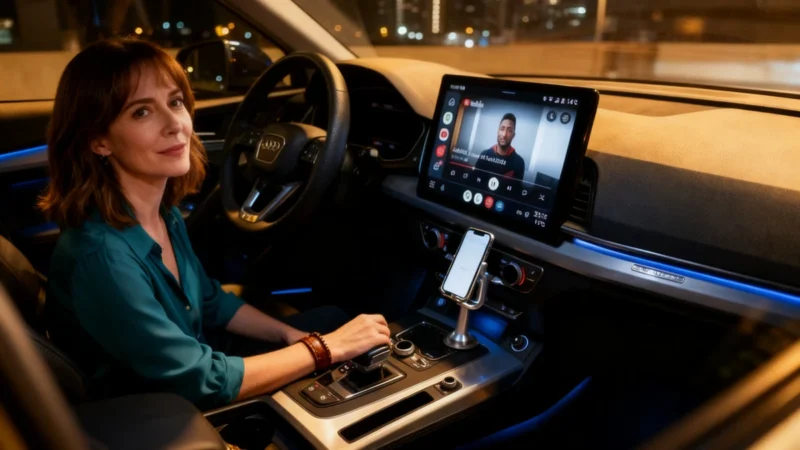
What Android Auto Was Designed For
Officially, Android Auto is built for simple, secure use: navigation with Google Maps or Waze, music streaming via Spotify or YouTube Music, and managing calls and messages while minimizing distractions. Google tightly controls which apps are allowed, only permitting those available through the Play Store—at least in standard use. For most people, this safe setup is all they’ll ever see.
What’s Really Under the Hood
Despite the streamlined appearance, Android Auto has always been technically capable of more. It can support web browsers, play YouTube videos, mirror your phone’s screen to the dashboard, and stream IPTV content. These features exist, but accessing them means moving outside the boundaries set by Google. The company’s main reason for restricting these options is straightforward: displaying a browser or video while driving poses a serious distraction risk. Even the native YouTube feature—announced for certain vehicles from brands such as BMW, Ford, Hyundai, Kia, and Mercedes-Benz—is limited to use when the car is parked. So the limitations aren’t just about market control; there’s real concern for safety.
How Some Users Get Around the Restrictions
For those with technical curiosity, here’s generally how people have bypassed the rules:
The first step is to activate Developer Mode on an Android phone by going to Settings, then About Phone, and tapping the build number seven times until a notification confirms activation. Next, in Android Auto’s own settings (accessible from Settings > Apps > Android Auto > Additional settings in the app), users tap the version information ten times. This unlocks the developer settings menu, where they can enable the “Unknown Sources” option. The last step is installing the AAAD (Android Auto Apps Downloader) app, which isn’t available on the Play Store and must be manually downloaded from the developer’s GitHub page. Some devices—including models from Google Pixel, OnePlus, Realme, and Oppo—are known to have compatibility issues, but a separate fix is reportedly available for those cases.
The Real-World Limits and Risks
There are two major caveats users need to consider. First, Google regularly closes these loopholes with software updates. In fact, it’s estimated that about half of recent system updates are enough to block the workaround entirely. Anyone thinking of purchasing the Pro version of AAAD should know there’s no guaranteed compatibility, making it a modest financial risk.
Second, road safety remains the primary concern. Watching videos or browsing the web while driving is dangerous, regardless of the technology. These unofficial apps can be used while the car is moving, but doing so is strongly discouraged.
For the vast majority of drivers, Android Auto as provided by Google is both sufficient and safe. Experimenting with workarounds is more about technical curiosity than practical need. While it’s useful to know these methods exist, using them daily is a different—and potentially risky—choice.