



What’s the Green Dot Really Saying?
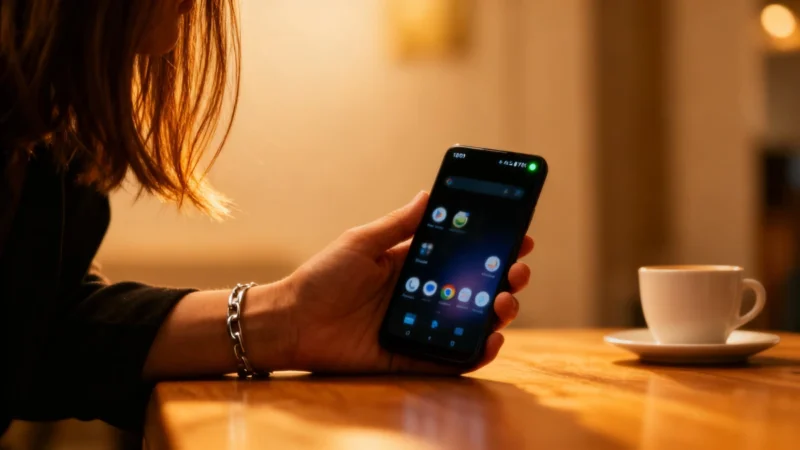
The green dot is there for a reason. Built directly into Android by Google, it alerts you in real time whenever an app is actively using your phone’s microphone or camera. Think of it as a privacy warning, making visible the kind of activity that usually happens out of sight.
You can check this yourself: open your camera app or voice recorder and watch the green dot show up right away in your status bar. There’s also a blue version that appears when your phone’s location services are in use—another subtle signal for those concerned about privacy.
When the Green Dot Pops Up Unexpectedly
Things get concerning if the green dot starts flashing for no obvious reason. If your phone is just sitting on the table, no apps open, and the green dot lights up, it means some app is running in the background and accessing your camera or microphone. This often happens because you granted permissions too quickly when installing the app. It’s a sign to be vigilant, much like warnings you’ll see advising you to immediately delete certain apps to protect your sensitive data.
How to Find Out Which App Is Behind It
If you spot a green dot and have no idea why, your first step should be to find out which app is responsible. Most Android phones have a dedicated permissions menu that shows you which apps can access the camera or microphone. On a Google Pixel, go to Settings, then Privacy, and open the permissions manager. The menu names might be slightly different on phones from Samsung, Xiaomi, OnePlus, or other Android makers, but this feature is available across all Android devices.
After opening the permissions menu, remove access from any app that doesn’t have a good reason to use your mic or camera. For example, if a flashlight or calculator app is asking for camera access, that should immediately raise suspicions—similar to signals that warn of possible spyware or adware on your phone.
Don’t Ignore a Green Dot
A common mistake is to see the green dot once and never think about it again. But the permissions you grant stay active until you manually revoke them, even if you haven’t used the app in months. Creating a monthly habit of checking your app permissions can help you avoid nasty surprises, much like remembering to turn off your Wi-Fi when you leave the house.
There’s some good news: Android now has an automatic security feature that can revoke permissions and clear temporary files for apps you haven’t used in a long time. This passive protection helps, but it’s no substitute for a regular manual check.
While you’re in the permissions and app settings, it’s a good time to clean up your phone. Deleting unused apps can free up valuable storage and even improve your battery life—issues many users notice as their phones age. Some people use this as a chance to consider a device upgrade, like moving to a newer Google Pixel or a different brand.
All it takes is a single green dot to put your digital privacy under the spotlight. Next time you notice it while your phone is idle, you’ll know exactly what to do. Have you checked recently which apps can access your microphone?