




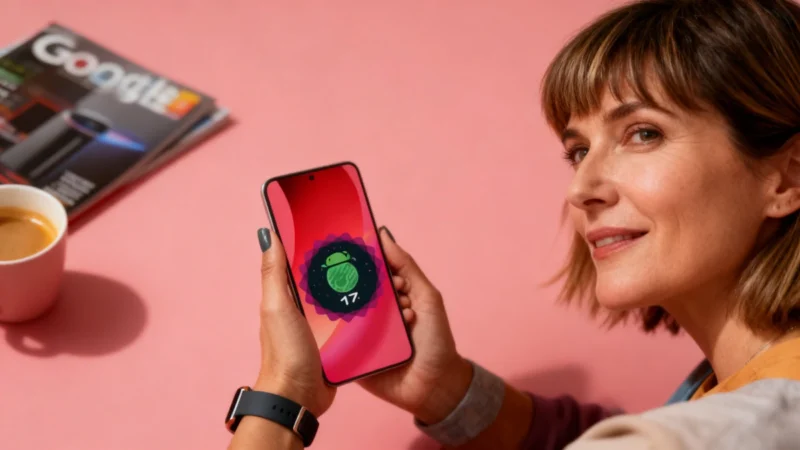
Think your smartphone has peaked? Think again. Android 17 started rolling out in beta to Google Pixel phones in mid-February 2026, bringing a host of features designed to make your everyday use more private, customizable, and convenient.
1. App Lock: Pixel Finally Gets App-Specific Security
For years, Android skins like Samsung's One UI and Xiaomi's HyperOS have supported app locking, while Google Pixel users were left waiting—even iPhones eventually jumped onboard with iOS 18. Now, Android 17 closes the gap. You can secure important apps—social, banking, galleries—behind biometric authentication or a PIN.
The feature, called App Lock, is easy to enable: just long-press any app icon on your home screen to lock it. Android 17 also hides notifications from locked apps until you've authenticated, protecting your sensitive info on the lock screen and notification center.
2. Greater Home Screen Flexibility: Option to Remove ‘At a Glance'
The well-known ‘At a Glance' widget, a staple of the Pixel home screen, can finally be disabled thanks to Android 17. This allows users to free up more space for apps and widgets. However, the lock screen still retains ‘At a Glance', displaying essentials like weather, your next appointment, and active timers—a practical balance between personalization and useful info.
3. Enhanced Screen Recording for Creators
Android’s built-in screen recorder now includes a floating toolbar, making screen capture more flexible. There's also a feature to overlay your face via the front camera as you record, a plus for tutorials or reaction videos. Android 17 added a dedicated option for capturing content from external displays, building on the desktop mode introduced with Android 16, which allows your Pixel to function as a desktop computer when connected to a monitor.
4. Separate Wi-Fi and Mobile Data Toggles
Google has reversed its previous move to combine Wi-Fi and mobile data controls into one Internet button in the quick settings menu. Android 17 now splits them into separate buttons, so you can quickly enable or disable each connection with a single tap. This update is especially useful for users who want tighter control over data usage or need to quickly switch to 5G when Wi-Fi is slow (or vice versa).
5. Customizable Search Bar
The search bar at the bottom of the Pixel home screen has been notoriously inflexible—until now. Android 17 introduces an interface for personalizing its look and function. With a long press, you can change the color and transparency, moving beyond the preset Material You theme. You can also add a customizable shortcut next to the voice search icon.
6. Selective Sharing for Your Contacts
If you're wary of apps demanding full access to your contacts, Android 17 brings the ability to share only the contacts you choose—similar to the selective sharing in Google Photos. This protects your privacy and the information of your friends and family, reducing the risk of their details being used for marketing or scams.
7. Smoother Device Ecosystem with Shared Clipboard
Android 17 moves toward a more unified device experience by introducing a shared clipboard feature. You can now copy text, links, files, or images on one Android device and paste them instantly on another. This eliminates the need for workarounds like emailing yourself snippets of information. Also, Do Not Disturb mode can now sync across your devices, making sure your quiet time is consistent everywhere.


Great breakdown of Android 17’s new features! The App Lock addition is long overdue for Pixel users — it’s surprising it took this long given how common it’s been on other Android skins. The shared clipboard is the one I’m most excited about, as it genuinely reduces friction for anyone working across multiple Android devices. The separate Wi-Fi and mobile data toggles are a welcome reversal too; the combined ‘Internet’ button always felt like a step backward in usability.
https://windflash.us