


Sick of the extra steps to reach your local folders in Google Photos on Android? That headache has finally ended with a simple shortcut designed to save you time—and frustration.
No More Tedious Tapping
If you're a regular Google Photos user on Android, you know the drill: to open your device's local folders like Screenshots, Quick Share, or Downloaded Videos, you had to head to the “Collections” tab, then move into the “On this device” section. Doing this over and over again turned into more of a hassle than it should have been.
A Shortcut for Local Folders
Google streamlined this process in a recent update by adding a folder-shaped button right to the top bar of the app. Now, tapping this button takes you directly to a list of all the folders stored locally on your device—no detours required.
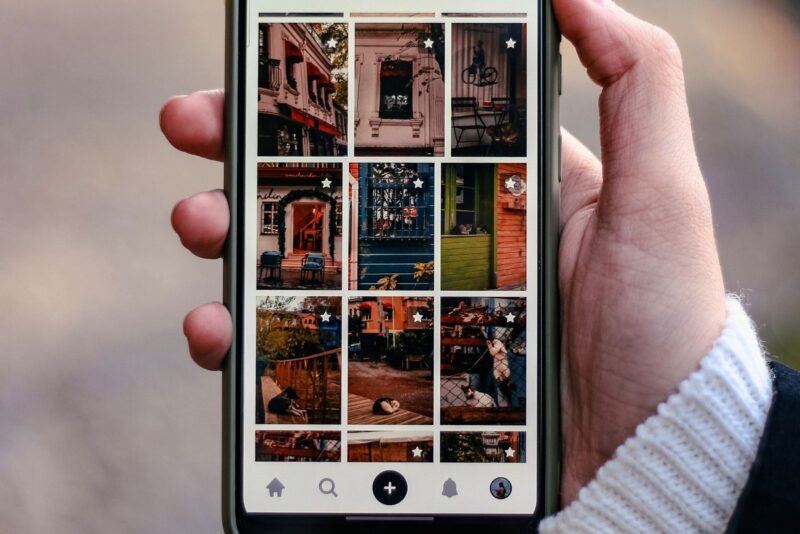
The placement makes all the difference. The shortcut is accessible from Google Photos’ four main tabs: Library, Search, Sharing, and Home. Instead of tracking back to a specific page, you’ll always find this button at the top left, next to the plus icon and the notifications bell. Even though the top bar is getting crowded—especially with the ever-present backup status—you get real gains in convenience.
Gradual Rollout, With Other Recent Changes
This new feature was first spotted on various Android devices running Google Photos version 7.64, according to reports from 9to5Google. If you haven't seen the new button yet, don't worry—it was rolling out gradually and may not have reached every device at the time.
The shortcut joins several recent updates to Google Photos. The app also debuted a floating toolbar to replace the bottom navigation bar, new “Create with AI” templates for iPhone, and an AI-based meme generator. Google appears intent on refining both local access and creative features across platforms.
It may seem like a small improvement, but the direct shortcut to local folders reflects an awareness of how people actually use their devices—juggling between cloud and on-device files every day. For many users, this was the tweak they were hoping for.