




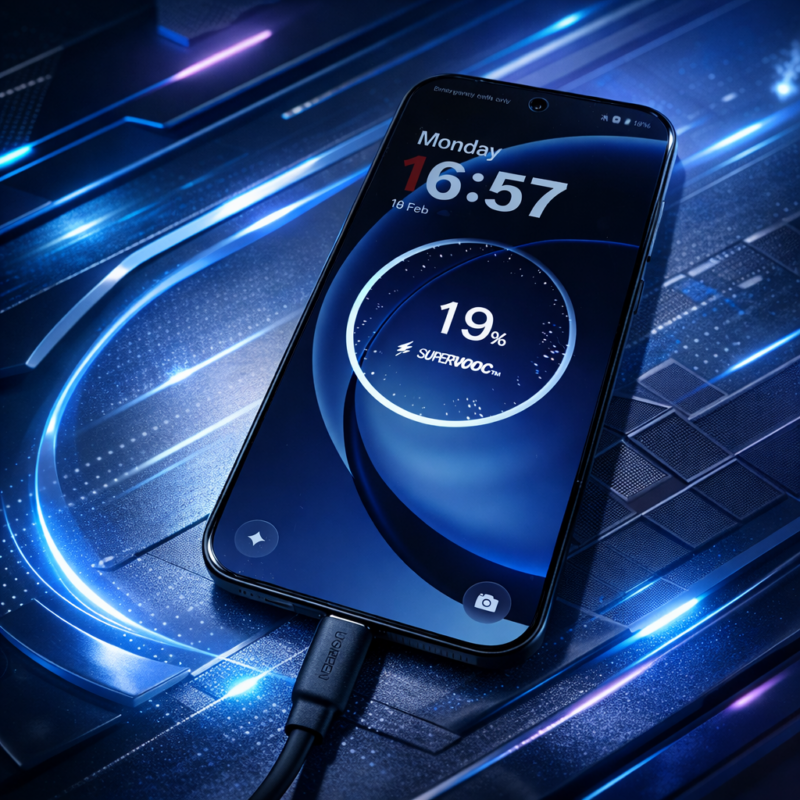
I used to plug my phone in before bed without thinking about it – a habit I picked up from the log-ago days of using a Nokia 3210, which charged even slower than the average Samsung. Like most people, I treated charging as a nightly ritual — brush teeth, set alarm, connect cable. Rinse and repeat. Month after month, year after year.
The Problem
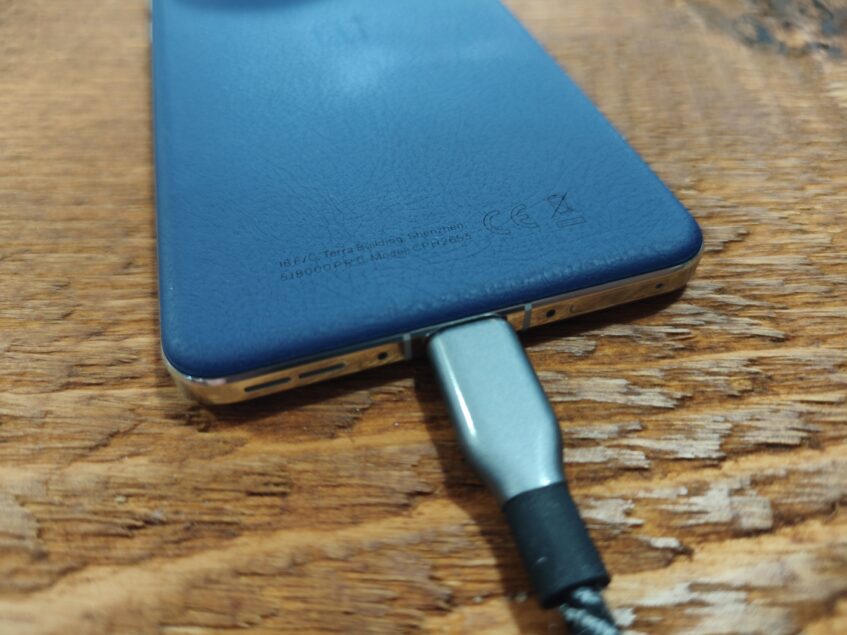
Months later, my phone's battery life quietly fell apart.
Not dramatically. Just noticeable after a couple of months.
Instead of ending the evening at 20-40%, I was reaching for a charger by late afternoon. The phone wasn’t old, and it had, for the time, a regular-sized battery of 5,000mAh, and nothing else had changed. That’s when I realised the problem wasn’t the battery — it was the habit that I'd been slave to for over 20 years.
Modern Android phones charge differently now. As much as I rag on Google and Samsung for their glacially slow charging, even 25-45W is exponentially faster than what was possible when the first modern smartphones such as the HTC Hero hit the market.
They don’t simply fill up and stop. When left on a charger for 7–9 hours, they repeatedly top themselves up at 100%. That means the battery sits at maximum voltage and temperature for hours — exactly the condition in which lithium cells age fastest.
The Solution
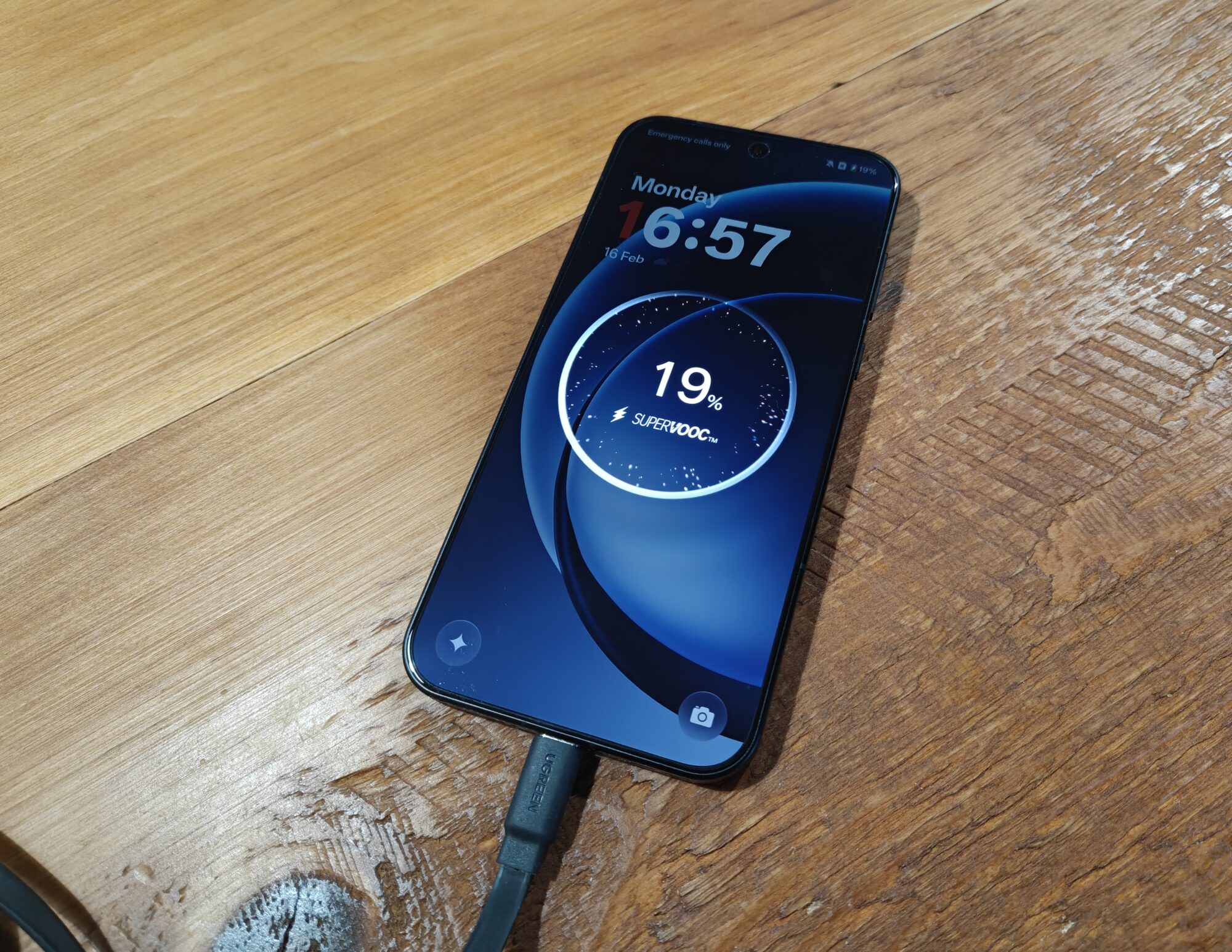
The answer was simple: I needed to stop charging my phone overnight. That, or actually use the built-in charging health options now available on Android.
I changed during my evening routine — dinner, shower, winding down — and unplugged before sleep. I also invested in a reasonably priced, modern wall charger.
Within two weeks, two things happened:
• The phone lost a smaller percentage overnight
• Daily endurance noticeably stabilised
It turns out batteries prefer short, intentional charges rather than long idle ones.
The accessory that made this realistic wasn’t a bigger battery — it was a faster charger combined with changing a long-standing habit.
Once charging takes 20–30 minutes instead of two hours, you no longer rely on night-long top-ups. A quick evening boost becomes enough for the next day, and the battery spends far less time sitting at 100%.
I didn’t upgrade my phone.
I upgraded the way I charged it.
I also moved the charger to where I actually use my phone, on my desk and not beside my bed.
A New Charger
With literally thousands of chargers on the market, picking the right one for your situation can be confusing. Thankfully, USB-C ports are used by almost all smartphones nowadays, even iPhones.
Things To Consider
Do you need to charge more than one device at a time? Do you need the charger to support multiple charging standards such as PD, PPS, SuperVOOC, etc.? What's the maximum charging speed you need?
We've found three chargers that should cover most scenarios without straining your wallet. And unless your phone actually supports 80W charging (or more depending on your choice of handset), then a 30W or 65W charger will do just fine.
The Budget Option
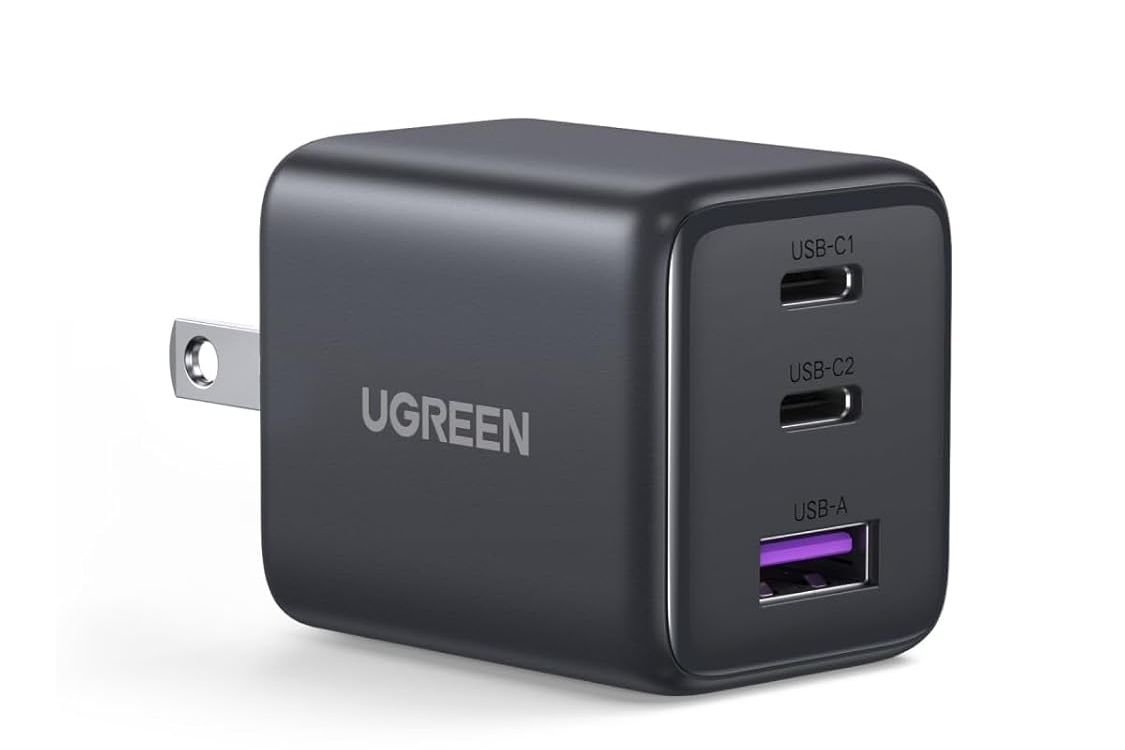
Ugreen’s 30W USB-C charger prioritises usability over flashy specs, delivering roughly a 60% top-up in about half an hour while actively managing temperature to keep heat down. Its two USB-C ports and single USB-A port let you power multiple devices at once, and the GaN II design improves efficiency with built-in protection against electrical faults. D
Despite the safety hardware, it remains compact enough for everyday carry, and support for PD, QC and PPS standards ensures Android devices charge at their proper speeds instead of dropping to slower modes. At just $16.99 (and sometimes discounted to just $13.99), Ugreen's 30W USB-C charger is a versatile and tidy solution to your charging needs.
The Middle Ground
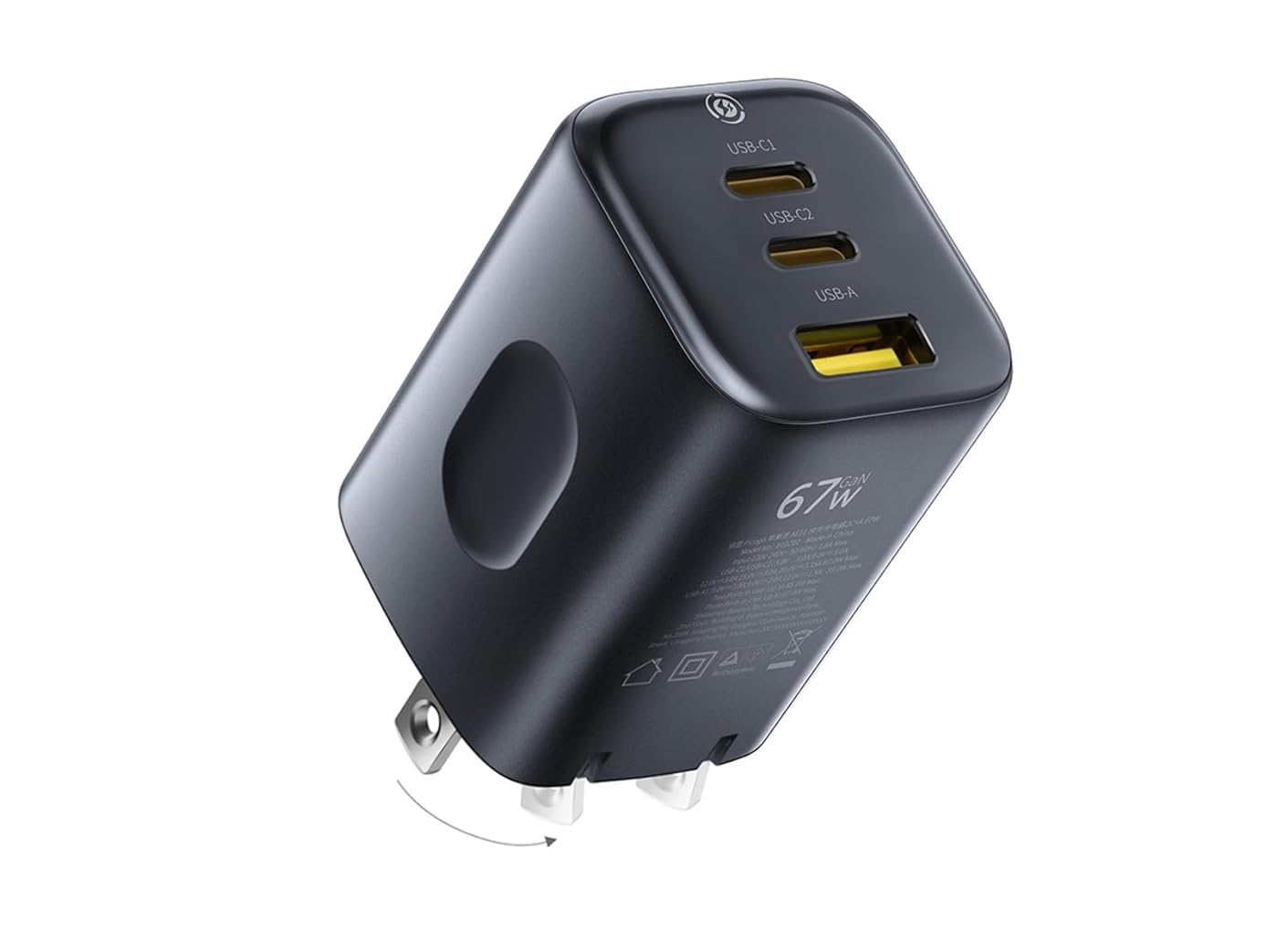
If you need more headroom, Baseus’ 67W USB-C charger is built for people who want one plug to handle everything. Despite the higher output, the dense design keeps it notably compact with foldable pins that make it easy to carry and avoid blocking neighbouring sockets. A single port can run larger devices like laptops at full speed, while intelligent power sharing lets you charge multiple gadgets at once without overloading them.
With support for PD 3.0, QC 4.0 and PPS, it works properly across phones, tablets and notebooks rather than dropping to slow charging modes, making it a practical travel charger when you don’t want to pack multiple adapters.
At $34.99 (and previously reduced to just $21.99), the Baseus Picogo 67W USB-C charger offers a nice bump in charging speed while still offering great value for money.
The Premium Choice
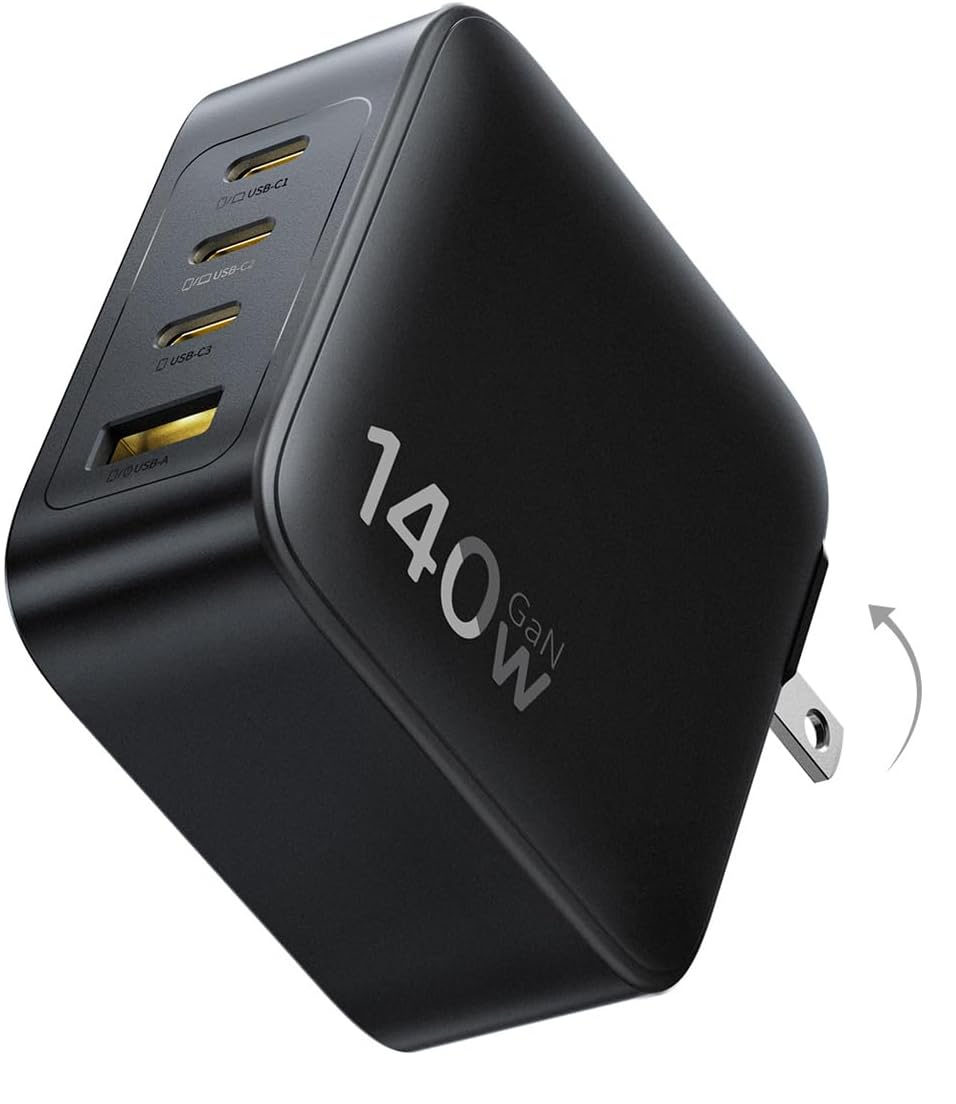
Baseus’ 140W charger is aimed at replacing an entire bag of adapters. Each USB-C port can deliver full laptop-class power on its own, or split output intelligently so multiple devices charge at once, and the four-port layout means a phone, tablet and notebook can all plug in simultaneously. Despite the output, it stays smaller than many first-party laptop chargers thanks to a GaN design and foldable prongs that make it practical for travel.
The charger continuously monitors temperature to keep heat down while maintaining fast speeds, and support for PD 3.1 ensures it works properly across phones, tablets and laptops rather than dropping to slower charging modes. In everyday use, it functions less like a phone charger and more like a universal power hub you can carry with you.
The charger that caters to almost any portable device you might own still doesn't break the bank, priced at $59.99 on Amazon and previously discounted down to just $39.99 recently.
Tips to keep your smartphone battery in tiptop condition
There's no need to throw yourself into the angst of battery anxiety just to avoid unnecessary strain.
Most battery wear comes from routine rather than age. Lithium-ion cells degrade fastest at the extremes, so regularly hitting 0% or sitting at 100% for hours shortens long-term capacity. You don’t need to obsess over numbers either; simply topping up earlier and unplugging once you’re comfortably above halfway already reduces stress.
Heat is the biggest enemy. Charging on soft surfaces or inside thick cases traps warmth, and temperature is what permanently damages a battery over time. A hard surface and a bit of airflow help, and if the phone feels hot, removing the case while charging makes a noticeable difference. It's just like you should never use your laptop with it resting on a duvet or its material case – airflow is your friend.
As mentioned previously, overnight charging also plays a role. Phones manage power intelligently, but remaining at full charge for most of the night still adds wear. Shorter evening top-ups are gentler, especially with modern fast charging. Adaptive charging features help by delaying the final stretch to 100% until just before you unplug, keeping the battery in its least stressful range.
A good quality charger completes the picture by regulating voltage and reducing excess heat. These habits won’t stop ageing entirely, but they slow it enough that your phone lasts the day comfortably for much longer.
Read: Here Are The Best 20,000mAh Power Banks You Can Get In 2026


I don’t know about other Android phones, but you can set your Samsung Galaxy phones and tablets to charge to a certain percentage like 80%. That helps to preserve your battery life.