




You unlock your Android phone, open the camera, and notice indoor light turns faces slightly gray. You tap exposure, slide brightness up, and the clip still looks noisy on review right away. Small capture choices like these decide whether your next post feels sharp on a small screen.
On a commute, you trim clips with your thumb, then upload on mobile data before the next stop arrives. That pace rewards a repeatable workflow, plus practice that builds judgment instead of guesswork over time. If you want structured training, a tik tok course singapore can guide your planning, testing, and reporting.
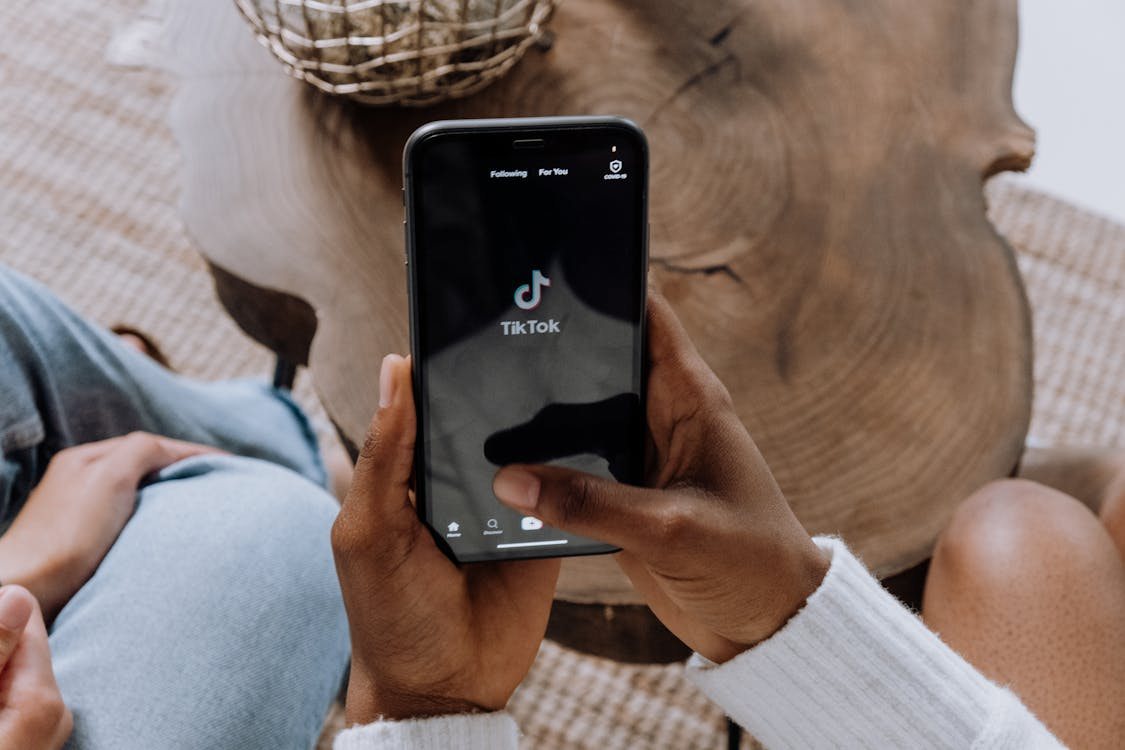
Capture Clean Video And Audio On Android
Most phones shoot strong video, but settings often default to what looks fine under bright outdoor sun. Before you record, pick one resolution and frame rate, then keep it stable for a week. For many creators, 1080p at 30fps balances detail, speed, and storage on midrange phones well.
Your lens and focus matter, so clean the lens and lock focus before you start talking. Tap to focus on your face, then lock exposure so brightness stays steady through movement. If your phone offers stabilization, switch it on, but avoid extreme zoom that adds wobble.
Light beats filters every time, so move yourself before you touch sliders and effects at all. Face a window, keep the light in front, and avoid ceiling lights that cast hard shadows. At night, place one lamp near eye level, then tilt it slightly to soften glare.
Audio problems cut watch time fast, so treat sound as your first technical check each day. Use wired earbuds with a mic, or a clip mic, and record in a quiet room. Do a ten second test, listen back, then fix buzz or echo before you film.
Plan Short Form Stories With A Simple Template
Fast editing starts with a clear point, not with more effects or faster hands on mobile. Write one sentence that names the viewer, the problem, and the result they can see quickly. Then pick three proof points, each backed by an example you can show on screen.
A short outline keeps you from rambling, even when you speak on camera without notes. Use a five part template, and keep each part to one or two short lines. Record each part as a separate clip, so you can cut cleanly later with less effort.
- Hook: show the result first, then name the problem you will solve in plain words.
- Context: add one detail, like device model, app version, or how long the step took.
- Steps: list two or three actions, and match each action to a clear on screen demo.
- Check: show the final screen, the before and after, or the number you improved at the end.
- Next: ask for a save, a follow, or a comment using one calm sentence only.
Editing is easier when you plan for trust, including clear labels when money or gifts are involved. The FTC disclosure guidance explains how to place relationship notes where viewers will notice them. Keep that rule near your outline, so it stays part of your routine every week.
Edit Faster On Your Phone Without Losing Quality
Android has solid built in tools, plus editing apps that can match a laptop for most short posts. Start by cropping every clip to the same framing, so jumps feel clean and intentional. Keep the first cut rough, then do one pass for pacing, and one pass for sound.
For short form video, clean cuts beat heavy transitions, since viewers decide in seconds so quickly. Trim dead air, cut filler words, and keep each spoken sentence tight so retention stays steady. If you add text, keep it large, high contrast, and above the lower buttons at all times.
Sound polish is simple on mobile, if you follow one rule and stick to it. Lower background music until speech stays clear, then add light noise reduction if your app supports it. If the voice starts to distort, undo the filter and fix the room instead right then.
Export choices can ruin a good edit, so set them once and reuse them each time. Use the platform recommended size, then watch the file on your phone before you upload. Upload over stable Wi Fi when possible, since failed uploads can add glitches on playback.
Use Analytics To Improve One Variable At A Time
A good post can still stall if the first second feels slow, or the promise sounds unclear. Use TikTok analytics to review watch time, retention, and rewatches across your last ten posts. Pick one pattern, then change one variable on your next three uploads only at once.
Treat each post like a small test, with notes you can read later when numbers blur together. Write the hook line, video length, posting time, and whether you used on screen text. After three tests, keep what worked, then drop what did not work for now this week.
Look beyond views, since saves and shares often signal that your clip solved a real problem. Compare completion rate with comments, then check whether the first caption line matched the hook. If two posts look alike, change only one part, like the first line or first shot.
Build Accessibility And Compliance Into Every Post
Many people watch with sound off, so captions cut confusion and raise reach at the same time. Add captions in app, or burn them in during export, and correct names and numbers by hand. Keep captions short, and time them to speech so they read cleanly on screen each clip.
If you want a simple reference, UC Davis caption guidance shares best practices for social video captions. Their guide helps you choose open captions, closed captions, and auto captions with fewer mistakes. Use it when you set your caption workflow for the first time on TikTok videos.
Music and clips add risk if you do not control rights, so keep sources simple. Use the platform music library, record your own voice, and avoid reposting TV or movie clips. If you quote another creator, add your own commentary, and keep the borrowed part brief.
A tidy content system is the real skill builder, since it keeps you posting when work gets busy. Batch ideas on one day, batch filming on another, then edit in short blocks across the week. Stick to one change per week, and your clips will look sharper within a month.

