





One of the places I genuinely love about my phone is the Discover feed. The scrollable stream of stories has always been a reliable space where I can catch up on news, opinion pieces, and analysis from trusted sources. It's also one of the last corners of my phone where Gemini hasn’t stepped in to rewrite the tone.
Unfortunately, all good things must come to an end. Google has started testing AI-generated summaries directly inside the feed. If they roll out widely, they will change the way we engage with information on our phones.
Gemini cuts long stories short for you
AI summaries in Google Discover are short blurbs most likely written by Gemini. They combine information from multiple sources into one unified summary. You'll now see the texts beneath the top story. Only the first three lines are visible, so you'll tap a See more button to expand them. By that point, you may not feel the need to click through to the actual article at all.
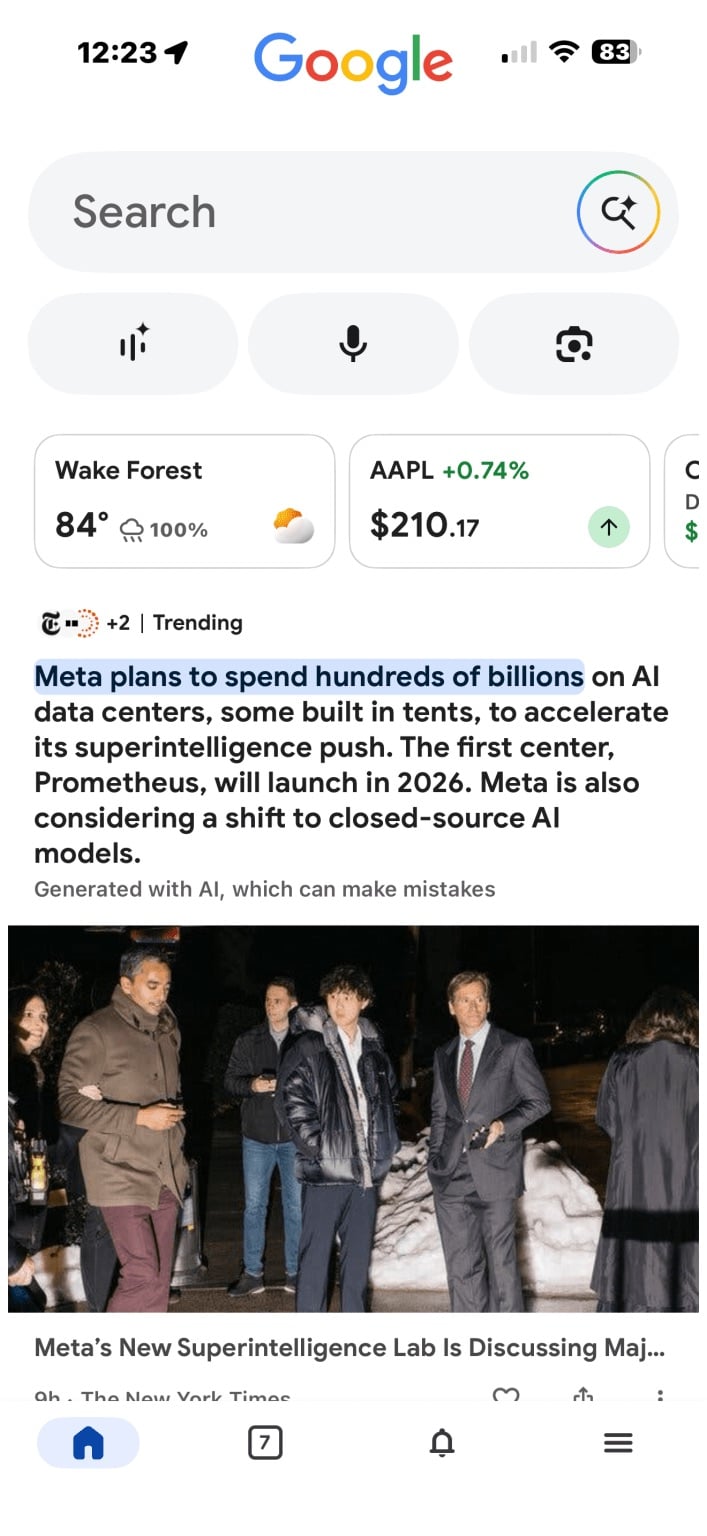
This update will save you from clickbait if you want a quick update without having to dive into full articles. But readers who care about context, depth, and the original writer’s voice, it’s a problem. It's also bad news for publications, as it means they may receive less traffic, and there's little credit for the journalists.
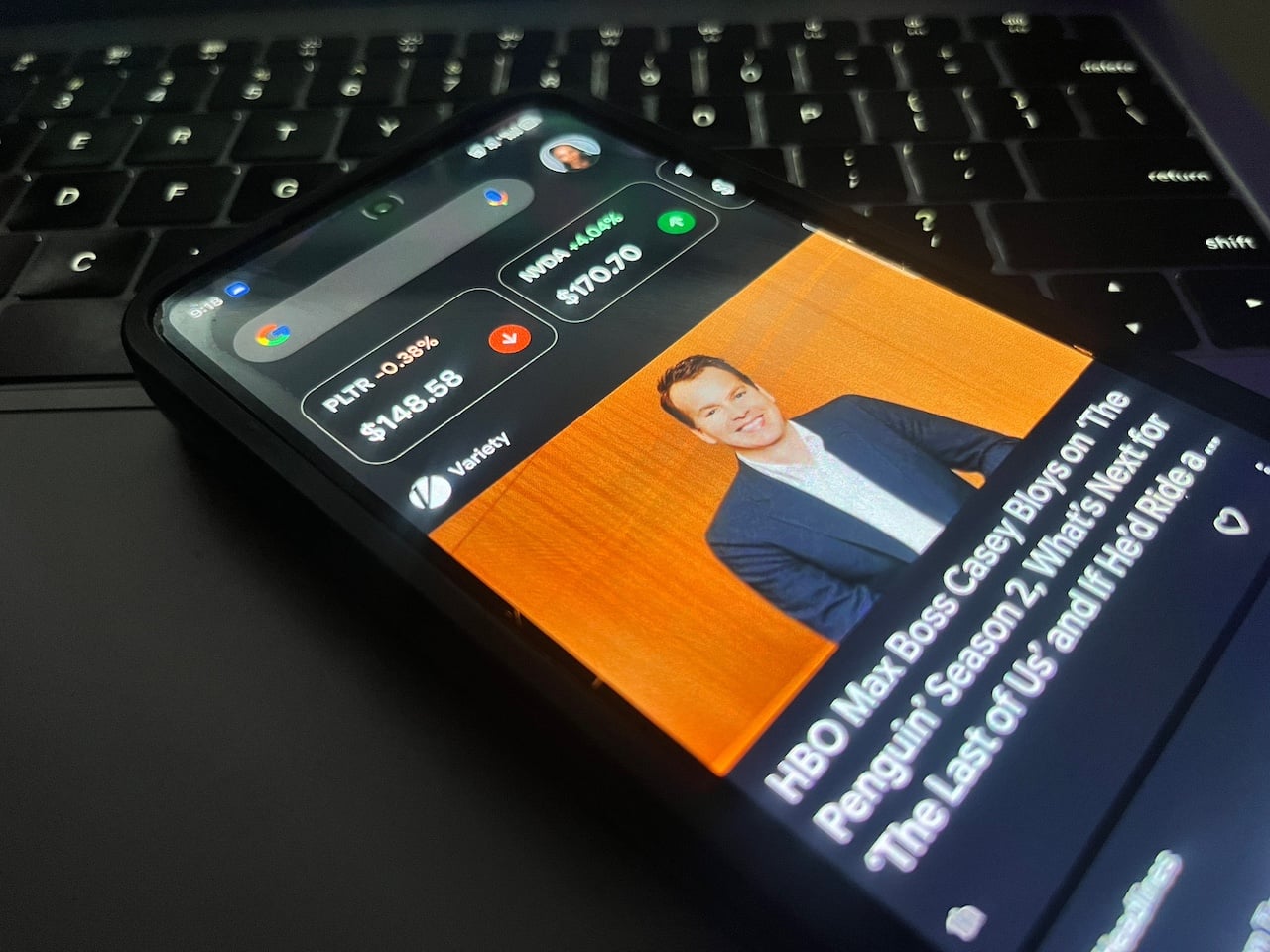
Worse still, the summaries may contain errors. You may never know that it originated from a flawed blend of sources, rather than the article you were intended to view. Fortunately, each summary now comes with a small disclaimer that states, “Generated with AI, which can make mistakes.” You'll want to take your time so that you don't skim past it.
Related: Gemini Can Now Turn Images to Videos, But Not for Everyone
Not all posts have summaries…. For now
Google's AI summaries don’t show up for every article in Discover. Right now, they’re only appearing on cards marked as trending. That is, stories they assume are widely reported and therefore have enough material for their machines to pull from.
We don’t yet know how they decide what counts as trending or which sources are trustworthy enough to feed the algorithm. That lack of transparency is a red flag at the moment. Even more concerning is that they aren't limiting the new feature to written articles. According to 9to5Google, the company will test it for videos.
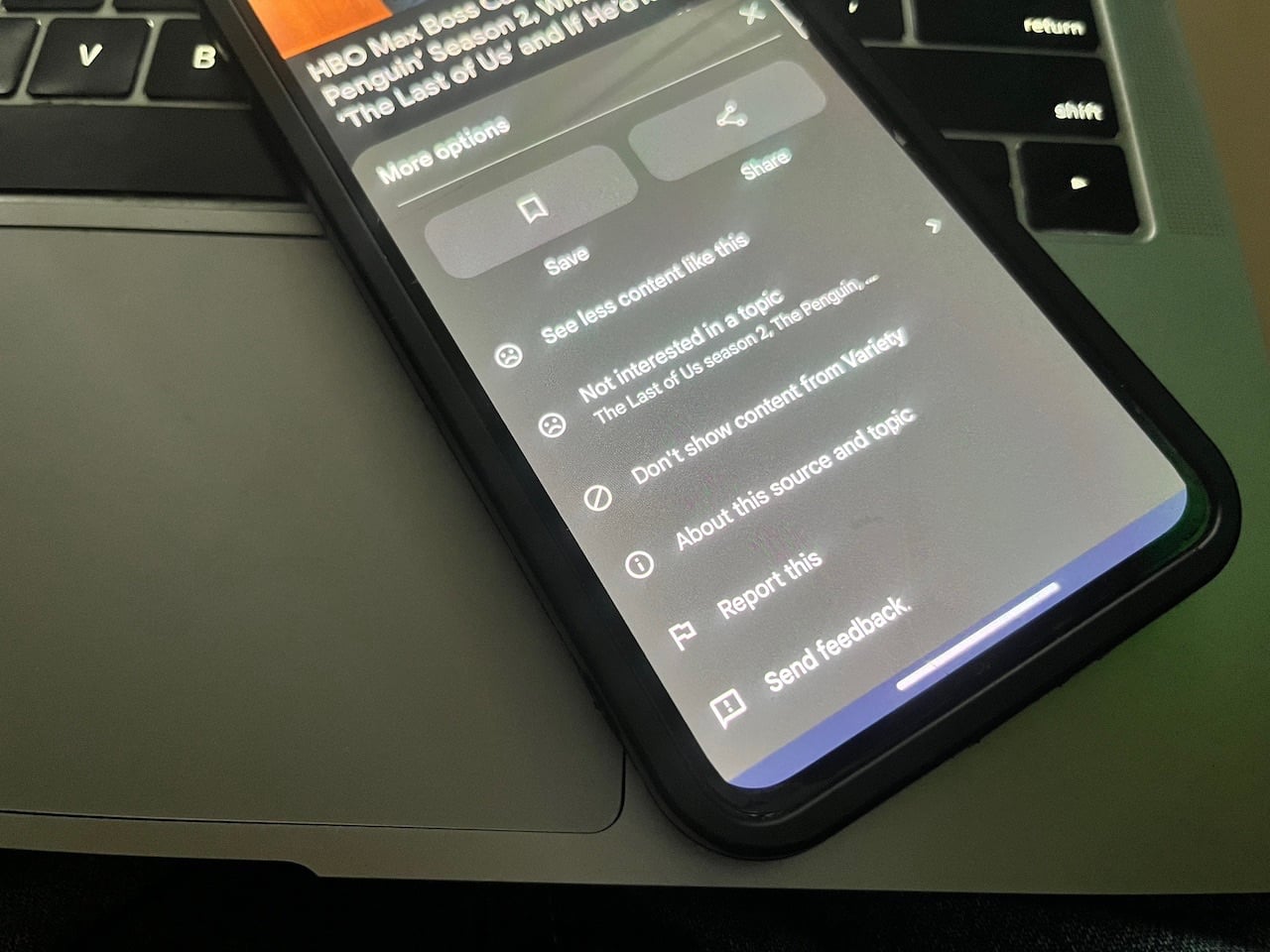
Additionally, Google has made a minor tweak. They have moved the bookmark icon closer to the heart for liking content. Now, you can save articles for later. Those bookmarked stories live in the Activity tab of your feed, along with your search history and other saved items. Before, you had to tap the three-dot icon beside the heart to save content and use different settings.
AI summaries are coming to iOS, although there's no specific version to look out for. It doesn't matter if you have the latest version of the Google app or not. The company will enable or disable the feature remotely for select users through a server-side rollout.

