



Proton, the leading privacy-focused company in encrypted services, has just launched its latest Pass Family plan. The plan aims to manage passwords and sensitive information for up to six members under a single subscription.
Each family member gets their own private vault while shared vaults can be created for commonly used services like streaming accounts or smart home devices. The plan is user-friendly, and here's how you can use it for your benefit.
Proton’s family plan supports six people
Proton’s new Pass Family plan needs just one subscription, and you can add up to six family members under it. Everyone gets their own private vault for their passwords, and you can set up shared vaults for streaming accounts or smart home passwords, among other things.
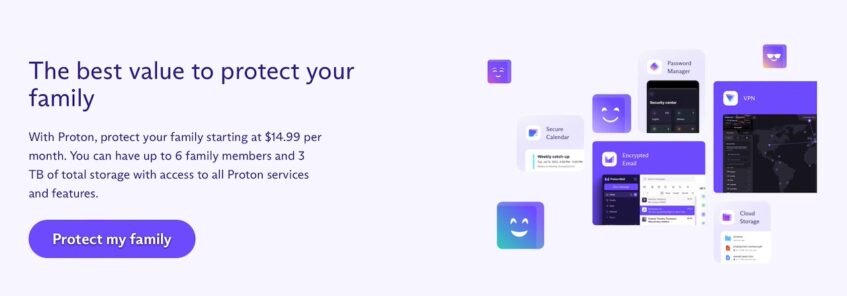
Password sharing among family members is common, but it also exposes them to significant cybersecurity risks. The Pass Family plan offers a safer, more organized way for families to manage their online identities, combining Proton's high standards of privacy and security with user-friendly features that everyone can use.
Son Nguyen Kim, Product Lead for Proton Pass.
Parents or anyone in charge can easily add or remove others, so it’s great if you have kids still learning about online security. The plan costs just $3.99 a month if you sign up for a year (until October 23). After that, it’s $4.99 a month. If you got in early on Proton’s $1 per month deal, you can upgrade for $2.99 a month.
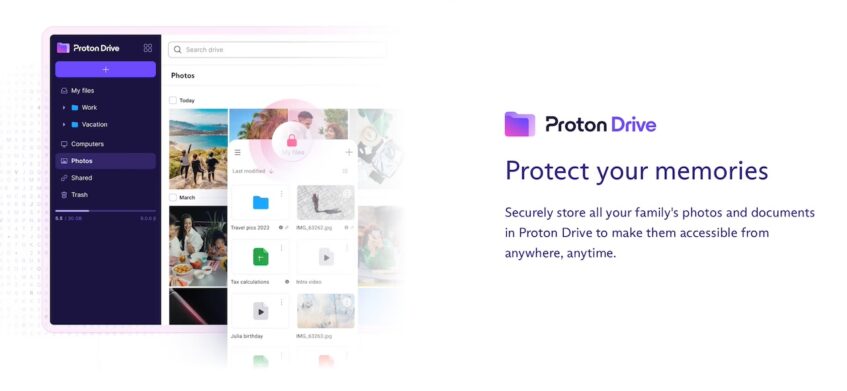
There's also an identity protection benefit attached to the plan. Everyone gets a unique email address for any account they create. Instead of using the same email for your social media, banking, and shopping accounts, you can have different aliases for each one. This way, if one service gets hacked, the others remain safe because they don’t share the same email.
Related: Hide Your Email Aliases With Proton Mail
Proton secures your family's accounts without tech know-how
The interface for Pass Family is designed to be simple enough for anyone to use, no matter their age or how familiar they are with technology. So younger kids or grandparents, who might not be tech experts, can manage their accounts without getting confused. At the same time, tech-savvy users more comfortable with gadgets will still find it useful.
Also, the plan doesn’t just manage passwords. There's another key feature, Pass Monitor, that constantly checks the dark web to see if any of your family’s emails or personal information have been leaked. If it finds anything, it alerts the affected person, helping to stop identity theft before it becomes a problem.
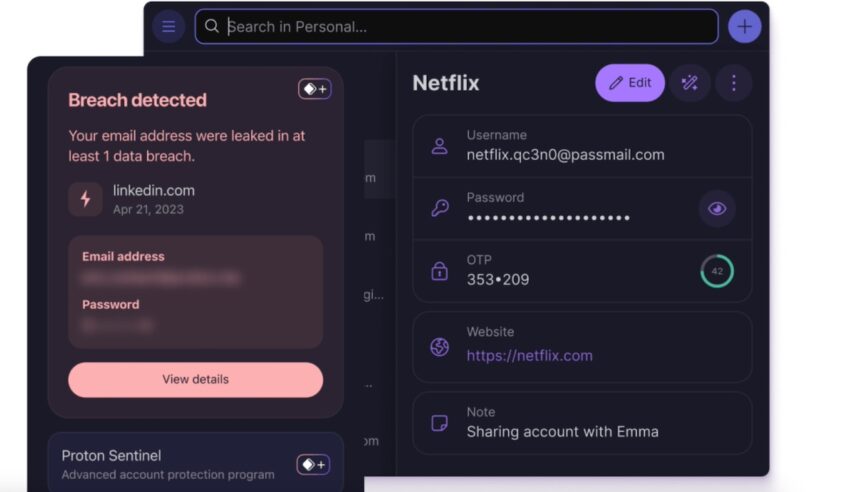
It's nice to have because it adds that extra layer of protection that goes beyond just being careful. Even if you're doing everything right, you can never predict leaks on the dark web. Plus, with two-factor authentication (2FA) and other built-in tools, you'll have an effective security guard for your digital life.