





Google has officially launched the YouTube Music extension for its AI assistant, Gemini. That’s right; you can now create impromptu YouTube playlists without Gemini hitting you with a bunch of random links to other websites. The extension, which was briefly showcased during the Google I/O event last week, is now available to users worldwide.
The Glorified Music Search
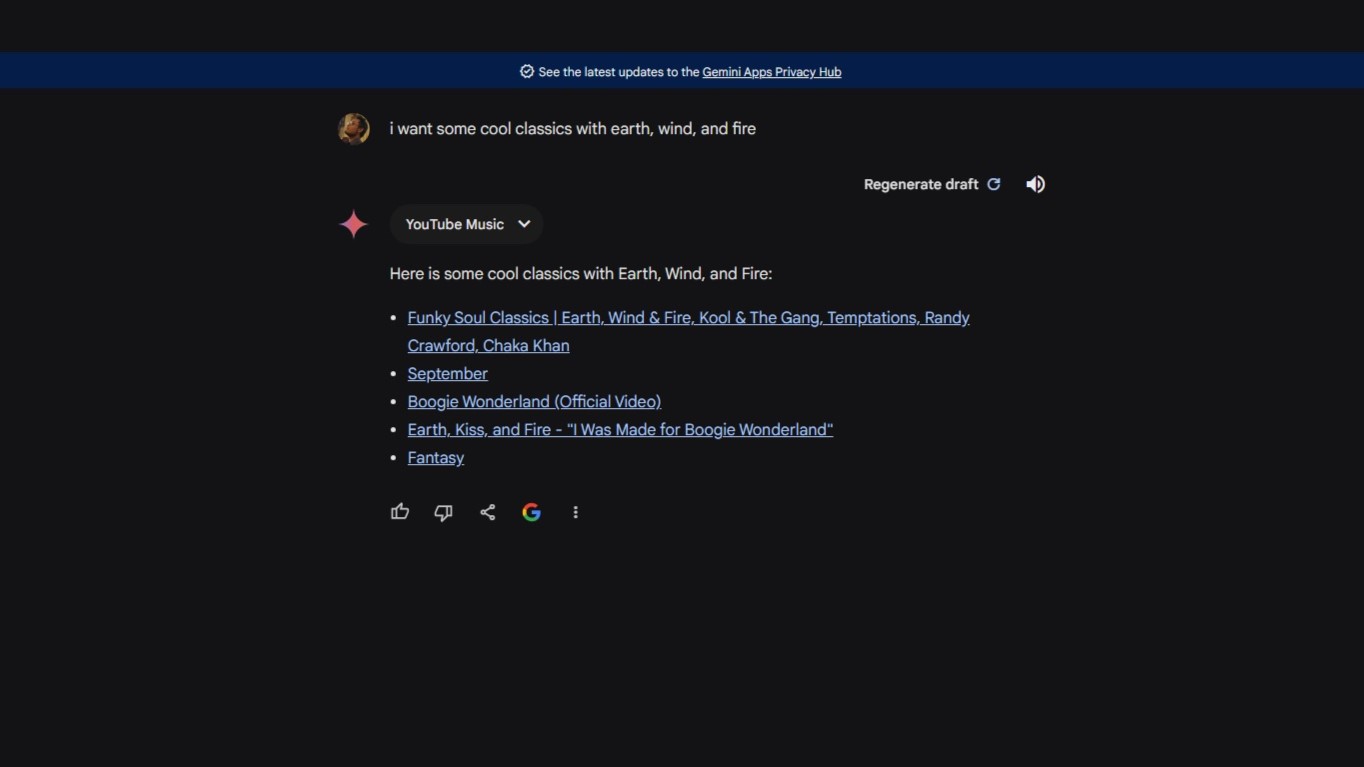
The YouTube Music extension for Gemini can process verbal or typed prompts to play songs from a specific genre, artist, or album or even create tentative playlists. Instead of Gemini simply responding with a list of items with images plus links to other websites, the results are concentrated on YouTube (Music) alone. The whole litany of basic template commands from older assistants is here, for example, “find [song name] by [artist name]” or “find the album [album title] by [artist name].”
As with any LLM, you can also provide far more specific and nuanced requests, like, for instance, “play music that I like” (or something similar). Such a prompt would then refer to the user's YouTube Music history and preferences to link you to a single related playlist (one direct link).
“Sorry, as an AI I am Still…”
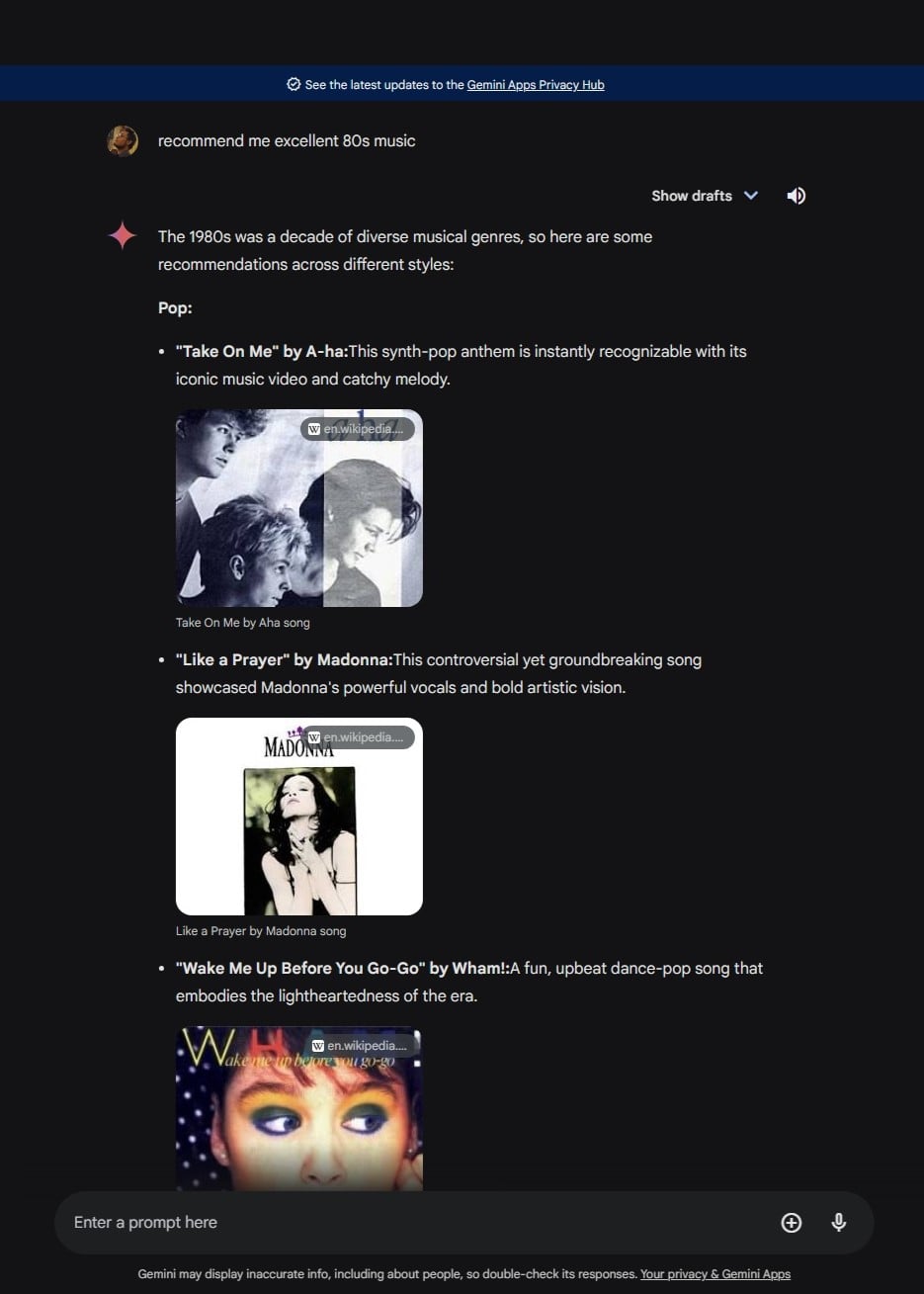
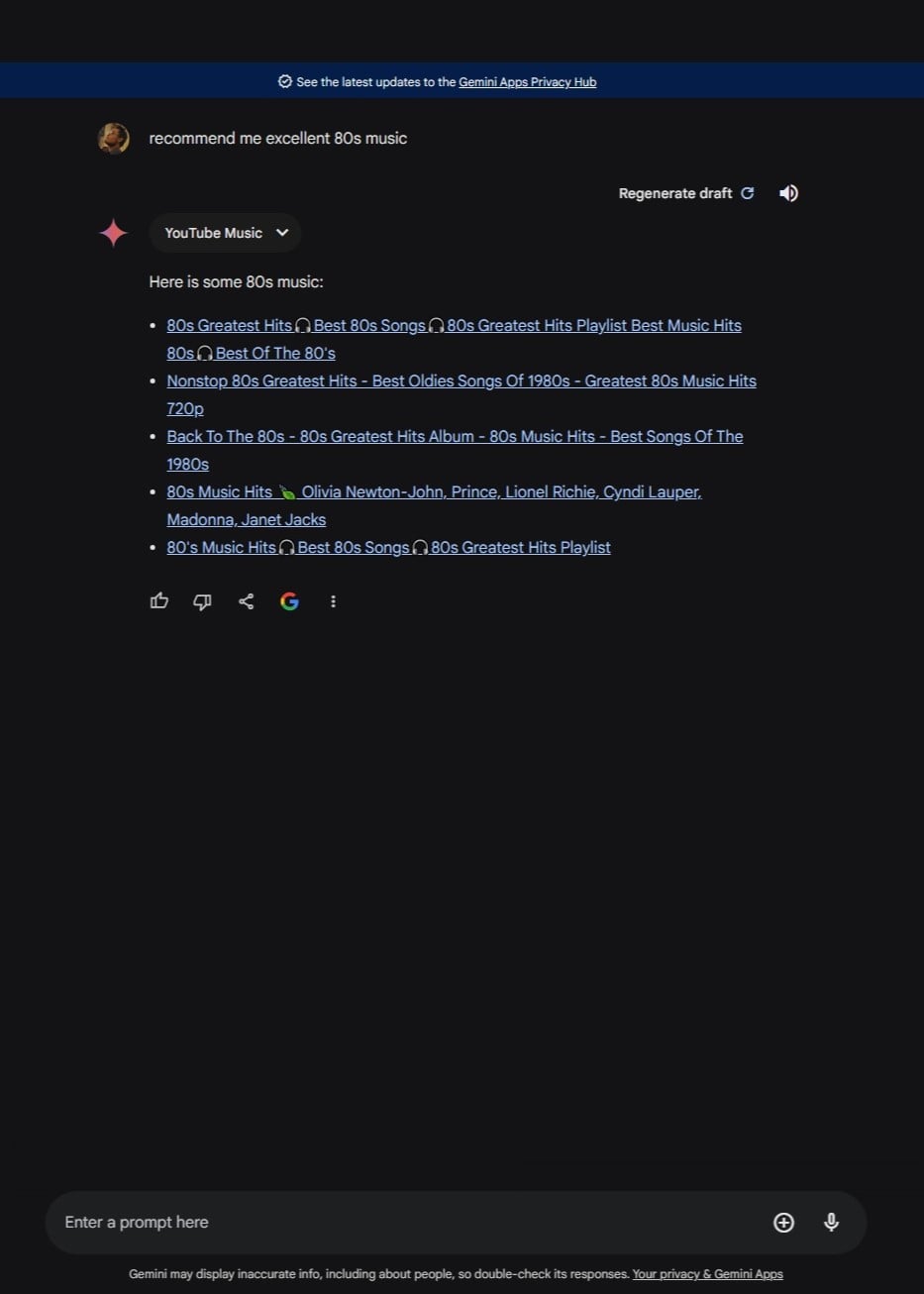
The integration of YouTube Music with Gemini marks a significant step in expanding the AI assistant's capabilities beyond its initial focus on planning, data analysis, and coding assistance. But as you may have expected already, it is never perfect. Just like when using Gemini normally, you will still get a few hiccups mixed with a few hallucinations here and there.
In particular, if you ask for a “set” of songs, it will usually point you to a playlist, rather than actually listing the tracks. You have to be more specific with your prompts to prevent this.
There are also more specific troubles, such as the desktop version Gemini occasionally stating, “I can't assist you with playing media yet, but I can provide you with a link to the song on YouTube Music.”
Implementation Background
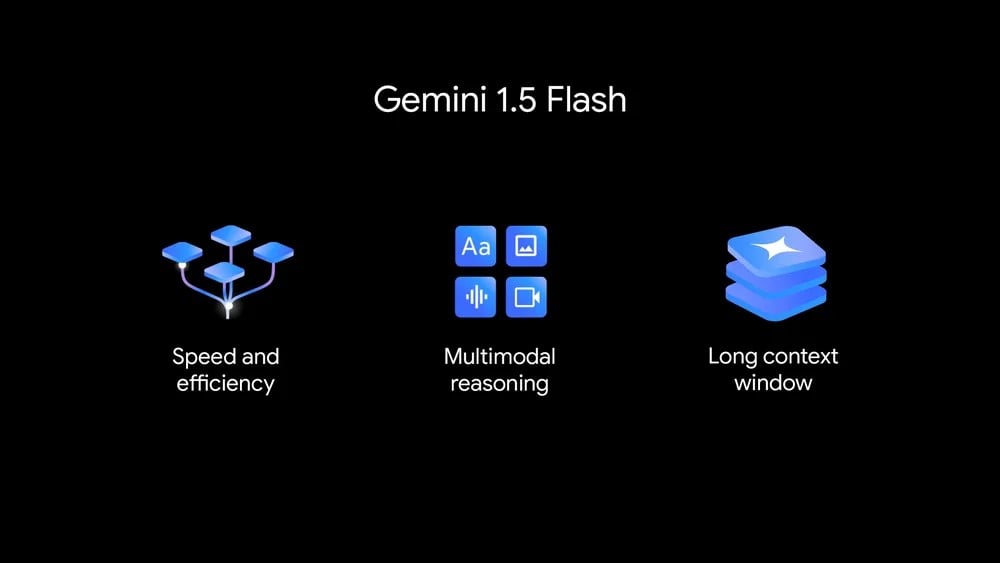
The rollout of the YouTube Music extension coincides with ongoing advancements in Google's AI initiatives, such as the introduction of Gemini's faster 1.5 Flash model, which is designed to handle high-volume, high-frequency tasks more efficiently than its predecessor.
This is not to say that Google has finally caught up with other competitors. While the company has certainly beefed up its AI feature portfolio, the actual competency of the LLM still requires a lot of catching up to do with the likes of Claude Opus and ChatGPT-4o.
Also, for this particular update, the lack of integrations with popular third-party apps like WhatsApp and Spotify remains a notable drawback that users hope will be addressed in future updates.
How to Use the Feature
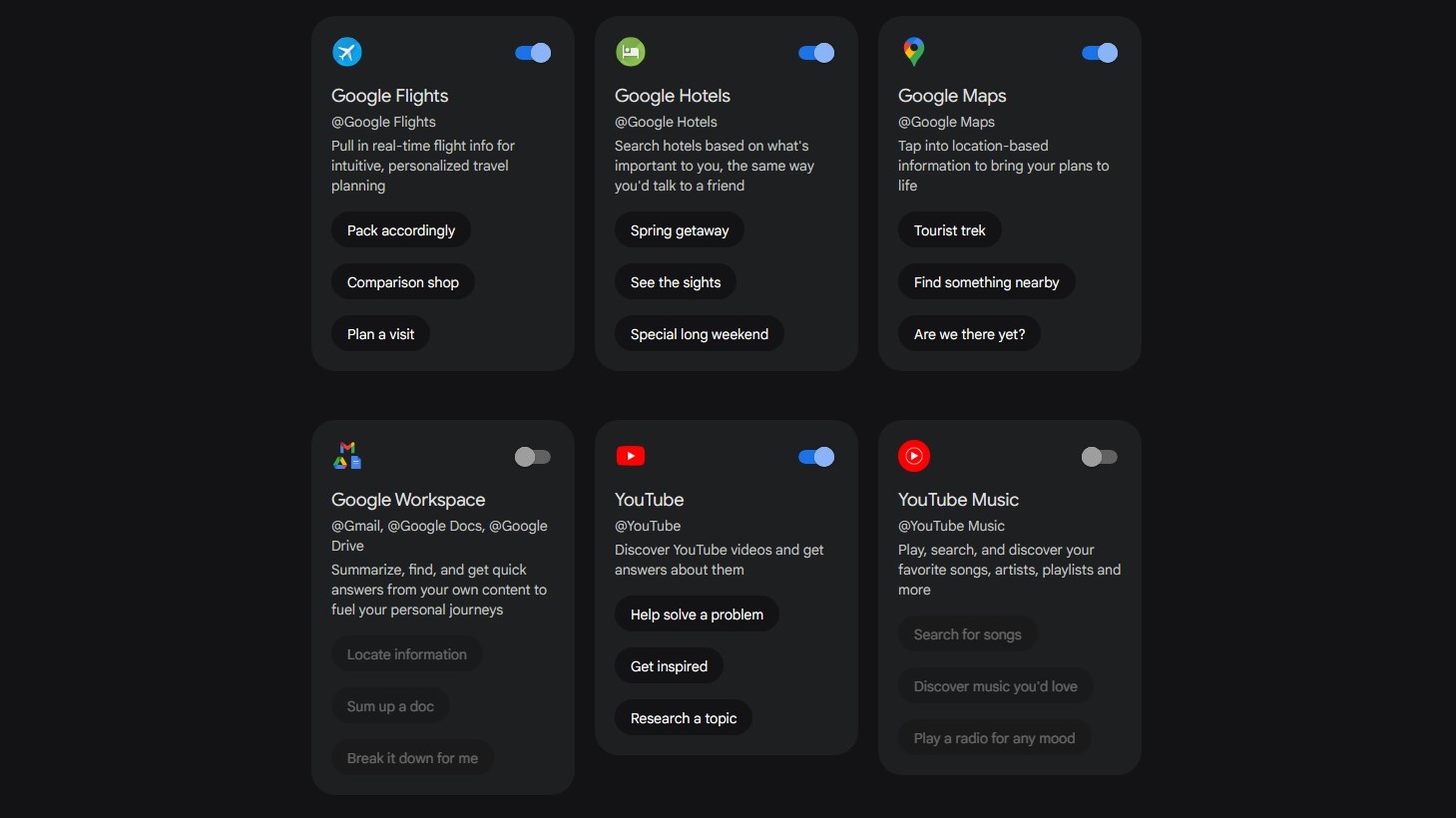
Gemini’s YouTube Music extension can be activated in two ways. For the browser version, you can navigate to the Gemini extensions and toggle it there. For the Android version, you can simply ask Gemini to play music on the device. This then triggers a pop-up to enable the feature.
Needless to say, the YouTube Music and Gemini accounts should be the same for the integration to work. Additionally, users must grant Gemini access to their playback history, playlists, and preferences within the YouTube Music app to ensure the “tailored experience” mentioned earlier.
Currently, the extension is only available for English-language prompts and is disabled by default.


