




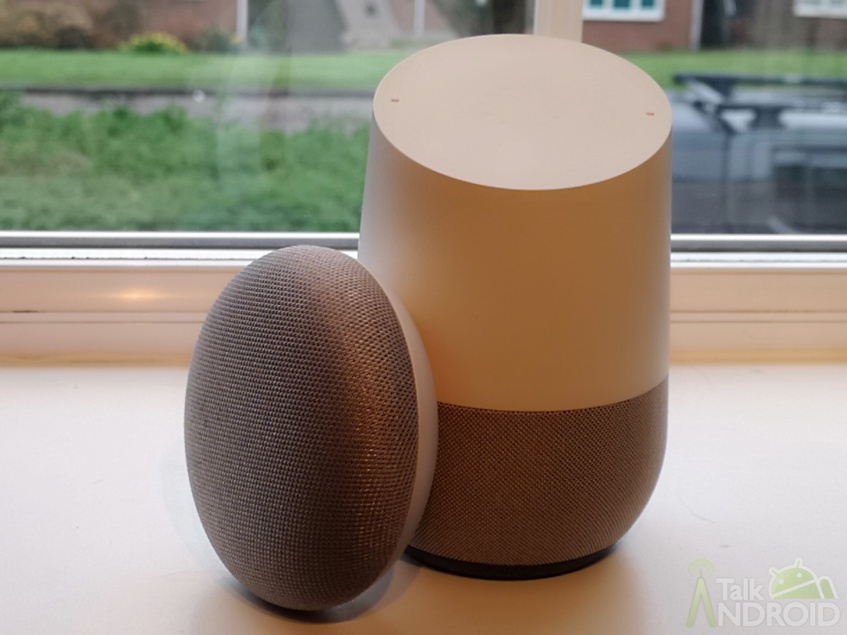
Earlier this year Google rolled out the ability for users to setup routines using their Google Home devices. Using routines, users can create a single command that will trigger a whole bunch of actions without having to specify them one at a time. Initially, users had the option of picking from several canned routines for things like waking up, going to bed or arriving/departing their home. That capability was followed by the ability to create custom routines. Google continues to make their Google Home devices more capable with a new update rolling out that adds scheduling to routines.
If you have the Google Home app, you can go into “More settings”, then scroll down to the “Services” section and choose Routines. When you create a new routine using the FAB, on the next screen there is a new option to “Set a time and day (optional)” that can be selected. Setting those options up includes choices for which day of the week and a time of day for the routine to be executed. Users also have to select which Google Home device should be used for the routine. Finally, there is an option to be notified on your phone whenever a scheduled routine starts.

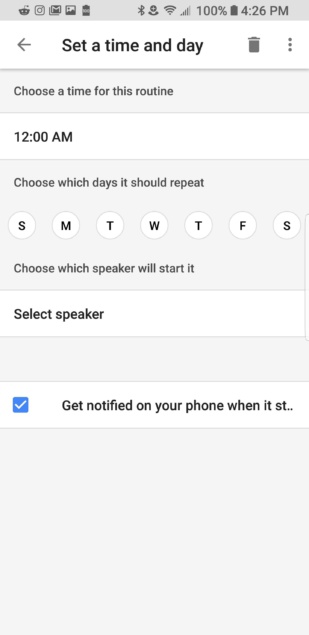
One issue that may exist if you have lots of routines already setup is that it appears existing routines cannot be edited to add a schedule to them. Going into some of my existing routines shows the option to add a schedule is missing on the edit page. This means routines that you really wanted to add a schedule to will need to be recreated from scratch.
What interesting Google Home routines have you created?
source: DroidLife
