





Lagging way behind most of the market, Google finally seems to figured out that users want to be able to send and receive messages from whatever screen they are viewing at the moment. Last month Google rolled out the ability for Android Messages users to sync text messages on the desktop, joining their Google Allo app with that capability. A new update for Google Duo starts to push the boundaries for that app away from a single device support, though it is not quite as far-reaching as other messaging platforms.
The new update gives users the ability to sign in to a Duo account and use the app on other Android devices. Users do have to have Duo already installed and setup on an Android smartphone that will serve as the primary device. The use of Duo still requires a device with a phone number assigned to it for initial setup.
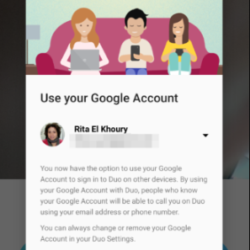
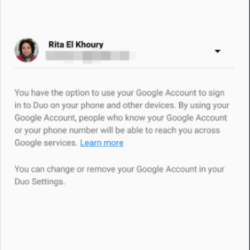
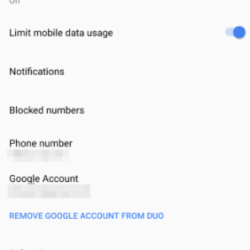
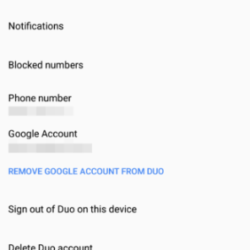
Another requirement to get the multi-device support working properly is that a user has to have the secondary device setup with their Google account as that will be used to sign in to Duo on that device. One nice capability though appears to be support for multiple Google accounts on the secondary device that the user can switch between, although it would require a logout and login rather than the click of a button to select an account.
Along with the update for multi-device support, Google also added official support for Duo on tablet devices. Due would run on tablets, but had to be sideloaded. Users can now install Duo directly from the Play Store.
Unfortunately, Google has not yet added support for Chromebooks, Pixelbooks, or other computers that may be running a Chrome browser.
If you want to give Duo a try, hit the link below from an Android smartphone.
Download It Now: Play Store
source: Android Police
