




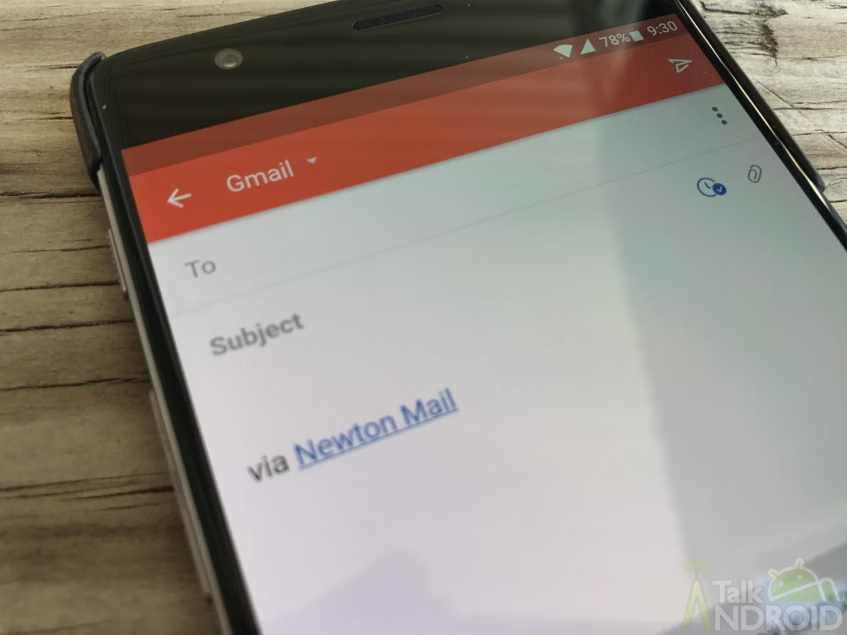
If you have a Gmail account (and it would be strange if you didn't, honestly) you're going to want to check your sent messages over the past few days. Apparently, there's been some kind of breach or error that makes it look like regular accounts are sending spam emails to other accounts.
These spam messages still occur after a password change, and it appears to happen even to users with 2FA enabled, making a breach seem unlikely if not impossible. So what exactly is going on?
Well, according to Google, there's a fishy spam campaign going on where spammers would forge an email address, making it seem as though a Gmail account had emailed itself the spam message. However, Gmail categorizes those emails into the “Sent” folder because it recognizes that the sender of those emails appears to be the original user. Confusing? Yes. But plausible.
Google is working on getting those emails properly marked as spam, but in the meantime, now's a great opportunity to double check your account and make sure your password is up-to-date.
source: Mashable


