




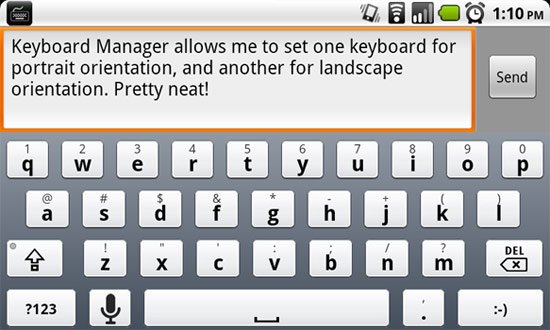
XDA member ne0fhyk has released an app called Keyboard Manager, which allows the user to assign certain keyboards based on screen orientation. Changing keyboards is easy enough on Android devices but this app could come in handy if you're looking for an even faster way to fire off a quick text with your favorite keyboard.
To use Keyboard Manager, your device must be rooted. You must also have an app such as Root Explorer to change file permissions. Installing Keyboard Manager more than installing the APK, but ne0fhyk's thread provides the two simple steps needed to get Keyboard Manager up and running on your device.
Download Keyboard Manager here.
Leave a comment and let us know how your experience with Keyboard Manager is!
[via xda]
This is a great idea. I have been wanting this for a while. Swype is my preferred keyboard for Portrait mode, but for Landscape I want something more conventional (I’ve been using SwiftKey).