




Google Maps has the whole “traveling without actually being there” thing pretty much down.
But in outer space? They have that now, too.
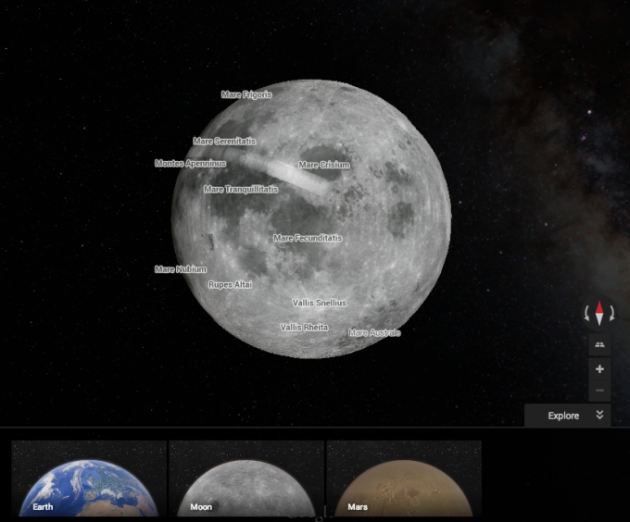
Just head over to Google Maps and you'll be able to rove both the Moon and Mars with brand new, 3D explorable maps. To find out how to get started, just hit the break.
Note: You'll have to be in the new version of Google Maps for this to work:
First, you'll want to get over to Google Maps, of course. Then, click on the “Google Earth” mode icon in the bottom left of the screen. Once it loads up in 3D, zoom out as far as possible by clicking the “minus” symbol on the bottom right. If options for “Moon” and “Mars” don't appear, click on the double-down arrows next to the “explore” button on the bottom right.
The “Moon” and “Mars” options should show up. Click on one, and explore away!
Source: +GoogleMaps

OK, but will it give me driving directions as well…?