




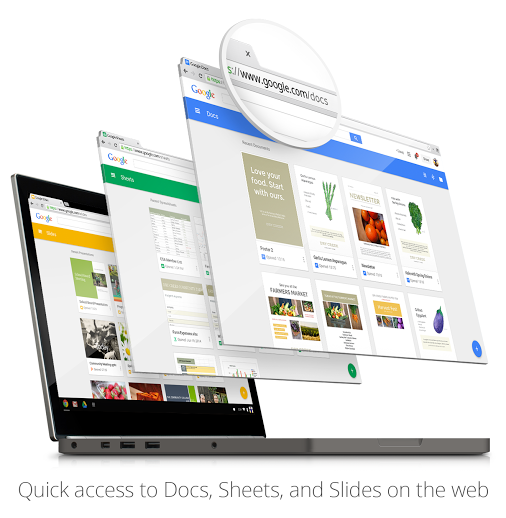
Google has updated Drive with brand new “home screens,” which feature an updated view to find your most relevant and recently edited documents, spreadsheets, and presentations.
The new look is clearly inspired by Material Design, which we expect to continue its rollout to other Google products in the coming months. There's also some nice drag and drop functionality that has been added, allowing users to quickly place documents into created folders. You'll be able to view your most recent activity on a right sidebar as well — this feature is especially useful if you're sharing the account with others.
To activate the new look, just head over to your Google Drive account. You may be prompted to be able to try out the new Google Drive, but if not, you can click the gear icon on the top right of the page, and click on “Experience the new Drive.”
If you want to revert back for whatever reason, you can click on the gear again and click on “Leave the new Drive.”
Source: +Google Drive
