



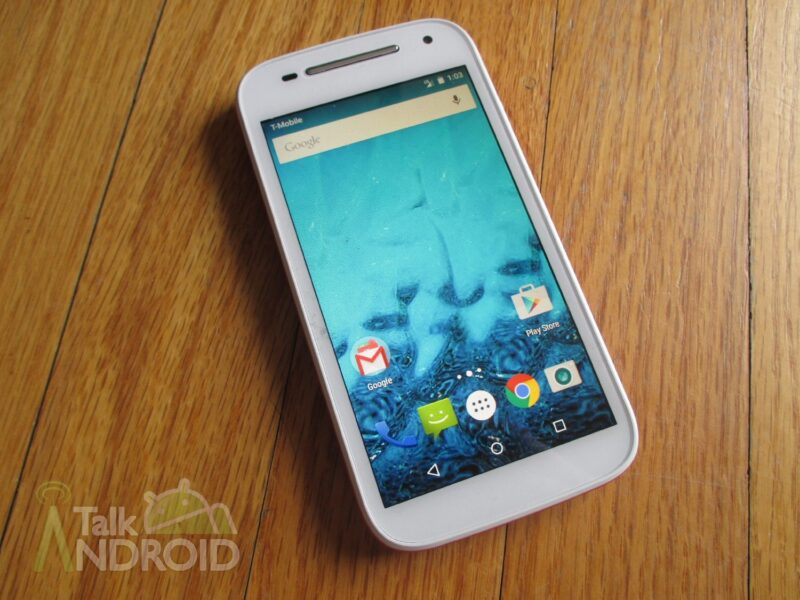
Motorola's Moto E (2nd Gen) recently got the update to Android 5.1.1 Lollipop, and now it looks like it's the first generation's turn.
This update is massive, bringing with it a whole slew of changes. Notifications now appear on the lockscreen and are ranked by type who who sent them, priority and privacy notifications can be set for each application, high priority notifications, such as Amber alerts or Emergency notifications, will briefly pop up over an app your currently using, and you can customize how notifications behave with new Downtime and Ambient Display settings. That's just a small preview of what this update brings. There's a whole lot more.
If you haven't received this update, your device should notify you shortly. However, you can manually grab the update by hitting Settings in the app tray, tap About Phone > System Updates, and then select, “Yes, I'm in.” The update will then begin to download, and after it's downloaded, you can just hit the install button, and you should have Android 5.1 Lollipop in minutes.
Now we're just waiting on the Moto X (1st Gen) to get the bump to Lollipop. Hopefully it won't be too much longer of wait.
Have you gotten the update for your Moto E yet? What do you think of the new changes? Let us know in the comments.
source: Motorola

My moto e 2nd generation updated and now you can’t hear anything from the ear piece.
As on 09 Jun I have not received OTA to upgrade moto e xt 1022 Ist gen to lollipop.
Someone I know with the 1st Gen moto E can’t get it because of Republic wireless
Really it sucks man … I mean the soak test has been completed and still didn’t get .
Haven’t gotten the update yet. If I go to settings > about phone it just says your phone is fully updated. Is this country specific?
United States – sorry.
Mine says its up to date as well and I’m in the US. ??
Updates like these can take up to a couple weeks for everyone to get it. They first push the update out to 1% of users, making sure the software isn’t going to break everyone’s devices.
Thanks for the info Brad. Would you recommend doing the online one w/computer?
Don’t quote me on this, but I’m pretty sure Motorola has moved to purely Over the Air updates. Also, I didn’t think of this–could you possible have the update already? In About Phone, does it say that its running Android 5.1?
Hi Brad,
I read on the Moto site that you can do it via PC by downloading the ….mmm pretty sure a driver thingy,(technical term) :) ,, I did but haven’t attempted it yet.
My “about phone” says it’s still running 4.4.4
Same here