





There are a zillion flashlight apps in Google Play, but I stumbled upon a really good one thanks to Ron Richards introducing it in the App Arena on TWIT TV's All About Android show. It's called Power Button Flashlight / Torch, and you're probably already wondering what makes this better than any other flashlight app? A light is a light right? This one is all about how simple it is to turn on.
Turning on your flashlight is always a chore. You have to find the app, which is usually in the app drawer, and then you have to turn it on. Google has improved things by adding a built-in flashlight in Lollipop, while other manufacturers have offered the same. Still, you have to turn on your device, swipe down the notification panel, and press the flashlight icon. There has to be an even easier way right?
With Power Button Flashlight, all you have to do is tap the power button 3 times, and bingo, the flashlight turns on. What could be simpler? If your display is already turned on, then you tap the power button 4 times. You can even customize how many times you need to press the button. Turning it off is as easy as going to the notification panel, but for a mere $0.99 cents, you will be able to turn it off with the power button. There's even a shake gesture option. You will also get the ability to modify how long before it automatically times out (default is 10 minutes).
I don't know about you, but using a flashlight is not something that I use every day, but when you want to use it, you don't want to fumble around looking for the app. This is simply the easiest and fastest way to fire it up. It's free, so what do you have to lose? Once you see how easy it is, you won't be able to drop that $0.99 cents fast enough to enable those extra features.
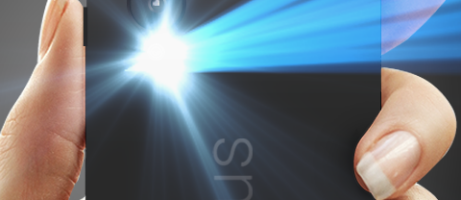
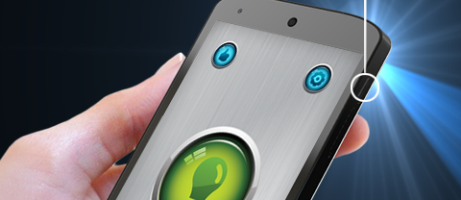
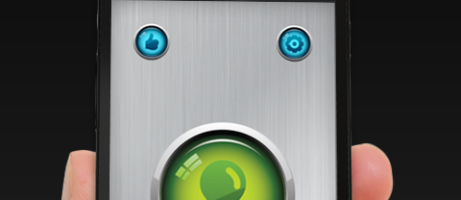
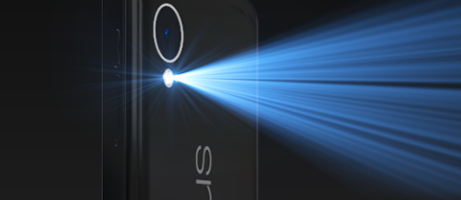


Play Store Download Link

Are you kidding me? All I have to do on my LG G3 is hold the back button for a few secs and the flashlight turns on. Hold it down again for a few secs and it shuts off. No tapping required.
I think it’s easier and better to just relocate the flashlight app icon to your home page, or a page that is one swipe away.
That’s what I did as I used the flashlight more and got tired of going through other pages of apps.
On my 808 Pureview I just long-press the lockbutton to turn the flashlight on/off, no matter if the phone is locked or not. That’s how easy it can be.
At my OnePlus One I just need to swipe a ‘V’ at the display of the sleeping phone in order to activate or deactivate the flash light.
The app does not function at all from the power button on the LG G3 turns on from within the app but not from pushing the power button. It looks like from the reviews on Google play the morons who wrote this have lots of work to do and it isn’t ready for prime time.
I mentioned that in the post, but I think Power Button Flashlight is quicker.
Wouldn’t you have to turn off the emergency feature on the s5 to use this app since it uses the same three button push to activate?
Works fine on the Note 4 and I didn’t turn anything off.
“V” gesture on Oneplus One. Simple. And no malware/privacy concerns on that flashlight.
I have an android phone and I never fumble around looking for any app.
use dumbphone, it will be the same thing