




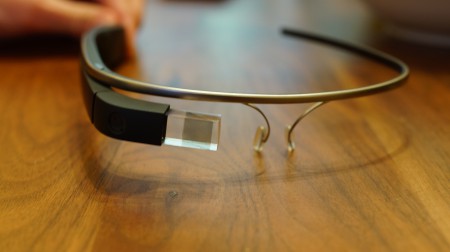
If you want to know all the details regarding Glass' XE11 update, Google has just posted everything on their support site.
Here are some of the highlights:
Personalized search results have been updated, so that you can program “Home” and “Work” to the exact addresses. Directions will now be much more convenient. You can also search your Google Calendar, and see everything that's coming up on your schedule.
There's also an updated “swipe to setup” screen. If your device is new, you'll see this right away but otherwise you'll have to do a factory reset if you're really that interested.
When you're connected to Glass, you'll also see a shortcut to Screencast in your notifications drawer on your phone.
Long press is also gone. To search, now you can just tap the touchpad three times while the display is off, or say “Ok Glass/Google” from the home screen.
Source: Google Support
