




ARM processors are the next big thing in laptops, if you've been keeping up with the market lately. Apple has made enormous waves with their M1 line of chips, and Qualcomm has been slowly trying to partner with more manufacturers to get the Snapdragon platform under the hood of more Windows laptops.
We've seen a few up until now, but the collaboration between Qualcomm and Lenovo with the ThinkPad X13s seems to be the most ambitious yet. AT&T were kind enough to loan us a unit to take for a spin to see if it's time to mix and match processors between your Android phones and your Windows laptops.
ThinkPad Design
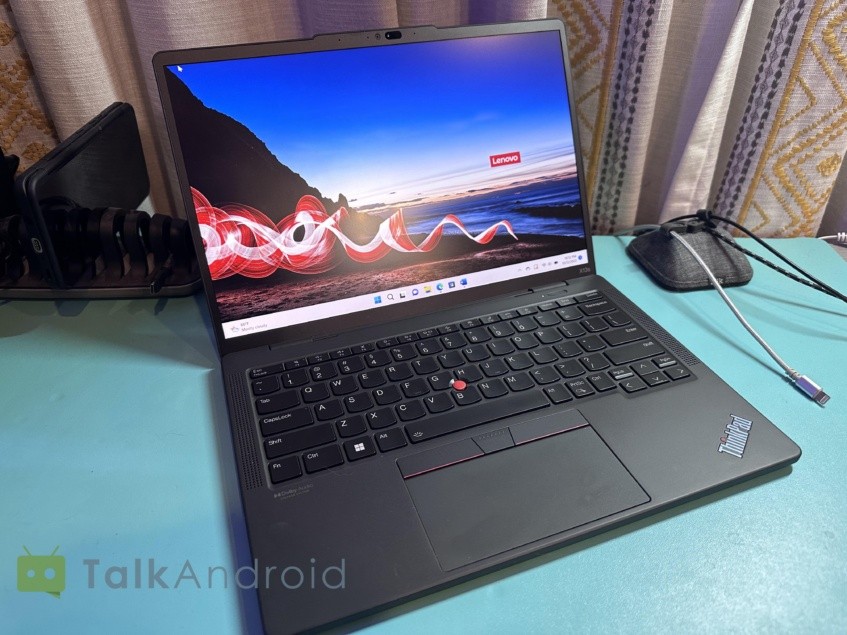
Have you ever used a Lenovo ThinkPad laptop? You're going to feel right at home here.
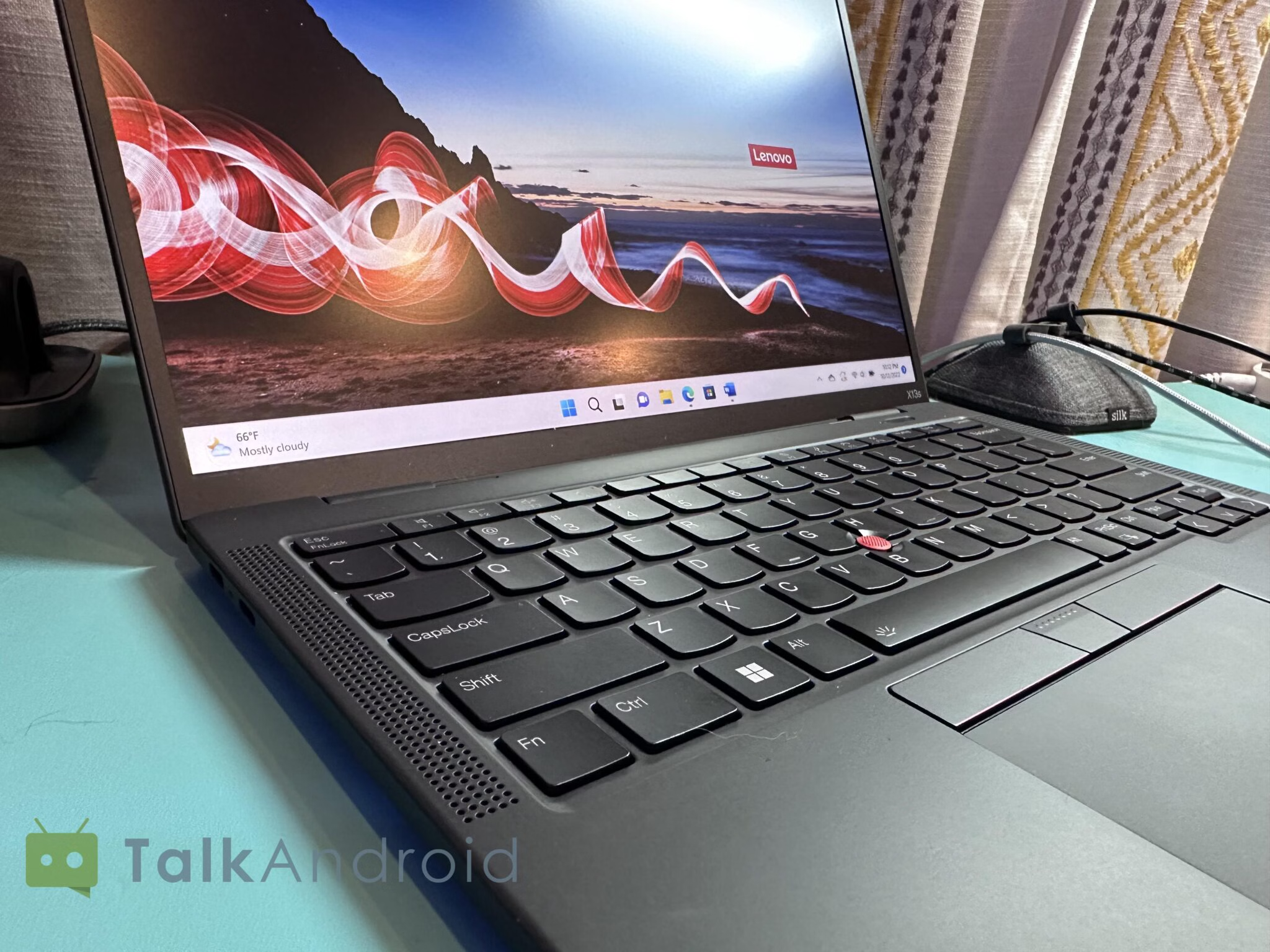
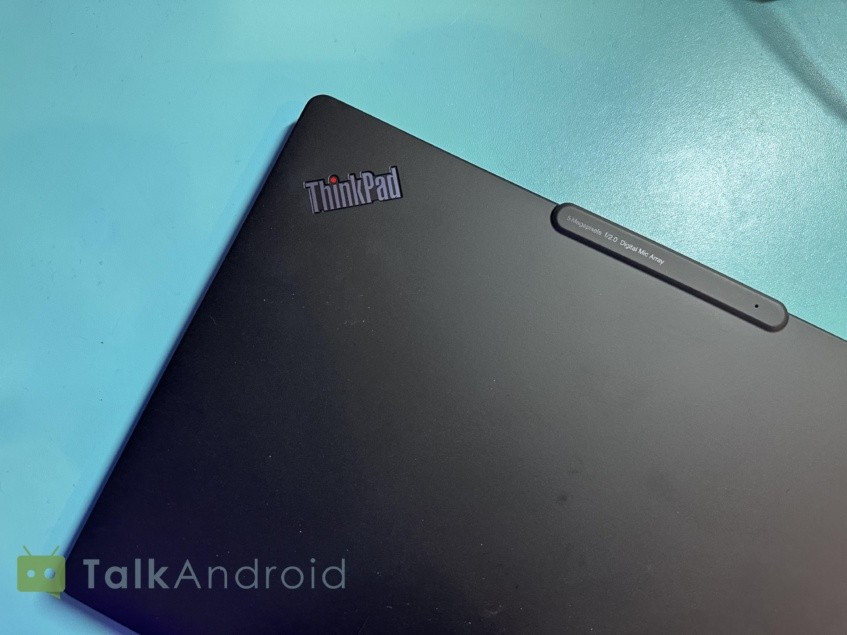
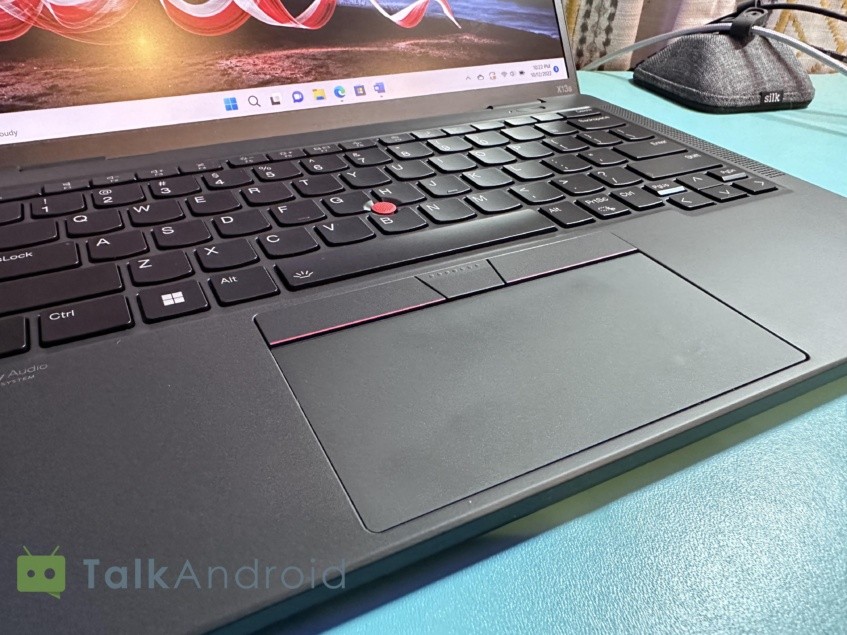
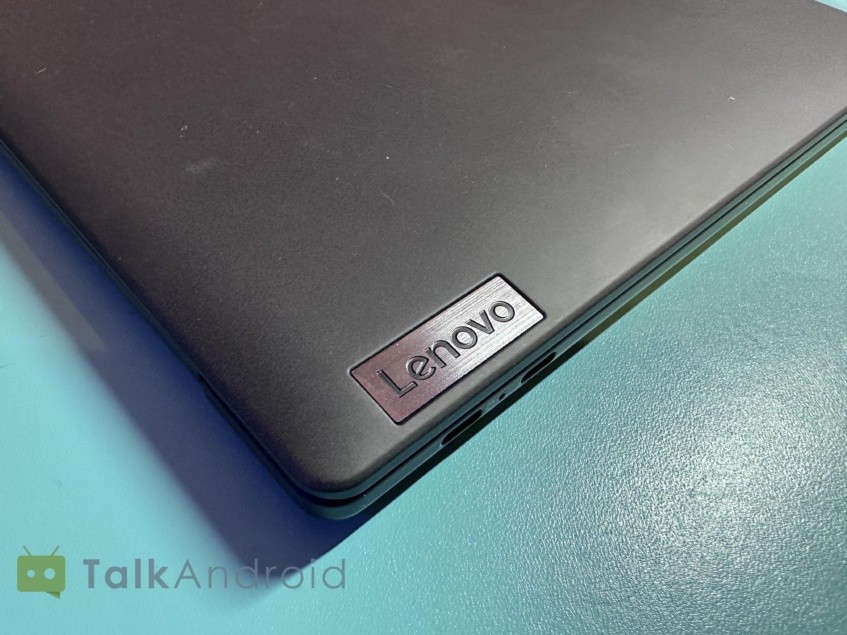
It is admittedly much less premium feeling than you'd expect out of a (sometimes discounted) $2000 laptop, with soft-touch magnesium shell and a keyboard that's slightly downgraded from its regular ThinkPad X13 cousin.
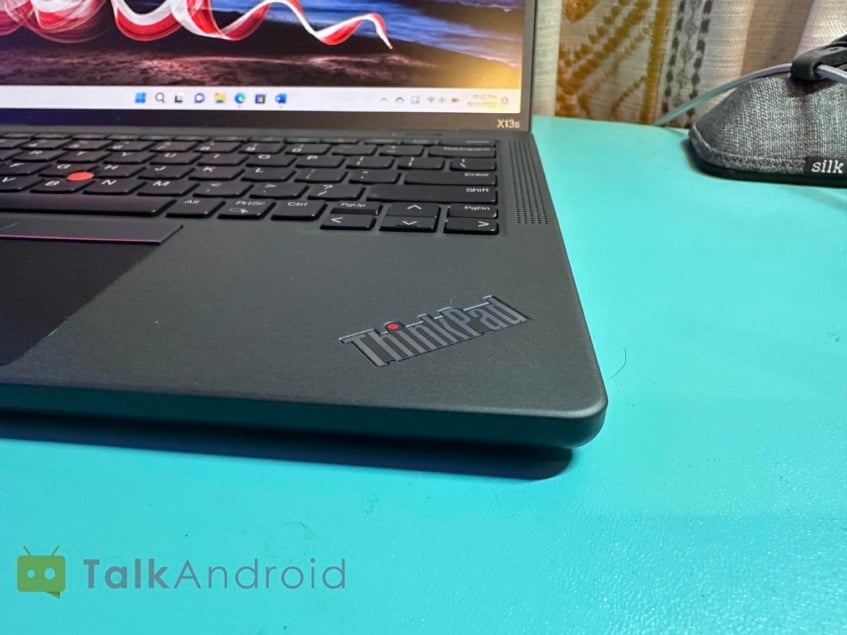
There are also relatively few ports here, with just an audio jack and two USB 3.2 Gen 2 ports; no Thunderbolt here. It does have signature ThinkPad design features like the precision nub in the center of the keyboard and a decently spaced laptop with three physical buttons for mouse clicks if touchpad taps aren't your thing. Some models can also be specced with a touchscreen, which we were able to test with our review unit, although the use cases for that are more limited since the laptop doesn't have a 360-degree hinge.
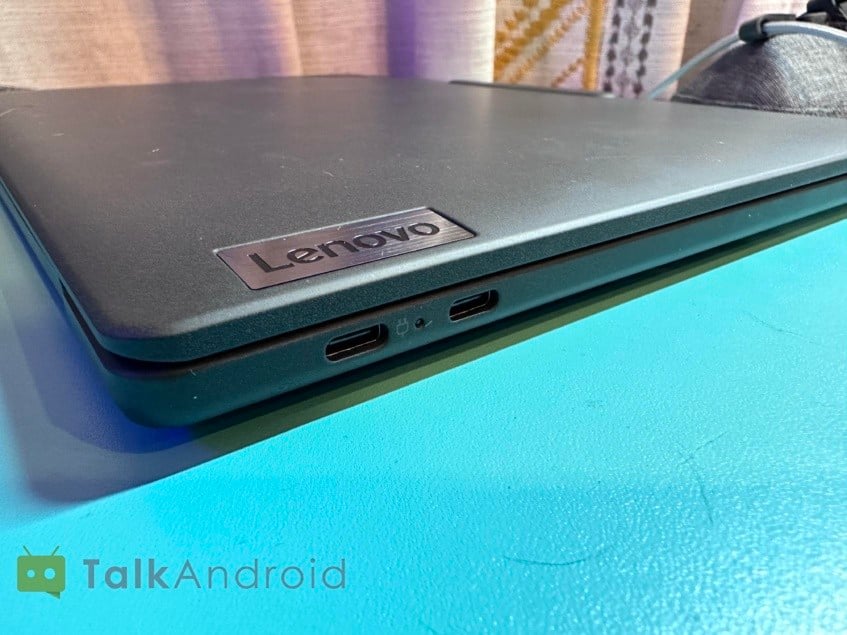
For a business laptop, it suffices, but the lightness and few compromises feel odd at this price tag. Most business laptops are a little thicker and more rigid, although the X13s does feel like it will handle travel and the occasional bump and knock fairly well.
Daily usage
All things considered, there's quite a bit to like about the ThinkPad X13s. Opinions of the design aside, the keyboard is decent and the trackpad works well. The keyboard could probably benefit from a little more travel, but it's fine; the touchpad feels pleasant to use, and Lenovo's patented precision nub helps offset any inaccuracies you might have.
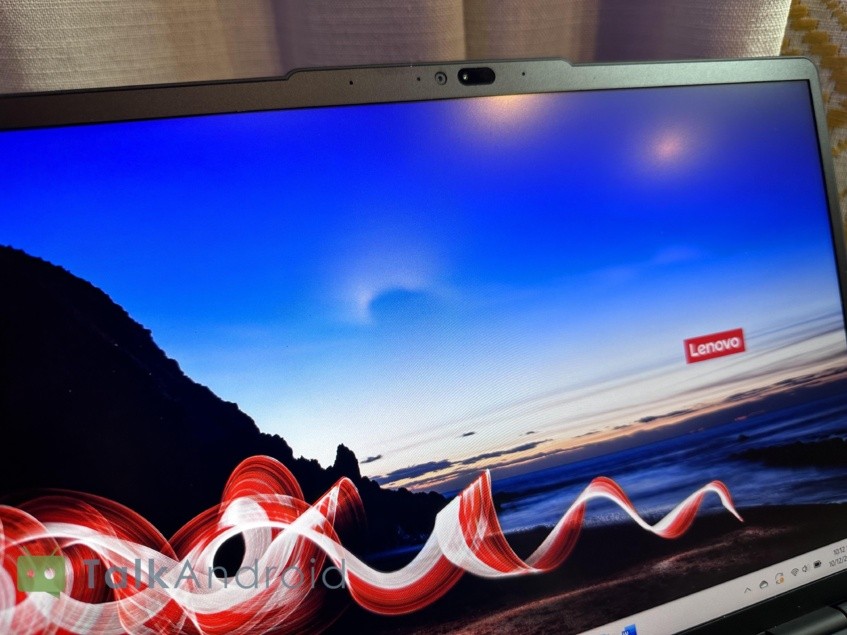
The screen itself is also bright and colorful, looking vivid in media playback and browsing the web. Speakers are loud and clear, and most importantly, the battery life just goes and goes and goes.
We won't talk too much about that Snapdragon 8cx Gen 3 chip just yet but it does manage to deliver an impressively long battery life. Lenovo claims you can pull 28 hours out of the laptop, which is probably true under certain circumstances. I wasn't able to get quite that much out of it, but 18 to 20 hours with regular usage feels very attainable for most people.
It does get warm, however. There are no fans in this laptop, so it's quiet all the time, but even that ARM chip has to move some heat somewhere. Unfortunately for you, that somewhere is usually the bottom of the laptop. It's not the hottest laptop I've ever used, but it's better suited for a table than your lap.
Snapdragon 8cx Gen 3 performance
So let's talk about the real selling point of this laptop. There's no traditional AMD or Intel processor under the hood, with Lenovo instead using a new Qualcomm chip for Windows on ARM. It's much more in line with the processor that's in your phone, which is how the laptop achieves such long battery life even without any fans in the chassis.
Performance is, generally, very good for most tasks. Microsoft Office, web browsing, Netflix? That's easy, with battery life to spare. CPU-intensive tasks tend to show more weaknesses, mostly in situations where the application isn't natively written for ARM processors. Encoding a video file in Handbrake, for example, is a lot slower than you'd expect from an equivalent Intel CPU or most other laptops in this price range. You'll also encounter some thermal throttling on these tasks that a while to complete, which just compounds the issue.
Anything that needs the GPU also gets really sticky. Windows on ARM does a decent job trying to act as an emulation layer between the strange CPU architecture and native x86 and x64 apps, but it doesn't always work. Performance can take a serious hit, and gaming is incredibly sparse. I tested a few games and managed to play BesiegeE surprisingly well, but Roller Coaster Tycoon 2E and Fall Guys crashed at launch, while Fallout New VegasE consistently crashed in a new game after the opening cinematic.
I don't imagine anyone's going to be buying this to play games at a serious level, but if you're doing graphics-intensive work over heavy word processing and office tasks, be aware.
One thing that does give this laptop the leg up over many competitors and other ThinkPad models is its optional 5G connectivity. You don't get in the base model, but we don't see very many cellular-capable laptops and even fewer 5G ones. You trade a little battery life off here, but being able to slap this on your cellular plan means you can get traditional work done outside of the home, without having to lug around a hotspot or kill your phone's battery keeping things connected.
Worth it?
There's some very cool stuff going on with the ThinkPad X13s. 5G connectivity, stellar battery life, an incredibly quiet design, and enough functionality to handle (almost) whatever you throw at it make for a very attractive package.
But at its expensive price tag, you're looking at a laptop that was designed for a specific kind of customer, not for everyone. If you always work from home, maybe that 5G connectivity isn't all that appealing, and you'd trade the 28-hour battery life for something with a more versatile design and more ports. If you're looking for something as an entertainment machine for streaming and casual gaming, you can win out in performance elsewhere.
But it's hard to find anything else right now that does everything the Thinkpad X13s can do, and that's where Lenovo's laptop shines. Plus, if you keep an eye out for discounts, you can snag one for a significant discount from the list price, keeping it much more competitive with similar laptops.
