


Since Google finally realised that dark modes are easier on eyes and batteries after turning all their apps pure white they've been slowly adding dark modes to their apps too – but which ones have received the feature so far?
Unfortunately, in keeping with their long fracturous traditions, Google's many mobile apps have a range of designs and colour schemes due to how well or poorly maintained they are, so in this rundown on their varying user interface states I'll be breaking down apps by the presence or lack of dark mode, as well as visual style.
Unified Dark Mode
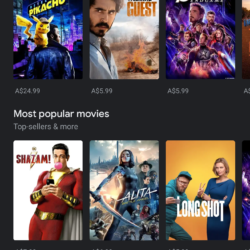
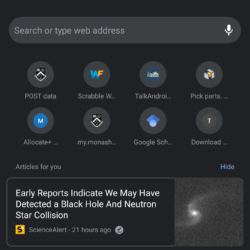
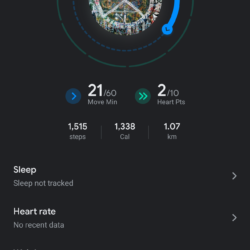
These apps not only have dark mode, but also feature Google's revamped Material Design 2.0 stylings and thus all fit together well visually, if a little blandly:
- Google Play Store
- ‘Google' – Download
- Gmail – Download
- Google Keep – Download
- Google Drive – Download
- Messages – Download
- Google Chrome – Download
- Google News – Download
- Phone – Download
- Google Pay – Download
- Google Play Games – Download
- Google Play Movies – Download
- Google Fit – Download
- Google Calendar – Download
- Contacts – Download
Disparate Dark Mode

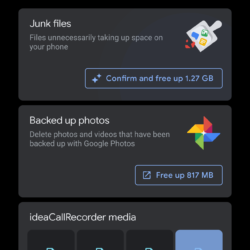

These apps do feature dark modes but each have their own dissimilar styles and do not necessarily resemble each other nor any other apps and thus contribute to Android's fractured app ecosystem:
- YouTube, uses unique shades of grey with Material Design 1.0 styling – Download
- YouTube Music, uses the unified dark grey colour but different design elements – Download
- Google Duo – uses elements of the unified theme but with some disparate Material Design 1.0 stylings – Download
- Google Tasks – uses elements of the unified theme but with multiple disparate Material Design 1.0 stylings – Download
- Google Photos, uses elements of the unified theme but with different shades of grey and some Material Design 1.0 stylings – Download
- Files ‘by Google', uses elements of the unified theme but with a pure-black primary window – Download
- Calculator, uses similar colours to the unified theme but with large coloured panels and a unique design – Download
- Google Authenticator, has a uniquely-shaded dark primary window but still with white settings- Download
Unified Light Only
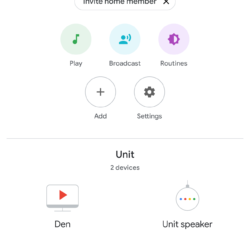
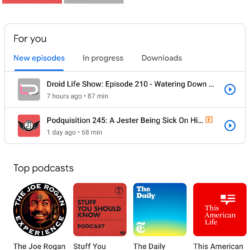
These apps do feature Google's revamped Material Design 2.0 stylings but lack any dark modes to speak of, unfortunately meaning blinding pure-white interfaces across the board:
- Google Home – Download
- Google My Business – Download
- YouTube Kids – Download
- Google Docs – Download
- Google Podcasts – Download
- Google Slides – Download
- Google Play Books – Download
- Google Maps Go – Download
- Google Opinion Rewards – Download
- Google One – Download
- Google Maps – Download
- Wallpapers – Download
Disparate Light Only
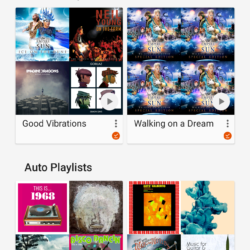
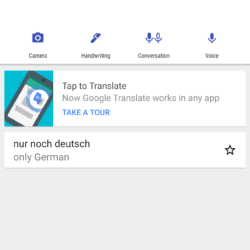
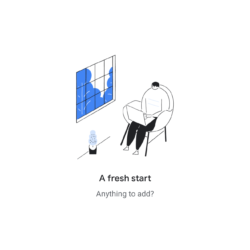
These apps not only do not feature dark modes, but also lack any modern consistent design stylings, the worst of both worlds:
- Google Translate- Download
- Hangouts- Download
- Google Play Music- Download
- Hangouts Meet- Download
- YouTube Studio – Download
Unique
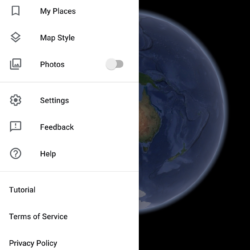
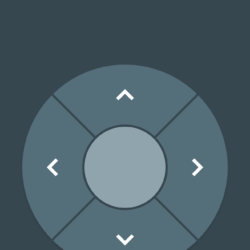
These apps have wildly unique, old, and dissonant interface designs and display Google's fracturous app landscape:
- Google Earth, it technically does not have a dark mode as UI panels are white, however most of the app is dark – Download
- Android TV Remote, the app UI hasn't been notably updated in years and still features Android Holo Design's blue-grey panels which are neither light nor dark – Download
So, overall, though Google has managed to update a decent number of their apps with dark modes, and also refreshed UI's, the majority of their apps still lack the feature, an unfortunate realisation of Google's incredibly fractured OS and app suite.

You should add the play store to Unified No Dark Mode