


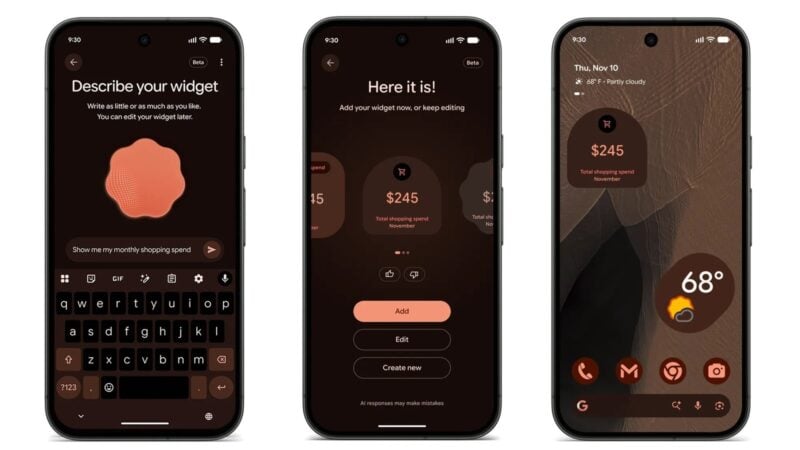
Google's Create My Widget is reaching Pixel phones. You type a description of the home screen widget you want, and Gemini builds it, with no coding needed. Early testing shows the feature works best for simple jobs like countdowns, sports scores and daily suggestions. More specific requests, like live transit data, often turn into a button that sends a question to Gemini.
Google detailed the rollout in its November 10 Gemini Intelligence update. It said Create My Widget would roll out over the following few weeks. The tool can use information from Gmail, Calendar and Search, so you could build a trip dashboard, a monthly spending tracker or a countdown to race day.
Google first showed the feature at I/O in May as part of Gemini Intelligence, its group of AI features for Android. At the time, the company called widgets its “first step in generative UI.” Its examples included a weekly meal-prep recipe dashboard and a weather widget for cyclists that shows only wind speed and rain.
How Create My Widget works
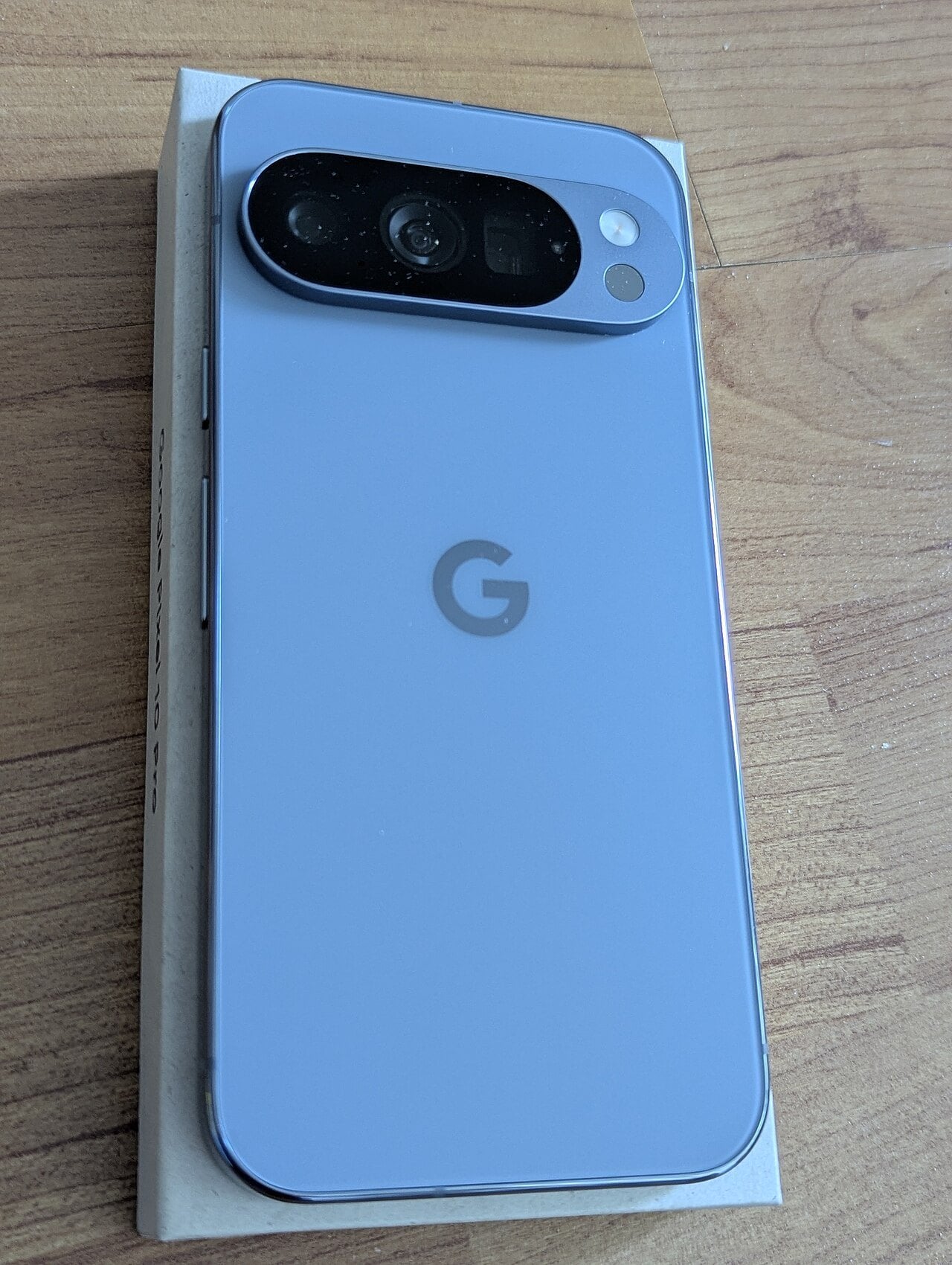
According to Google's Pixel support page, you start where you'd add any other widget. Long-press an empty spot on the home screen, tap Widgets, then tap Create. You can start from scratch or pick a ready-made template.
- Open prompt: Type what the widget should show, such as “Countdown to my vacation on July 15,” and add it to the home screen from the preview.
- Templates: Pick a preset category such as Important dates, Sports & fitness or Finance. You can change the prompt before adding it.
- Edits: Change a widget during setup, or long-press a finished widget later, tap Edit and type what you want changed.
- Permissions: Widgets that need device or app data ask for access first. To show personal data, you connect your Google Workspace account.
Google also asks users to double-check what the widgets show. Some features may need a subscription if you use them heavily.
Where it falls short
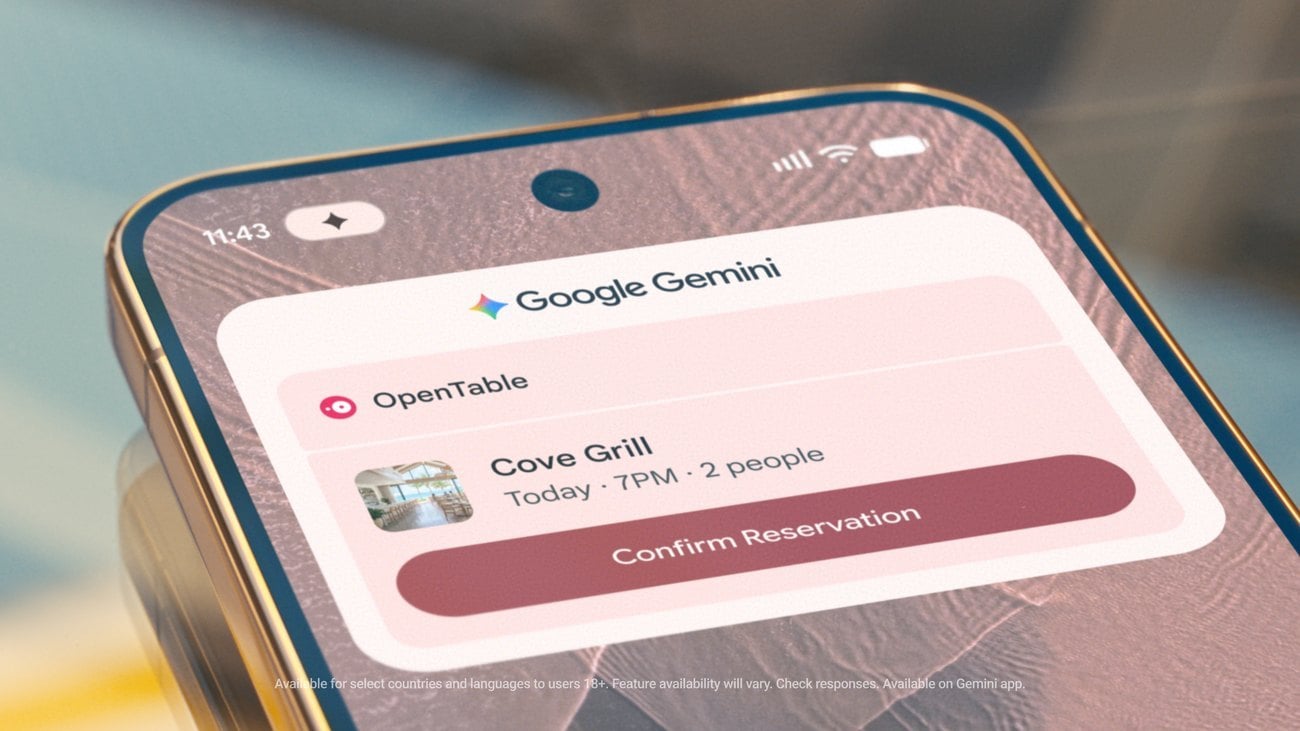
The Verge's Allison Johnson tried the feature on a Pixel 11 Pro. Her results show both what it can do and where it stops. A widget that shows a new Jurassic Park quote every hour took about 20 seconds to make. She also built one that shows a short message whenever it's raining.
The practical widgets did less than she hoped. She asked for a visual tracker for her daily walks and got a “Log Walk” button. Tapping it asks Gemini to add a walk to her calendar. She also asked for a widget showing real-time arrivals at her bus stop. The result was a “Bus Arrivals” tile that sends the question to Gemini, which answered with schedule-based estimates instead of live times.
Her overall finding is that many of the widgets are really prompt shortcuts. Tapping one opens Gemini, which then works out the answer. The widgets also seem to follow a set of fixed templates, such as countdowns, team scores, and daily ideas pulled from Google Search. “I was hoping for mini apps I could customize to my liking, but this is more of a one-size-fits-all feature,” Johnson wrote.
For Android users, that's a useful reality check. Google's I/O pitch described “functional, intelligent tools” built from plain language. At launch, the feature is better for simple, glanceable information than for building something like a small personal app.
Which phones get it
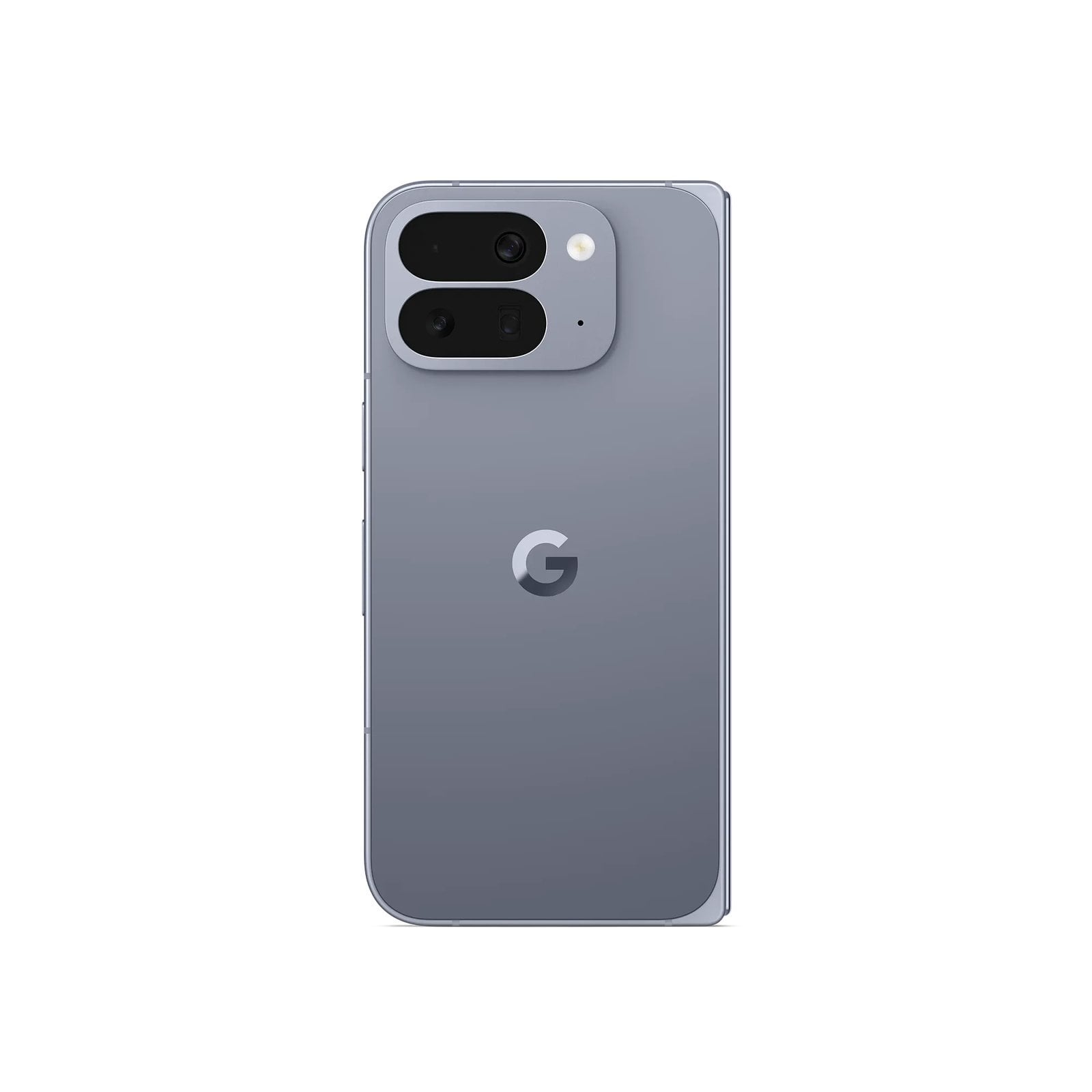
As of November 27, 2026, Google's support page says Create My Widget works on the Pixel 10 and newer phones, except the Pixel 10a. It requires English and users aged 18 or older, and it's available in the US, Canada, the UK, Australia and India. Gemini Connected Apps, which lets widgets pull in data from your Google apps, isn't available in the UK.
The Pixel 10 series got Gemini Intelligence in the November Pixel Drop. The feature launched this summer on the Pixel 11 and Samsung's Galaxy S26 series, Galaxy Z Fold8 Ultra, Z Fold8 and Z Flip8. Google says availability varies by device and hasn't said when Create My Widget will reach non-Pixel phones. That includes Motorola's motorola signature 27, its first Gemini Intelligence phone, which went up for preorder in the US on November 19.
What's next
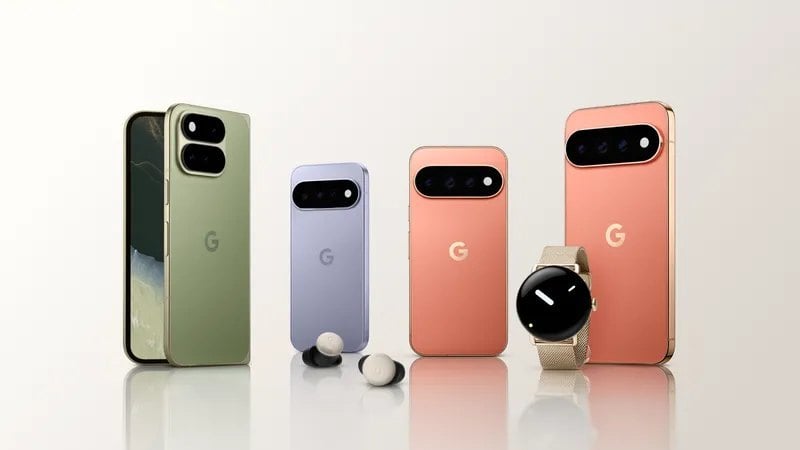
Google says Create My Widget is coming to Pixel Watch in the next few weeks, so you'll be able to design widgets for your wrist. At I/O, the company said Gemini Intelligence would eventually reach other Android devices, including watches, cars, glasses and laptops. Google has also said it plans to bring proactive Gemini Intelligence suggestions to Android Auto for Pixel owners.
For now, the main question is whether Google lets these widgets do more than send a prompt to Gemini, especially for live data like transit arrivals.