
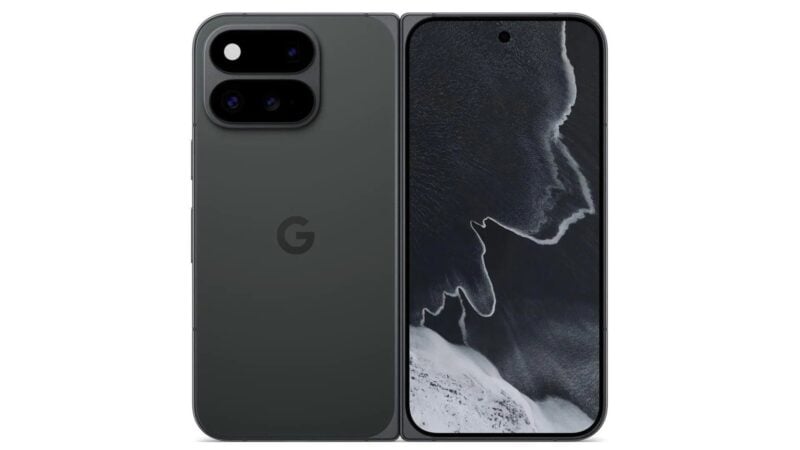
Google is rolling out an on-screen game controller for its foldable phones. It's called Pixel virtual gamepad, and the feature appears to be the foldable gaming mode Google promised with Android 17 in June. It turns the bottom half of an open Pixel Fold into a controller for supported Android games.
The only official word so far is one line in Google's Google System Services release notes for Google Play Store version 54.1, dated November 16, 2026. The entry reads: “You can now use an on-screen game controller in supported Android games with Pixel virtual gamepad when your Pixel Fold is open.”
This is the first time Google has used the name “Pixel virtual gamepad.” There's no blog post, screenshot or support page for it yet. As of November 17, Google also hasn't said which games work with it or which Pixel Fold models will get it.
What Google promised with Android 17
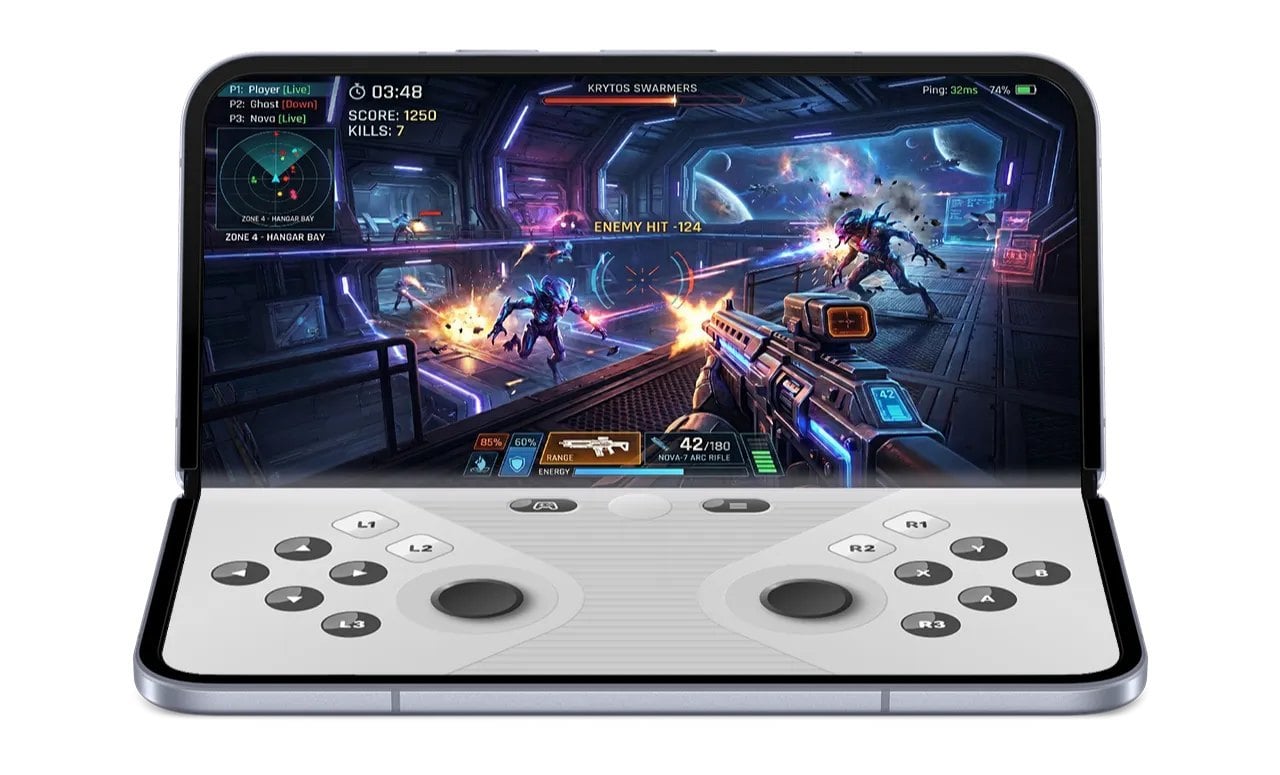
Google first showed foldable gaming mode on June 16, when Android 17 started rolling out to Pixel phones. In its Android 17 features post, the company described an optimized 50/50 layout for foldables. The game runs on the top half of the inner display, and a “dynamic gamepad” fills the bottom half.
The feature didn't come with that update, though. Google said foldable gaming mode “is enabled in Android 17 and will be available in the coming months.” Five months later, the Play Store notes are the first sign that it's reaching phones.
Android Community Engagement Manager Mishaal Rahman gave more detail in a Reddit post later in June. He explained that the virtual gamepad mimics hardware button presses at the system level instead of copying ordinary screen taps. In theory, that means games that already support physical controllers should recognize it. Rahman listed the standard controller inputs: a D-pad, two thumbsticks, A, B, X and Y buttons, L1, L2, L3, R1, R2 and R3 triggers and buttons, and Start. He also said the layout can be customized and that the gamepad offers a dark mode and a haptic feedback toggle.
Rahman explained the reason for the feature this way: “While touch controls work incredibly well for many titles, certain games are better enjoyed with physical gamepads.” For now, the split is fixed at 50/50 and can't be adjusted.
Android 17 also added native controller remapping for external controllers. Google says the update makes memory cleanup more efficient, which should mean fewer frame drops and stutters in demanding games.
Which Pixel foldables get it
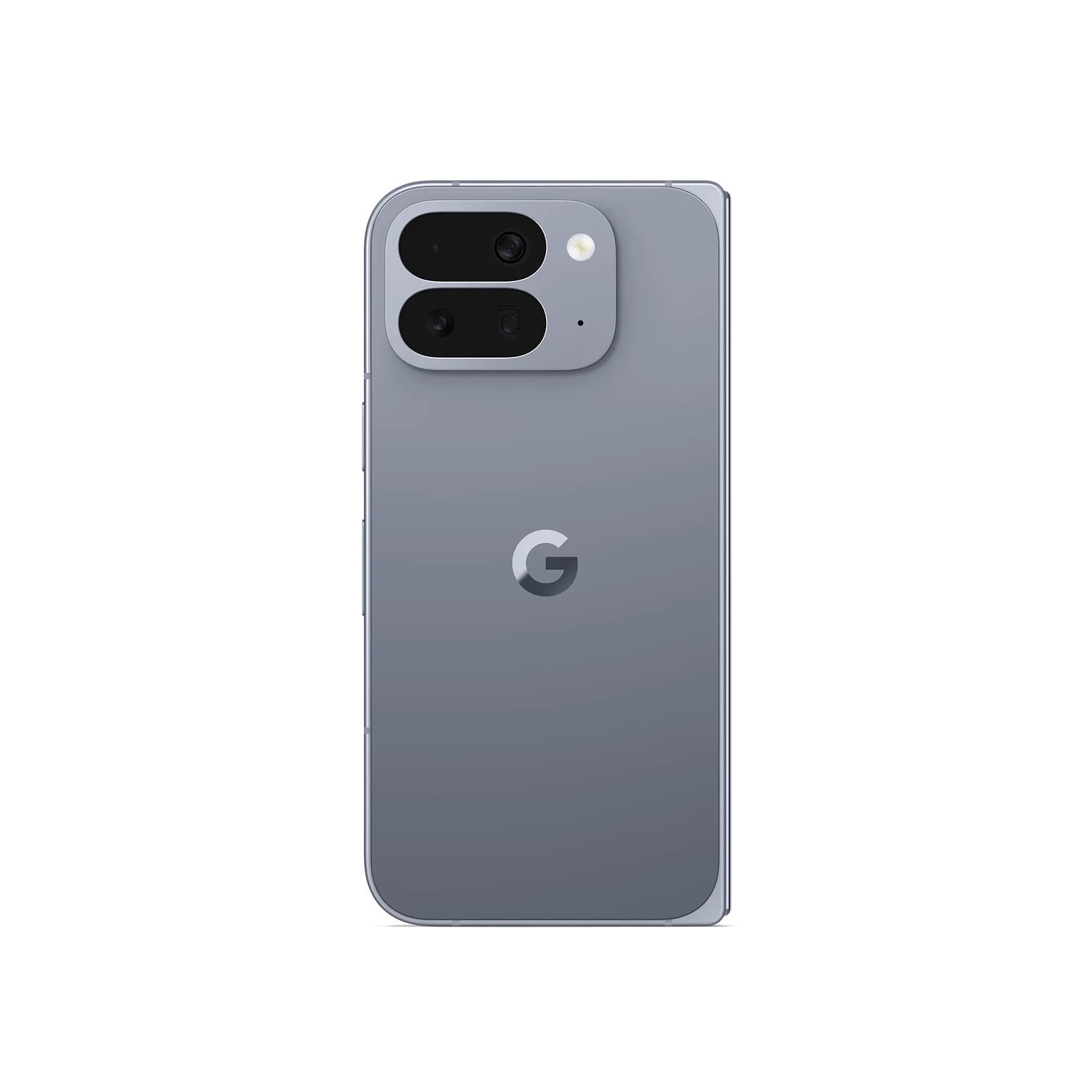
The release note only says “Pixel Fold.” Google has used that as a general name for its book-style foldables, but it doesn't confirm which models are included. Google's current foldable is the Pixel 11 Pro Fold, announced on August 12, 2026. Before it came the Pixel 10 Pro Fold, the Pixel 9 Pro Fold and the original Pixel Fold.
The “Pixel” in the name is worth noting. In June, Google described foldable gaming mode as part of the Android 17 platform, not something tied to Pixel phones. The new name suggests Pixels get it first. Google hasn't said whether Samsung, Motorola, Honor or other foldable makers will ship their own versions.
This isn't Google's first controller feature for its foldables. When it launched the Pixel 10 Pro Fold, Google advertised game controller support on the phone's outer display in titles like Asphalt Legends and Disney Speedstorm. The new virtual gamepad works on the large inner screen when the phone is open, with the controls kept off the game itself.
How to get it and what's still unclear
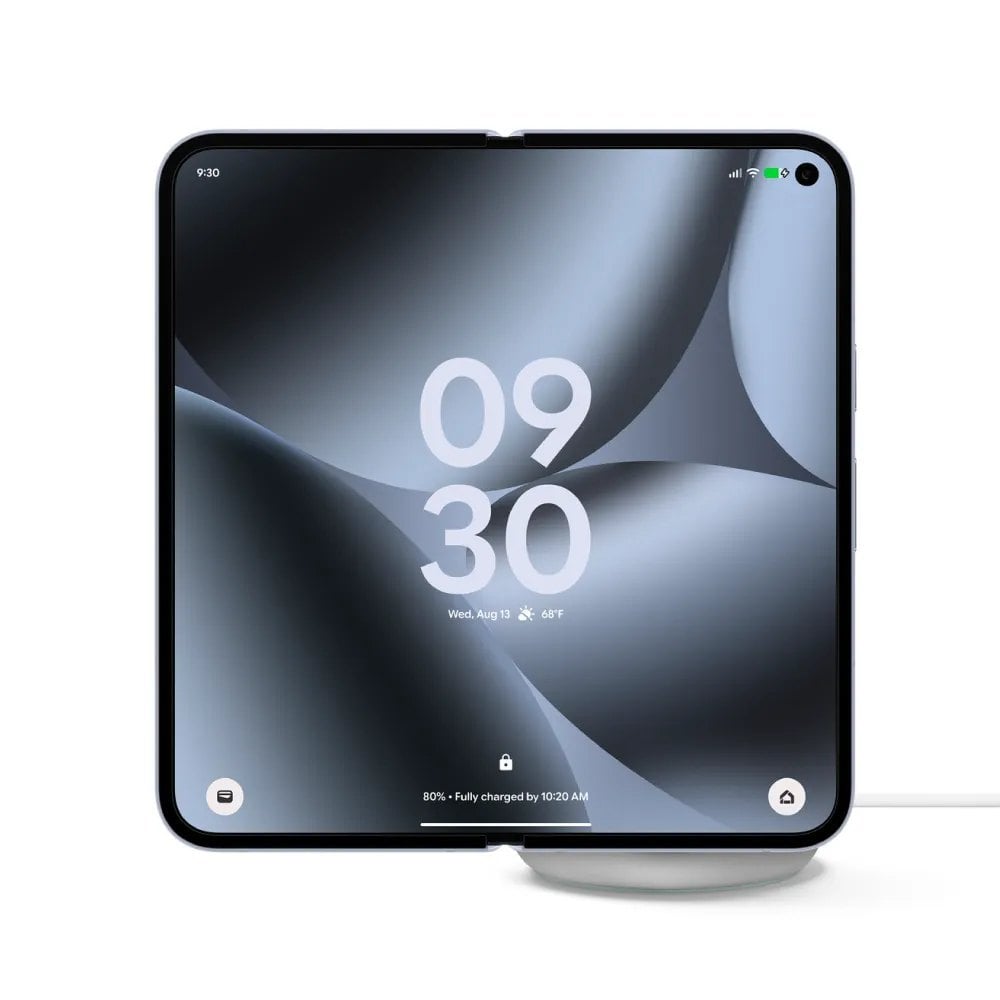
Pixel virtual gamepad comes through a Google Play Store update, not a full system update. You won't need to wait for a monthly Pixel patch or a Pixel Drop. Play Store updates install automatically in the background, so the feature should show up once version 54.1 reaches your phone.
Like most Google system app updates, this one is rolling out gradually. Google's release notes also warn that some listed features may be experimental and limited to certain users. If you don't see the gamepad right away, that's normal.
The note says the controller works only in “supported Android games.” Google hasn't published a list of those games. It also hasn't said whether developers need to add anything beyond standard controller support. Based on Rahman's explanation, games that already work with Bluetooth or USB controllers should be the best bets.
Play Store version 54.1 has two other changes for phones. App details pages now show a larger, immersive preview of watch faces. When a search returns no results, Google Play now suggests related apps. A Google Play services update, version 26.45, arrived the same day. It brings storage management tools that let you swipe to keep or delete large files.
Next, look for Google to publish a support page or list of compatible games, and to say which Pixel Fold models are covered. Other foldable makers may also announce their own versions of the feature. Until then, the safest way to try it is to keep the Play Store updated and open a game that already supports controllers.