

Google is now rolling out its Android Family Hub to Pixel phones widely. The feature adds a new Family section to the Settings app. From there, anyone in a Google family group can see their members, shared subscriptions, payment methods and location sharing in one place, without going through the Google Account pages on the web.
Google first listed the feature in its Google System Services release notes under Google Play services v26.43, dated November 2, 2026. The note says phone users “can now access the Android Family Hub, a dedicated space for family management tools in Android Settings.”
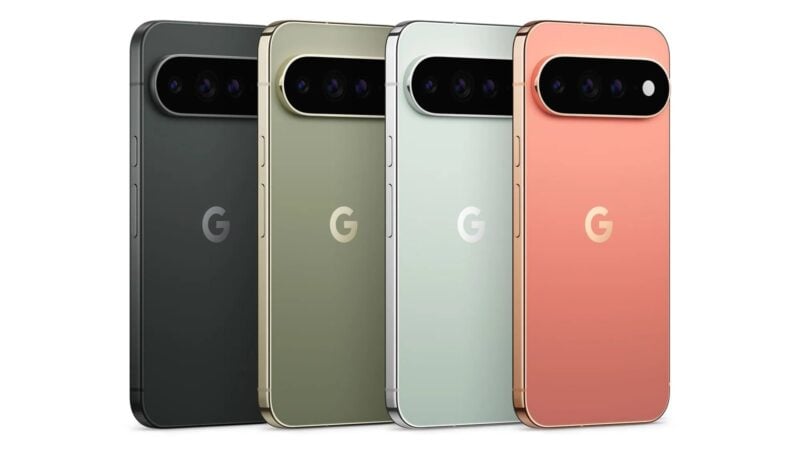
Because the feature comes through Google Play services and not a full Android release, it doesn't depend on a system update. It's appearing on Pixel 11 Pro XL units still on the October 2026 update, and also on the Pixel 10 Pro. Some owners are seeing the section before they install Android 17 QPR2, the latest Pixel system update.
What's in the new Family section
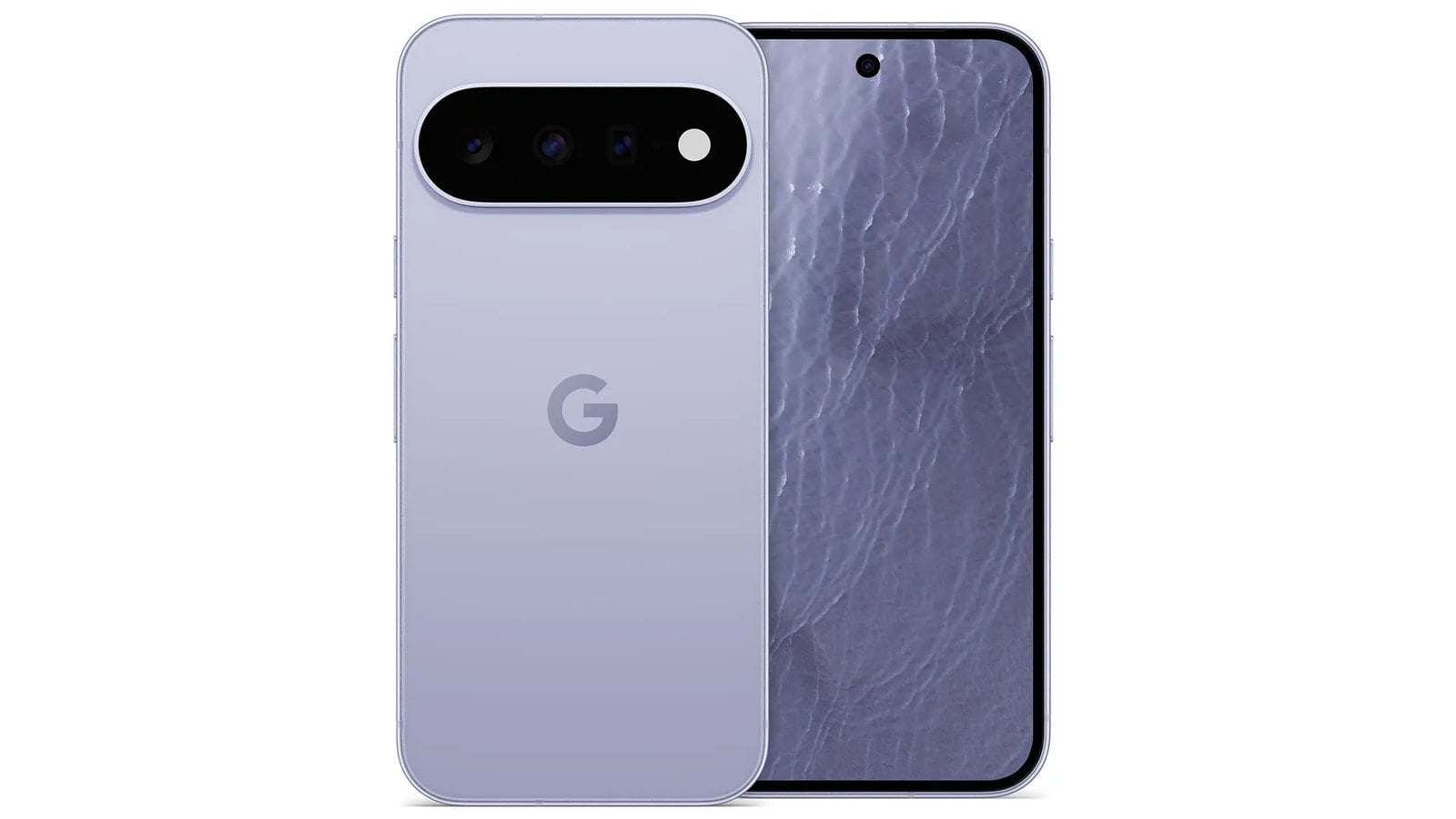
On Pixel phones, the Family entry appears directly under your Google account at the top of Settings, above the network options. It brings together tools Google has offered for years on the web through Google Account settings, but which were hard to find on a phone.
Opening it shows everyone in your family group, including child accounts and anyone sharing your Google One plan. The page also offers controls and shortcuts for:
- Google One storage: your plan and how much of the shared storage the family is using, plus a link to other plan benefits
- Google Play Family Library: apps, games and other purchases shared with the household
- Shared payment methods: the family card that members can use
- Family events in Google Calendar: the shared family calendar
- Other shared services, such as a YouTube Premium family plan
- Location sharing: the live location of family members who share it with you, or a request to start sharing with someone who doesn't yet
- Membership management: add people to the family group or remove them
Each member also gets their own page. It shows the benefits shared with that person, their location if they share it, and whether they're a parent in the group. The page also has options to remove them or transfer their account.
iPhone owners will recognize the layout. Apple's iOS Settings app has long had a Family section just below the Apple Account banner, giving Family Sharing organizers one place to manage members and shared purchases. Android hasn't had anything like it built into Settings until now.
Who gets it and how to check
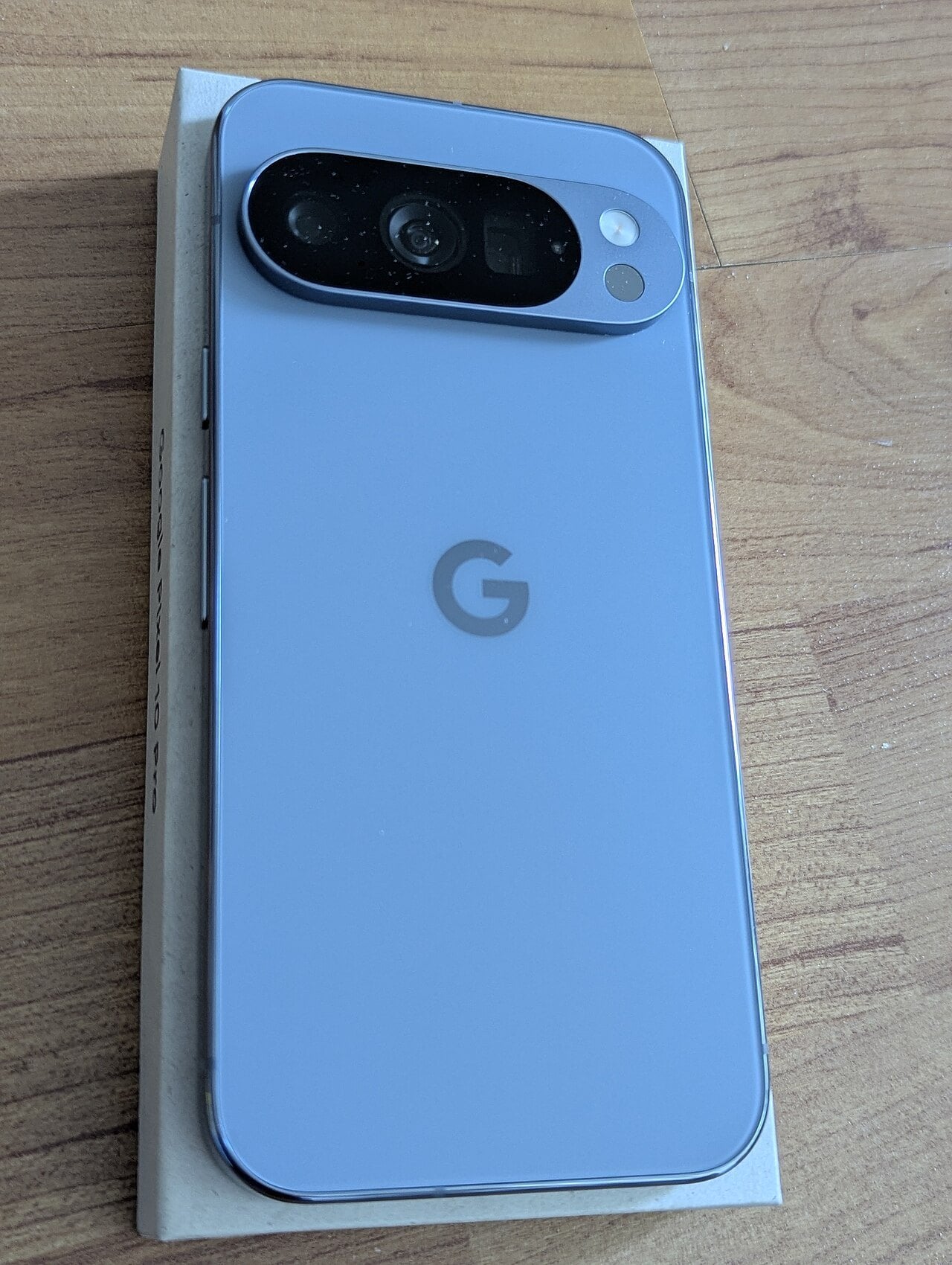
As of November 14, 2026, the Family section is live on several Pixel models, including the Pixel 11 series and the Pixel 10 Pro. The rollout appears to be server-side, so it can show up without any action from you. If you don't have it yet, updating Google Play services may help, since the feature arrived with the v26.43 release. You can check for that update under Settings > Security & privacy > System & updates > Google Play system update.
The section will matter most to whoever manages a family plan: the person paying for Google One, setting up a child's account or sharing Play purchases. If you aren't part of a family group, the page has little to offer beyond a prompt to create one.
The feature showed up in testing on Pixel 11 phones in late October, before Google confirmed it in the November 2 release notes. Its arrival lines up with this month's Pixel Drop, which began rolling out on November 10 alongside Android 17 QPR2. Family Hub is a separate update, though, delivered through Play services.
Google's release note labels the feature for phones generally and doesn't limit it to Pixel. So far it has only been seen on Pixel devices, and Google hasn't said when or whether Samsung, OnePlus and other Android phone makers will put it in their own Settings apps. Google also says some features in its system services updates may be experimental and available only to some users. That means the rollout could take a few more weeks to reach every Pixel.