


Knowing your seed is only half the information. The other half is knowing what the seed actually generated. That’s what a seed map gives you.
Learning how to check a minecraft seed map takes about two minutes — and it’s one of the most useful habits any Minecraft player can develop, whether you’re playing for fun or in a classroom setting.
How to Find Your Seed in Any Version
Before checking the map, you need the seed number. Here’s how to get it:
- In Java: open chat, type /seed — the number appears immediately
- In Bedrock: go to Settings → Game → seed is listed in world options
- In Education Edition: same as Bedrock — check world settings
- On a server: ask an operator to run /seed, or check server files
Once you have the number, paste it into the map viewer. The tool renders the full world layout in seconds.
The Minecraft notes that seeds can also be entered as text strings — the game converts them to numbers internally. The map viewer handles both formats.
Minecraft Education Edition Seeds: A Unique Use Case
Minecraft Education Edition seeds are often chosen for different reasons than regular survival worlds. Instead of looking for rare structures or fast progression, teachers usually want a world that supports a specific lesson. A carefully selected seed helps create a consistent environment where every student starts under the same conditions and can focus on the activity instead of random world generation.
A map viewer helps educators check seeds before assigning them. They can verify:
- Whether the terrain is appropriate for the lesson
- Whether there are distracting structures near the build area
- Whether resource distribution matches the activity’s goals
- Whether the spawn is suitable for all students to start together
Seeds for minecraft education edition get shared across teaching communities frequently. A map viewer confirms they work as described before class starts.
It is a good idea to check the seed map before the lesson begins. A quick look at the map helps the teacher see if the starting point is suitable for students. The teacher can also check for nearby villages, caves, or other interesting places that may interrupt the lesson. Beginning in the same world with the same materials helps create a more equal learning experience. The teacher can also prepare activities without worrying about unfair differences.
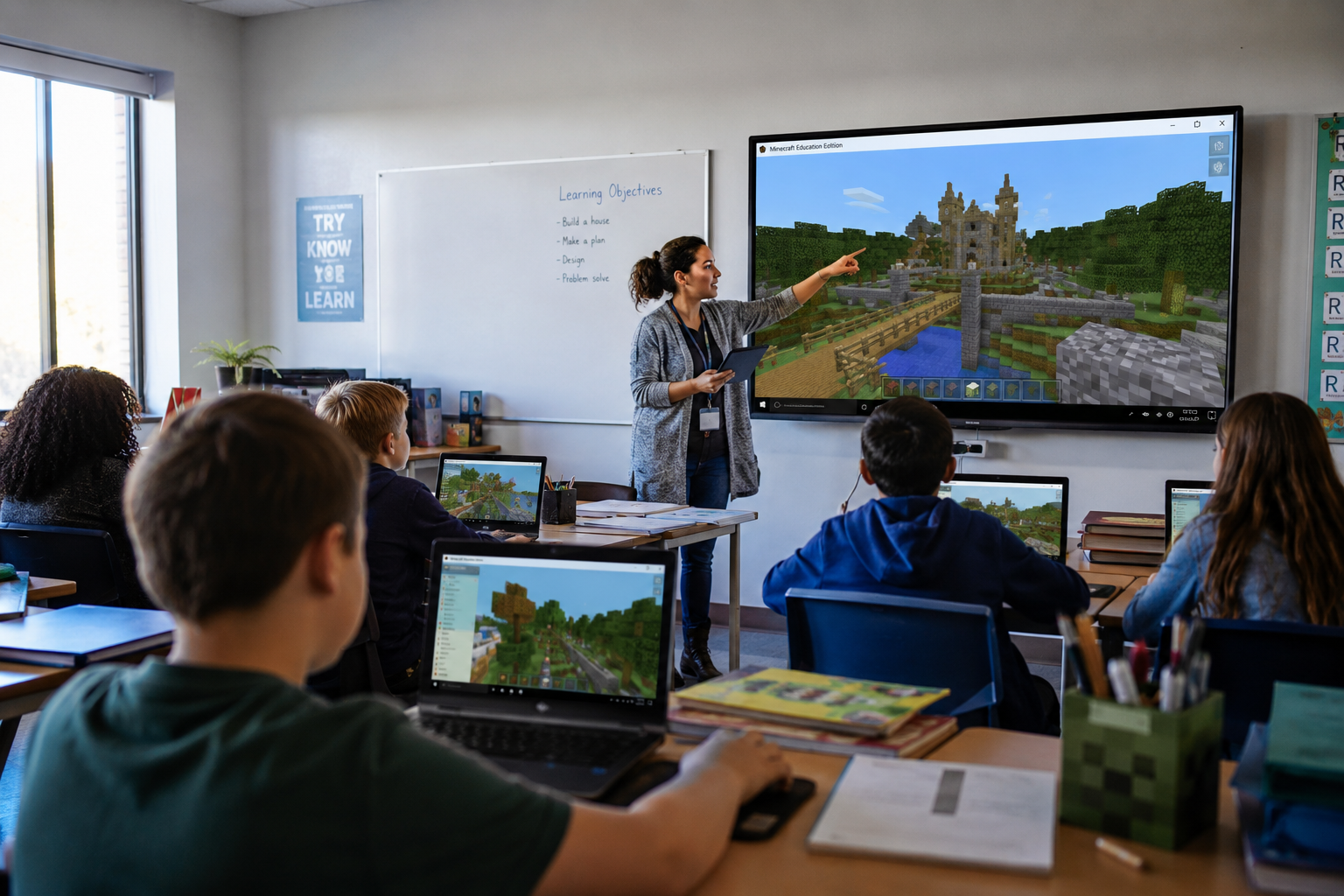
Good Minecraft Education Edition Seeds for Different Subjects
Good minecraft education edition seeds depend on the subject being taught.
Geography lessons benefit from seeds with dramatic biome contrasts near spawn. Math lessons work well on flat terrain where students build to scale. History recreations need large flat areas for structures.
As education researcher and game-based learning advocate Kurt Squire has noted: “Minecraft gives students agency over their environment in ways that traditional classroom tools rarely can.” The right seed shapes that agency from the start.
Checking good minecraft education edition seeds with a map tool before class means no surprises once thirty students load in at once.
It also gives teachers more confidence when planning classroom activities. Instead of adjusting the lesson after students join the world, they can prepare tasks around the terrain, nearby resources, and available space. Even a quick look at the map can make the session feel more organized and help students get started without unnecessary delays.
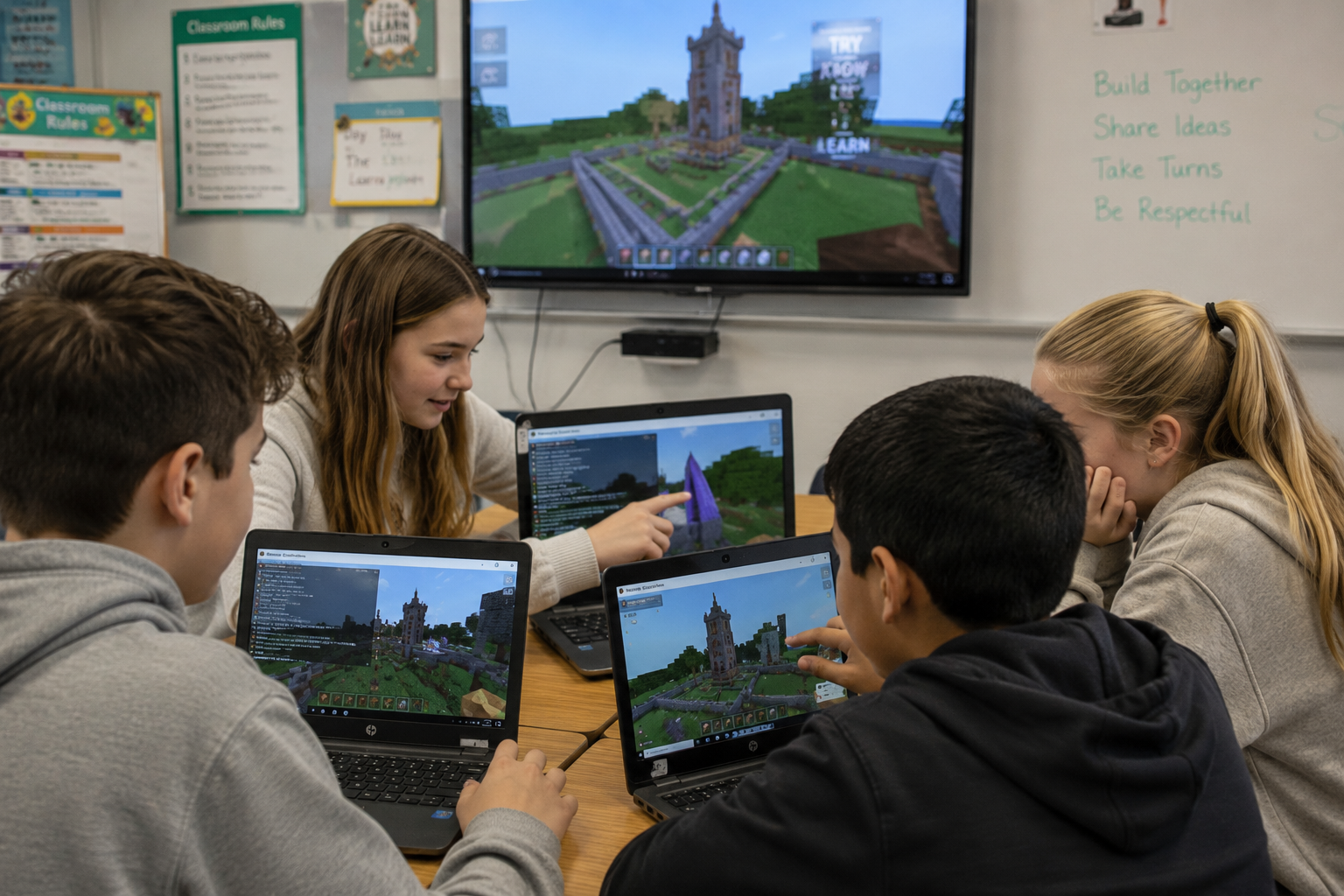
Education Servers Need Stable Performance
Education Edition servers often run with 20–30 students simultaneously. That’s a lot of active players loading chunks, building, and exploring at the same time.
A well-chosen seed sets up the activity. Stable hosting makes sure it runs smoothly once the classroom starts. Lag during a structured lesson disrupts the whole experience.
Check your seed with the map. Then make sure the server can handle a full classroom without dropping performance.