


AI has quietly transformed how people search for faces and images online. What once required law enforcement resources or expensive software is now accessible to anyone with an internet connection. Whether you want to verify someone's identity, check if your photo is being used without permission, or find where a face appears across the web, the right tool can get you results in seconds.
The best AI face search tools today go far beyond simple pixel matching. They analyze facial structure, handle edited or low-quality images, and cross-reference millions of online sources in one go. Accuracy has improved dramatically, and the tools have become more privacy-conscious as well.
Here are the best AI face search tools worth using in 2026.
1. Lenso.ai
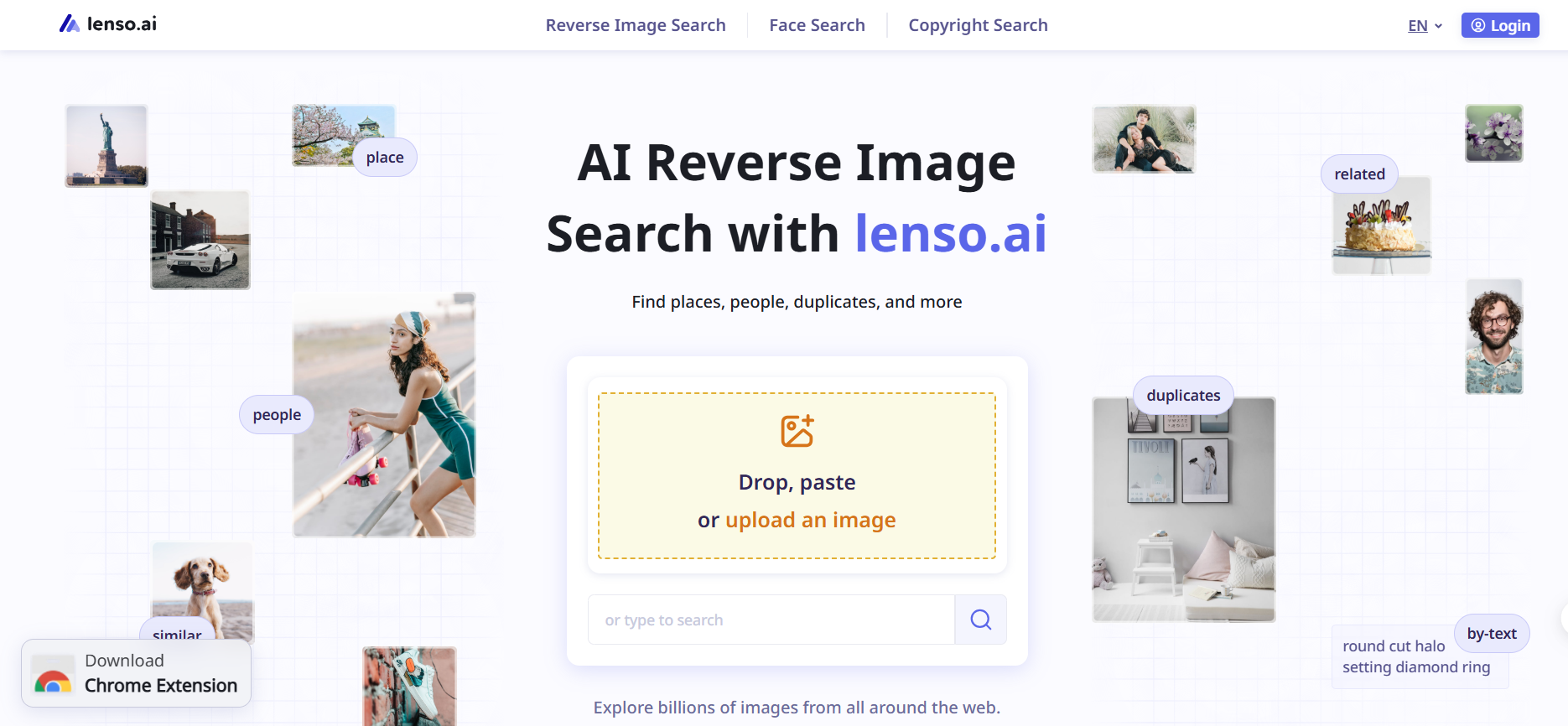
Lenso.ai earns its spot at the top of this list before you even get to its other features. As a reverse image search tool, it goes further than most upload a photo and it will find that image or that face even if someone has cropped it, resized it, run a filter over it, or made partial edits before reposting it anywhere online. That is the part most tools simply cannot do, and for anyone tracking a photo that has been altered to avoid detection, it changes everything.
After uploading an image, you get results sorted into clear categories: people, places, duplicates, related, and similar. This breakdown saves time because you are not scrolling through a pile of loosely matched results trying to figure out what is relevant. The platform does that filtering for you.
Pros:
Highly accurate facial recognition
Detects images even when altered or resized
Clean interface, works on any device
Results organized into useful categories
Growing database with strong precision
Cons:
Database smaller than Google Images
Full feature set requires a paid plan
Lenso.ai is ideal for anyone who needs precise, detailed reverse image searches with strong face detection.
2. Eyematch.ai
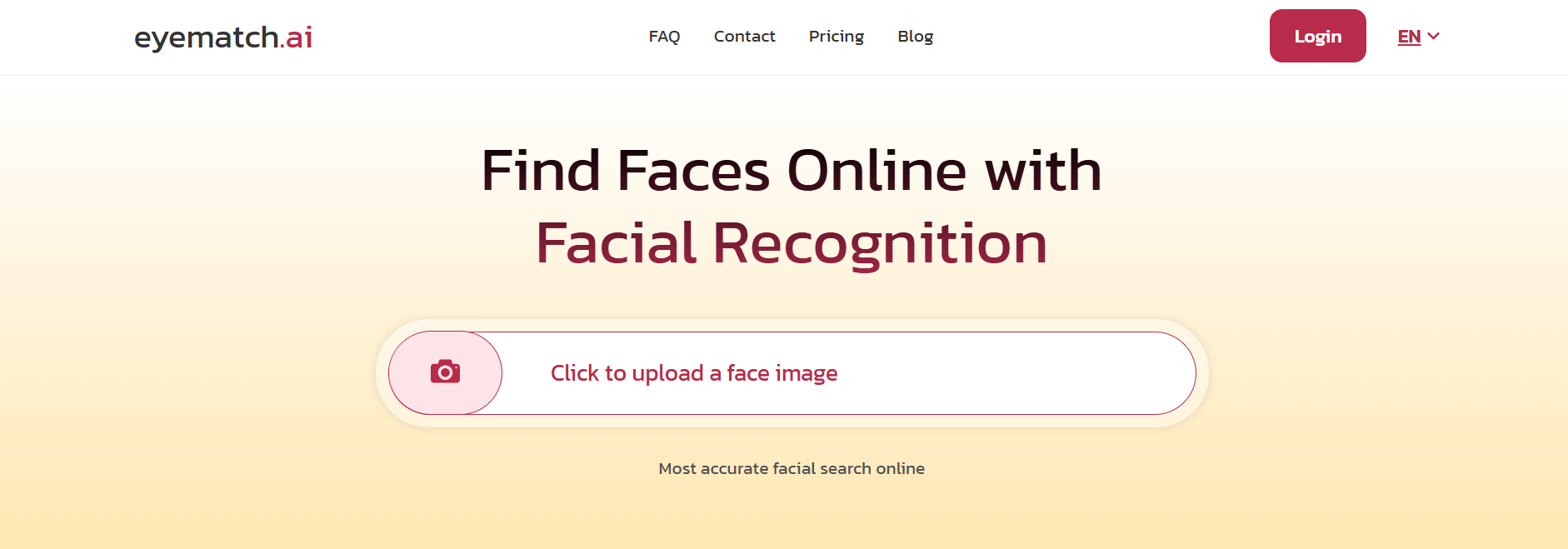
Eyematch.ai is built specifically for one thing: finding faces online. While many reverse image tools handle general image similarity, Eyematch.ai focuses entirely on facial recognition — and that specialization shows in the results.
When you upload a photo, the platform converts it into a unique facial data pattern and runs it against millions of publicly available images across social media, websites, forums, and other online sources. The AI analyzes features like the structure of the eyes, nose, and mouth, so it can identify a match even when lighting conditions, angles, or expressions are different from the original photo.
Pros:
Specialized in facial recognition for higher accuracy
Scans millions of public online sources
Privacy-focused: photos not stored, names not assigned to faces
Fast results with a clean, straightforward interface
Works for individuals, brands, and professionals alike
Cons:
Limited to publicly available content
Not suited for general (non-face) image searches
Eyematch.ai is the go-to tool when your priority is finding a specific face online quickly and responsibly.
3. Google Images
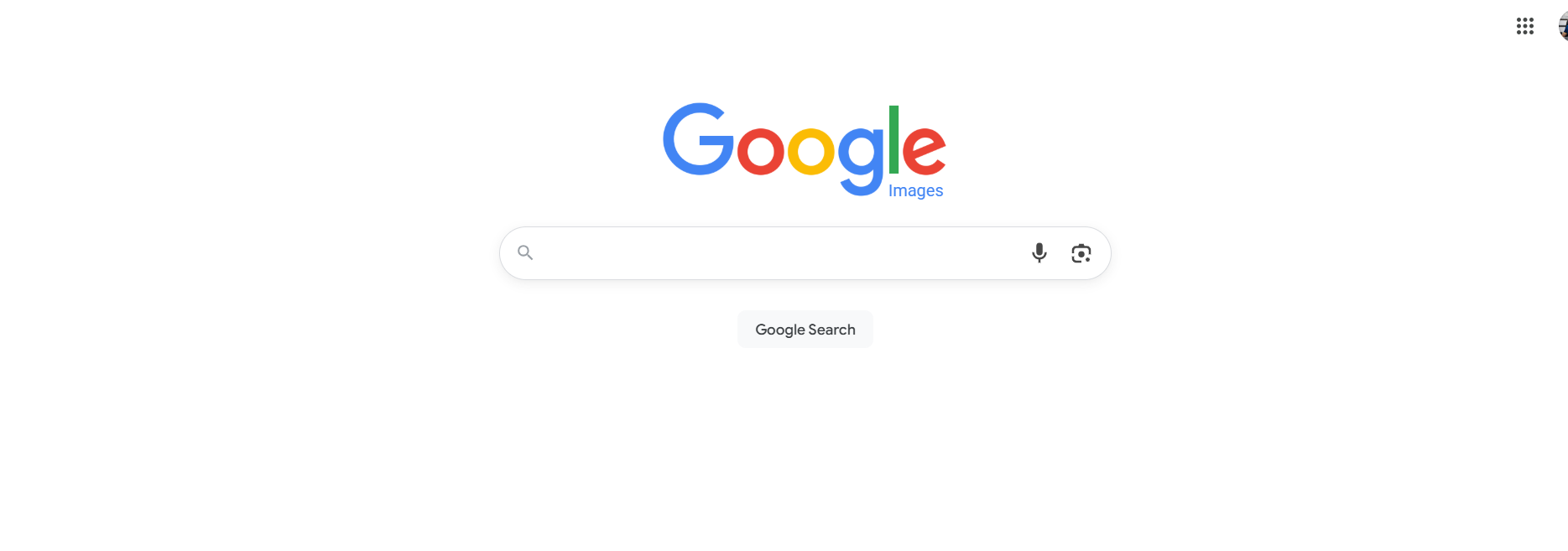
Google Images is the most widely used reverse image search tool in the world, and for good reason. Its database is enormous, its AI has improved steadily over the years, and it requires no sign-up to use.
You can upload a photo directly, paste an image URL, or use Google Lens from your phone to run a search in real time. For faces, Google will surface pages where similar images appear, though it is not as focused or accurate as dedicated facial recognition tools.
The real strength of Google Images is its breadth. For checking whether a photo exists elsewhere online, verifying a stock image, or finding the original source of a picture, it is hard to beat.
Pros:
Massive index of web content
Free with no account required
Integrated with Google Lens for mobile searches
Fast and widely accessible
Cons:
Less precise for specific facial searches
Limited upload options on mobile
Google Images is best for quick, general-purpose reverse image searches.
4. TinEye
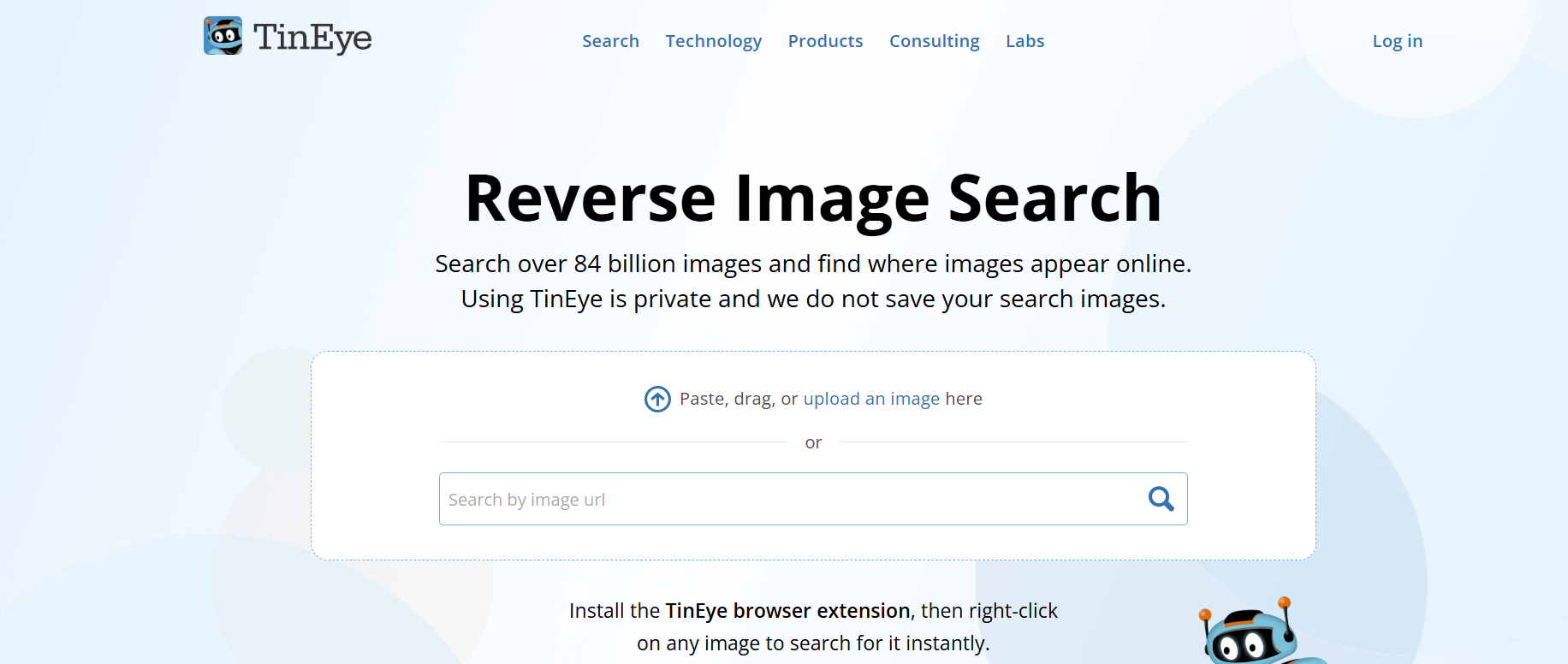
TinEye takes a different approach compared to the other tools here. Rather than AI-driven similarity matching, it specializes in tracking down the exact origin of an image. If you want to know where a photo first appeared online — or how many versions of it exist across the web — TinEye is the most reliable option available.
It works by searching its own proprietary image index, which means results are focused purely on image matches, not broader content. You can sort results by best match, most changed, or oldest, which is particularly useful when doing copyright research or verifying whether an image has been manipulated.
The browser extension is a genuine time-saver, allowing you to run a reverse search directly from any image you come across while browsing.
Pros:
Excellent at finding the original source of an image
Sort results by oldest, newest, or most altered
Convenient browser extension
High precision for copyright checks
Cons:
Free tier limited to 150 searches per week
No dedicated mobile app
Database narrower than Google or Bing
TinEye is the right choice for fact-checkers, journalists, and professionals who need to verify image origins.
5. Bing Visual Search
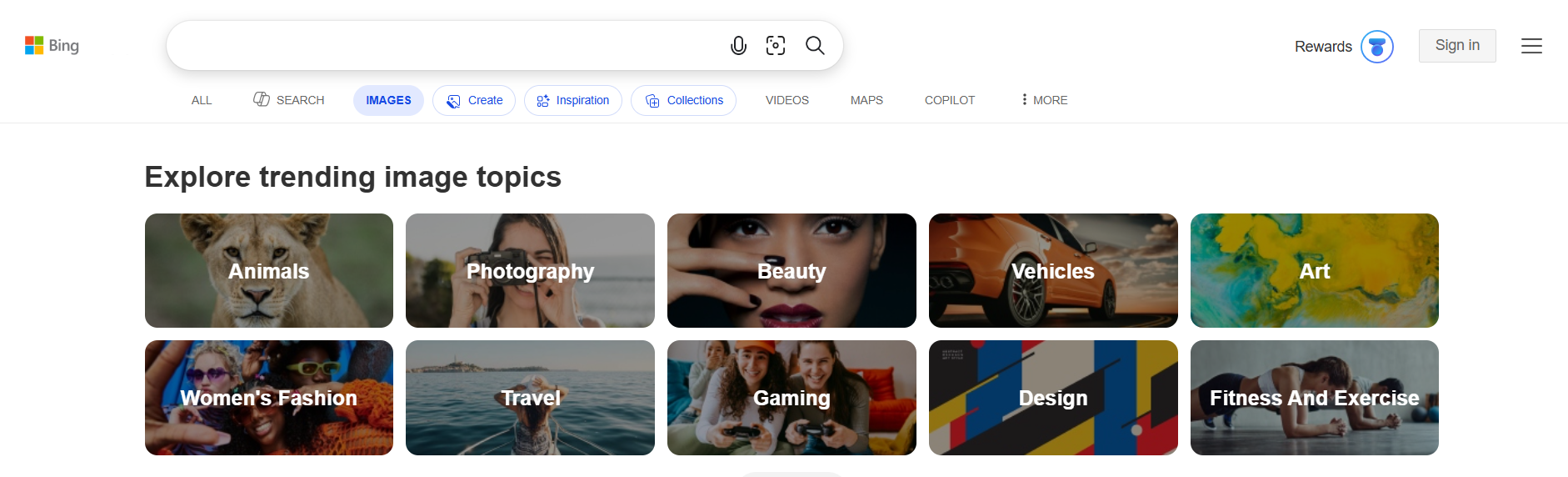
Bing Visual Search is a solid free option that draws on Microsoft's web index for reverse image results. It handles a range of image types, photos, products, landmarks and returns visually similar results alongside related content.
For face searches, it is not as precise as dedicated tools, but it covers a broad range of public web content and can surface social profiles, news articles, and other pages where a face appears. The integration with Microsoft Edge's sidebar makes it particularly convenient for users already within the Microsoft ecosystem, allowing searches without leaving the current tab.
It also has a notable strength for e-commerce: it can identify products within an image and link directly to shopping results, which no other tool on this list does as cleanly.
Pros:
Free with no account required
Multi-platform support
Good for product identification and shopping
Integrated into Microsoft Edge sidebar
Cons:
Less accurate for rare or obscure images
Smaller reach than Google for face-specific searches
Bing Visual Search is a reliable free tool for casual searches and a strong secondary option alongside more specialized platforms.