When Updates Cause Problems (and How to Fix Them)
Not every update spells disaster; sometimes the impact is mostly just annoying. For example, there was a time when an update to Google Play stopped me from installing new apps. The problem only went away after Google released another update to fix it. Sometimes, all you can do is wait for the company to push out a solution.
There are also situations where a malfunctioning update—like a broken Android WebView service, which is responsible for displaying web pages within apps—can be resolved by reverting to an earlier version. Often, this brings things back to normal.
How to Roll Back Google Services Updates on Pixel Devices
Before you get started, it’s important to note these steps only apply to Google services, not to apps you installed yourself. To handle problematic user-installed apps, go to Settings > Apps > All apps. If one is causing issues, just uninstall it.
If you use a Pixel phone, here’s how to reverse a troublesome Google service update:
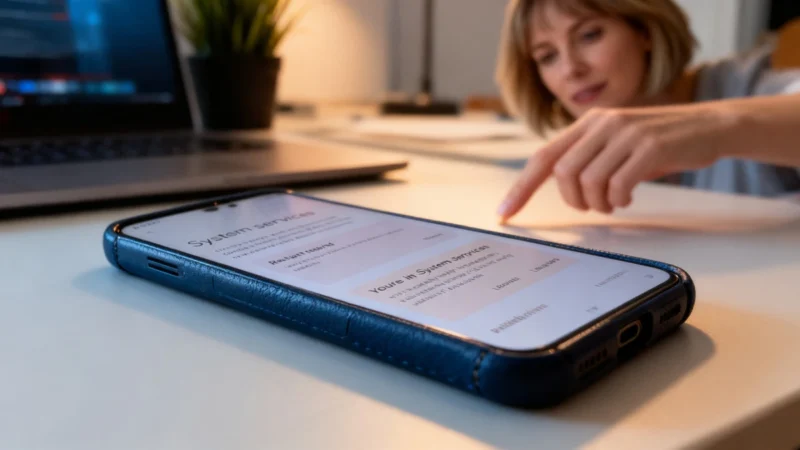
Open Settings and go to Google Services & Preferences [Your Device Name] > All Services > Privacy and Security > System Services, where the device name matches your phone.
Find the specific service you want to roll back. On its page, you should see a Remove Update button. Tap it, confirm when prompted, and your device will restore the previous version. With any luck, that fixes the issue.
Know the Limits and How to Redo Updates
This method isn’t a cure-all for every problem on your Android phone. It provides a way to manage Google service updates that might be causing trouble. If restoring the previous version doesn’t solve your issue, you can always return to that service later and manually reapply the latest update.
Security Updates and Industry Headlines
Security-wise, there have been fresh warnings about the SparkCat Trojan. According to researchers at Kaspersky, a year after its initial discovery, an improved version has been identified in 2025 on both the App Store and Google Play. It hides in seemingly legitimate apps to steal crypto wallet recovery phrases, so be careful about what you download, even from official sources.
On the industry front, over 40,000 Samsung Electronics employees reportedly held demonstrations on Thursday due to dissatisfaction with a pay gap compared to competitor SK Hynix. This rare labor action as of late April 2026 could have escalated into an 18-day strike last May, a move that threatened production of crucial AI chips at the time.
Lastly, remember that informal conversations with chatbots can carry serious privacy risks. It’s important to be mindful of what personal information you share, and consider what steps to take if you think you’ve already revealed too much.
Legal Notice | Terms of Use | Data Privacy Policy | Cookies | FAQ – Your Cookie Choices | Cookie Settings | Copyright © 2025 ZDNET
ZDNET France is operated by CUP Interactive SAS (France) under license from Ziff Davis.