

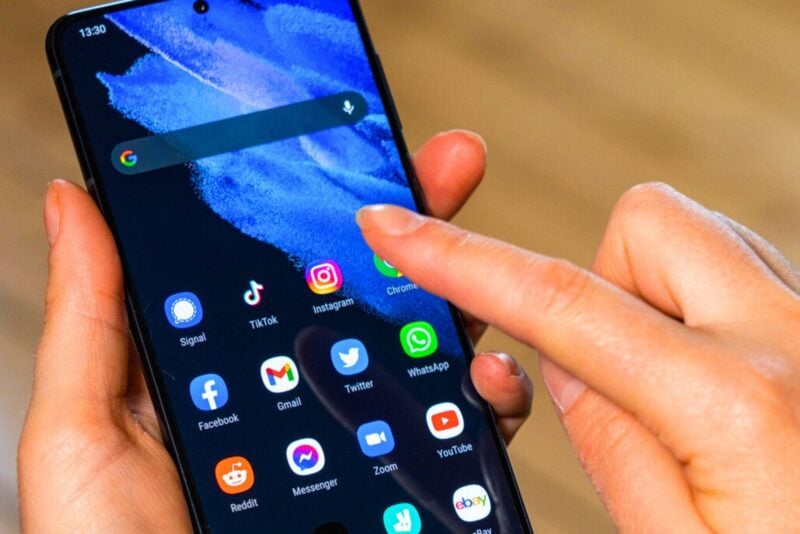
If you’ve ever stared at your home screen and thought, “These icons could use a glow-up,” Android 16 has heard your silent plea. The latest beta rollout introduces long-awaited icon customization, giving users more control than ever over how their apps look — no third-party launchers required.
A long-awaited comeback
After years of limited theming options and subtle design tweaks, Android 16 is putting personal expression front and centre. And yes, this includes the return of icon shape customisation — a feature that quietly disappeared after Android 11, leaving many users feeling stuck in a design rut.
In the current beta (QPR2 Beta 2), users can now shape-shift their app icons directly from the “Wallpaper & Style” settings menu. This isn’t just about aesthetics — it’s about finally having the flexibility to match your icons to your mood, wallpaper, or even that meticulously chosen colour palette you’ve been curating since Android 12’s Material You.
Five fresh shapes to choose from
So what exactly can you do? According to early testers, Google Pixel users running the beta will be able to select from five distinct icon shapes:
- The classic circle
- A clean square
- A modern arched shape
- And two quirky options: cookie-like icons with four or seven sides
Whether you want your home screen to feel geometric and sleek or playful and offbeat, there’s a shape to match. The cookie-style icons, in particular, add a dash of fun — perfect if you’re the type who enjoys tweaking every detail of your layout.
When can everyone join the fun?
Currently, this feature is limited to Pixel users on the Android 16 beta — the typical early adopters. But the broader Android community won’t have to wait too long. The feature is expected to roll out more broadly in December, bringing custom icon shapes to a much larger audience.
If you’ve been itching for a new way to personalise your device, this update is worth getting excited about. Android 16 continues to double down on user-driven design, giving you the tools to make your phone feel uniquely yours — down to the last pixel.