



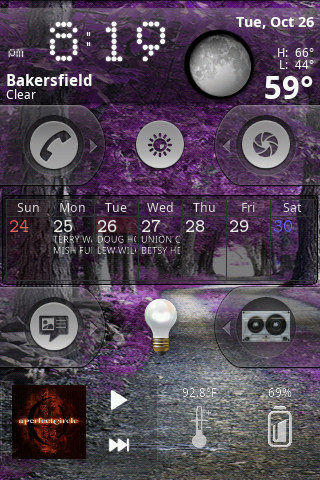
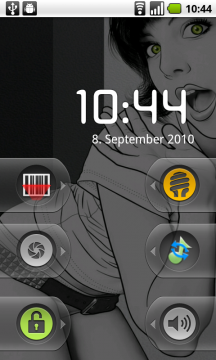
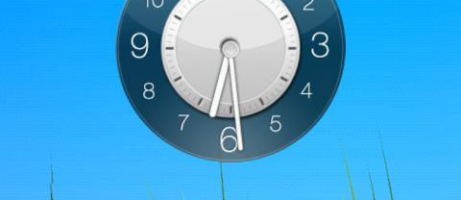
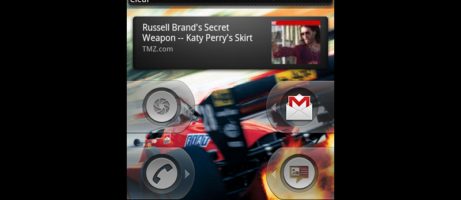
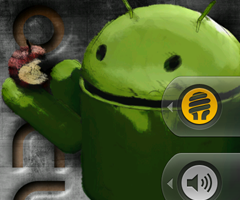
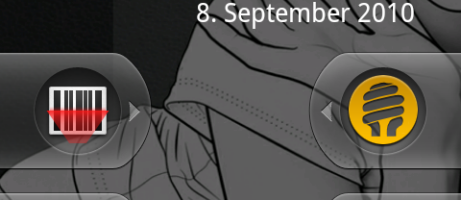
WidgetLocker, by TeslaCoil Software, is a lock screen replacement app that offers a great deal of extras along with personal customization. The app assists in preventing you from requiring needless multiple steps to drill down and get back to an apps interface. You can do it all directly from the lock screen. The app allows you to place shortcuts and widgets on the lock screen, much like you can on your home screen. Moving apps around are equally as simple, you just long press and drag to reposition an app or shortcut. The functionality allows you to stay interactive with certain apps, like music players and podcasts while not accidentally unlocking the phone and touching unwanted applications.
There are also a plethora of settings that will allow a user to make multiple tweaks to the lock screen, such as the placement of volume keys. There's also functionality that will allow you to perform an unlock with the trackball for trackball enabled devices. In addition, the app also does a wonderful job of providing a tutorial for you to check out all of the features and gives an explanation of each one. The app also gives you an optional “Easy Wake” feature using any button such as the volume, camera or trackball to wake the device. Furthermore, the developer has stated that the next version of WidgetLocker will support custom themes. That should spice up your lock screen a bit. So if you're ready for a new lock screen experience, head on over to our apps database and check it out for yourself. Don't forget to leave a comment and let us know what you think.

i find using the volume buttons to wake the screen annoying. anybody know how to prevent this ? im using a galaxy s 19000.
I don’t suppose anyone knows where that background of the girl came from? I like it!