





Today, web users of Google Drive are getting three new features involving Docs and Slides. All three the new features enhance the usability of Google's productivity suite.
Hit the break to see what's new.

The quick-moving GIF above is showing something that Google Docs users (myself included) have been waiting a very long time for. Google added the ability to merge cells in Docs. Previously, it was only Sheets that could merge cells. So now a document can have a table that is truly the way the user wants it with sizing and coloring options.
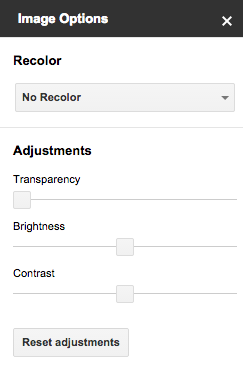
Also in Docs is the Image Options panel. It has recoloring, transparency, brightness, and contrast settings. If unsatisfied with the changes made to the image, just head back into the panel and make changes or reset the adjustments altogether.
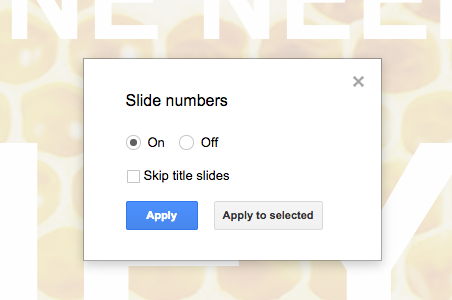

The final new feature is the option to include slide numbers in Google Slides. Slide numbers are a nice, small touch that make referencing items in the slideshow much easier.
Source: +Google Drive
