




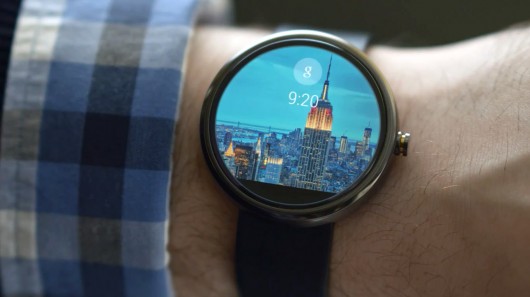
The Android Wear SDK was announced just a few days ago, and the actual launcher was extracted from the emulator. This means that you can install it on your phone or tablet as a third party APK. Now don't expect this to end of up being your new launcher of choice, but it will give you a decent look at and how it works.
The folks over at Android Police also did a teardown of the APK to see if there was anything interesting that we didn't already know. It looks like Wear will most likely support daydreams. There is also a mention of Google Ears functionality as well as TV controls.
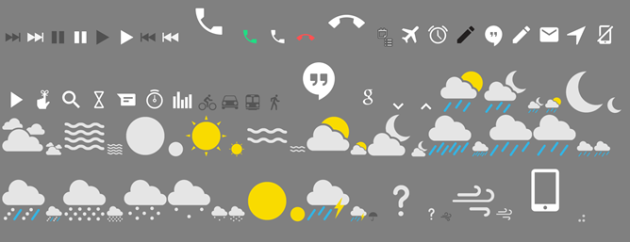
We also have all the icons as well as some other pics of the UI and APK download after the break.

A couple of things about the APK…If you installed the developer preview, you will need to uninstall it, and I believe you need to be on Android 4.4. Lastly, music controls won't show up when you're playing music.
source: Android Police
