




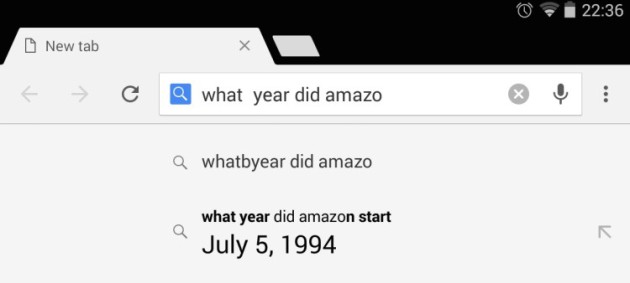
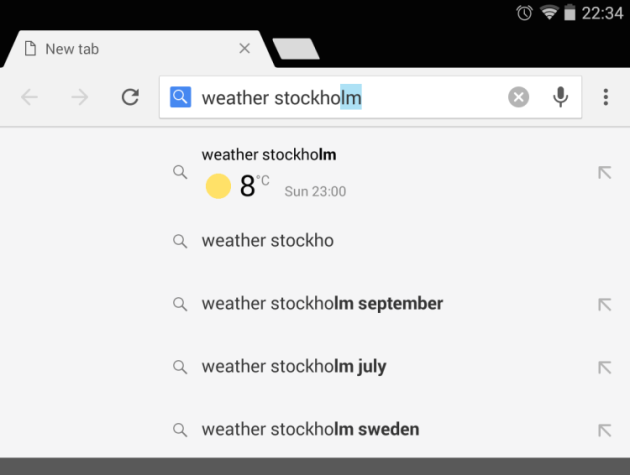
By now you have noticed that whenever you start typing a query in Google, auto-suggestions appear below. If you're using the Chrome app on Android (and you should be), you will also get answers in this auto-suggestion area meaning that you don't even need to complete the search. You will have to enable a flag within your app since it's not set by default, but trust me, it's easy.
- Open a new tab and go to chrome://flags
- Find the ‘Answers in Suggest’ flag (quick tip: hit the three dot menu, select “Find in Page,” and type “answers” to find it quicker.
- Tap on the drop down box
- Set it to ‘Enabled’
- Relaunch the browser when prompted (at the bottom)
Now try asking a question. I find it hit and miss. For example, it works great with the weather, but didn't work so well with game scores. Remember it's an experiment, so it's not a final product and could contain bugs.
source: omgchrome
via: 9to5Google

Nice find!