


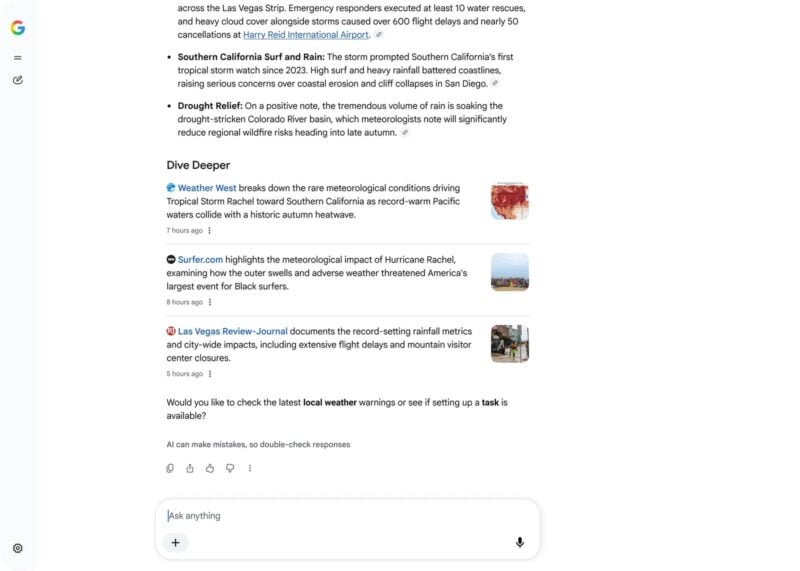
Google is adding a sidebar to its desktop homepage that you can collapse. It lists your recent AI Mode searches, so you can reopen an earlier conversation and keep going from the main Google page. Robby Stein, Google's vice president of product for Search, announced the change on X on November 19. He said it is rolling out globally.
Google's homepage has been mostly a logo and one search box for most of its history, so this is one of its bigger changes in years. It's also another sign that Google wants people to use Search for ongoing AI conversations as well as one-off queries.
What the new sidebar does
Stein called the feature “a collapsible sidebar to easily find & jump back into your recent AI searches.” He also described it as “A much simpler way to pick up where you left off.”
In the short video he posted, the sidebar starts out as a thin gray bar on the left edge of the homepage. Clicking it opens a panel with these options:
- A list of your previous AI Mode searches, which you can reopen and continue
- A button to start a new thread
- A search tool for finding older threads
- An option to connect a Gemini Notebook
The Google logo and the search box still sit in the middle of the page. When the sidebar is closed, the homepage looks much like it did before.
Stein said Google is adding the sidebar because of how people now use Search: “People are coming to Search with more questions that aren't just one and done – and in testing, this sidebar made a big difference for making progress & continuing to explore the web.”
The layout looks a lot like a chatbot's conversation history. Before this change, you had to go into AI Mode to see your earlier threads. Now they're one click away on the page most people see first.
How Google got here

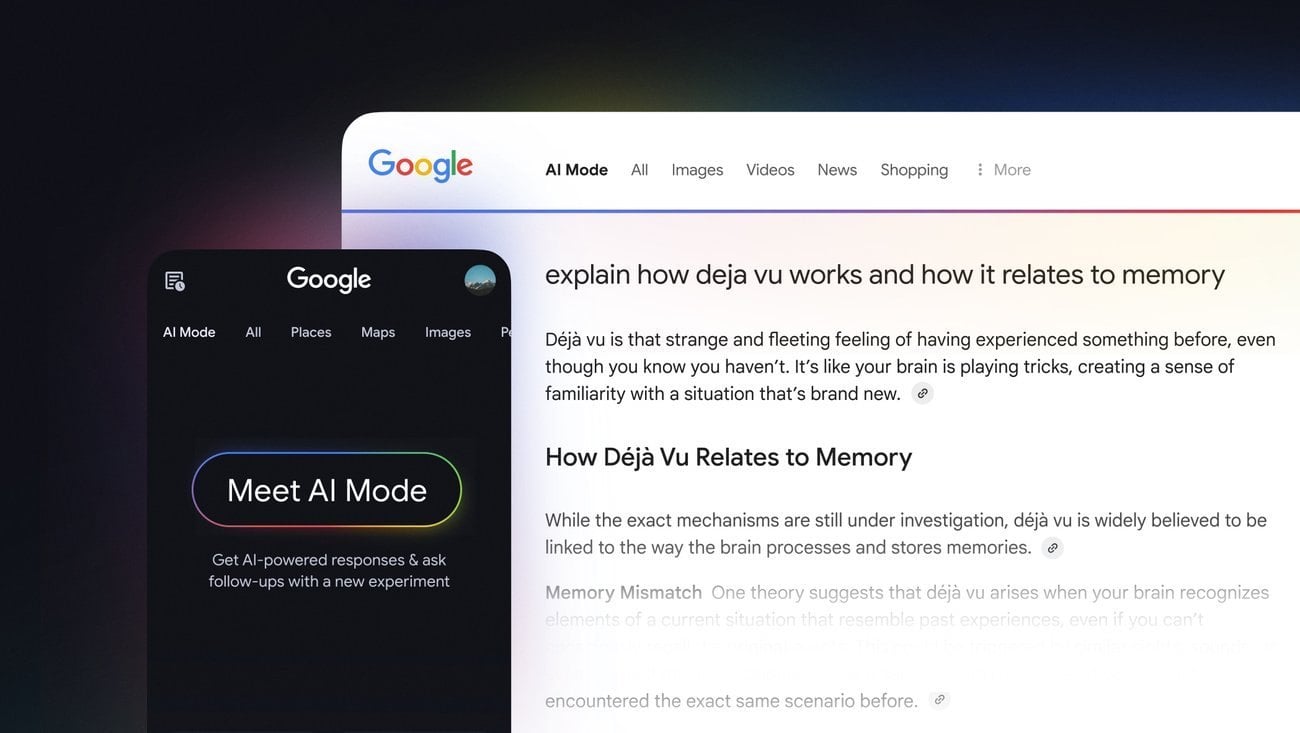
The sidebar is the latest in a series of AI changes to Google's homepage. Last year, Google added an AI Mode button to the search bar, which opens a chatbot-style search experience inside Google Search. In May, it changed the search box to fit longer queries and added AI-powered autocomplete.
In August, Google tested three buttons below the homepage search box: Create images, Ask about files, and Brainstorm. Each one opened AI Mode. Stein called that experiment “a small test on desktop.” He said that typing a query and pressing enter still worked as before.
The sidebar was also tested before this launch. In mid-October, Search Engine Roundtable spotted Google trying out the AI Mode sidebar on its regular search results pages. That version put chat history, a button for starting a new chat and a settings icon along the left side of the page. With this week's rollout, the sidebar moves from a test to the default homepage design on desktop.
What it means for Android users
For now, the change only affects desktop. Stein's announcement covers just the desktop Google homepage. As of November 20, 2026, Google hasn't said whether a similar history panel will come to the Google app on Android and iOS or to mobile browsers.
You can still use AI Mode on your phone. The difference is that you can now see your past AI Mode chats from the desktop homepage, even if you didn't open AI Mode first.
If you rarely use AI Mode, the change shouldn't get in your way much. The sidebar stays collapsed against the edge of the page until you click it. Google hasn't announced a setting to turn it off completely.
The rollout is gradual. Even though Google says it's global, some desktop users may not see the sidebar yet. Google hasn't said when the rollout will finish or whether a mobile version is planned.