


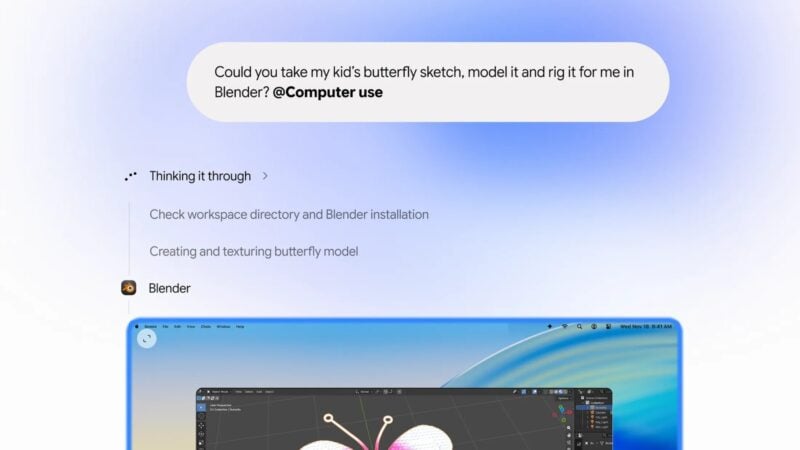
Google is adding a feature called computer use to the Gemini app for Mac. It lets Gemini do multi-step chores across your local files, desktop apps and websites by clicking, typing and filling in forms for you. It runs in a separate background window, so you can keep using your Mac while it works. As of November 20, 2026, the feature is rolling out in English in the U.S. to Google AI Plus, Pro and Ultra subscribers.
Google announced the feature in a post on its Keyword blog on November 19, written by Michael Friedman, Group Product Manager for the Gemini app. Google pitches it as a way to cut down on repetitive work that would normally take dozens of clicks. You describe the result you want, and Gemini handles the menus, text fields and buttons.
Gemini is a big part of Android, and Google is now using it to automate work on a desktop computer. That's a clear step toward an agent that operates software on your behalf instead of just answering questions in a chat window.
How computer use works on the Mac
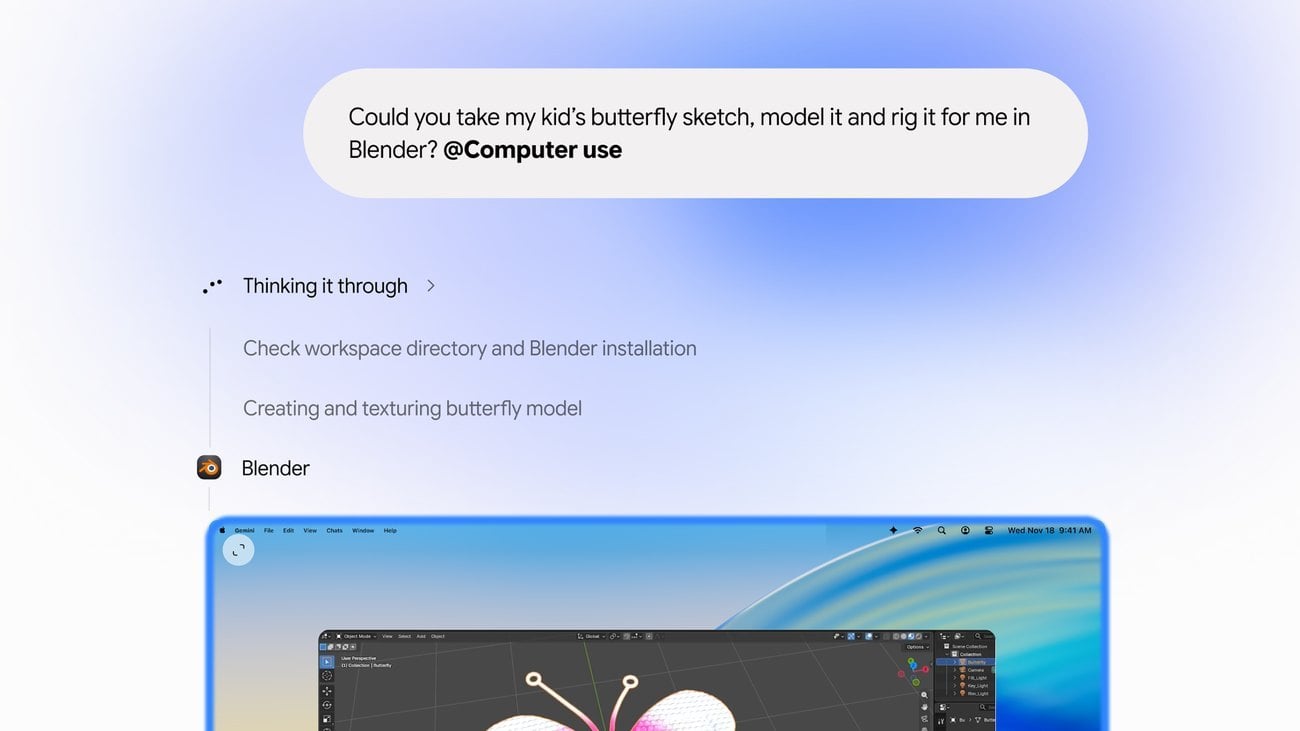
Most computer-control tools take over your pointer. Gemini doesn't. It does its work in an isolated window running in the background, and a live preview of that window appears inside your Gemini chat. Your main screen and cursor stay free, so Google says you can keep typing, designing or taking calls while Gemini works.
To start a task, you add @Computer use to your prompt and describe what you want done. The app's Customize > Connectors menu now has a set of “Desktop” apps, including Blender and Autodesk Fusion. They sit alongside the Git and Obsidian integrations that were already there.
Google says the feature has privacy and safety controls:
- You choose which apps Gemini can access.
- You can watch each step in the live preview.
- You can pause or stop Gemini at any time.
- Gemini asks for your approval before key actions, and it pauses for logins and payments.
What Google says you can use it for
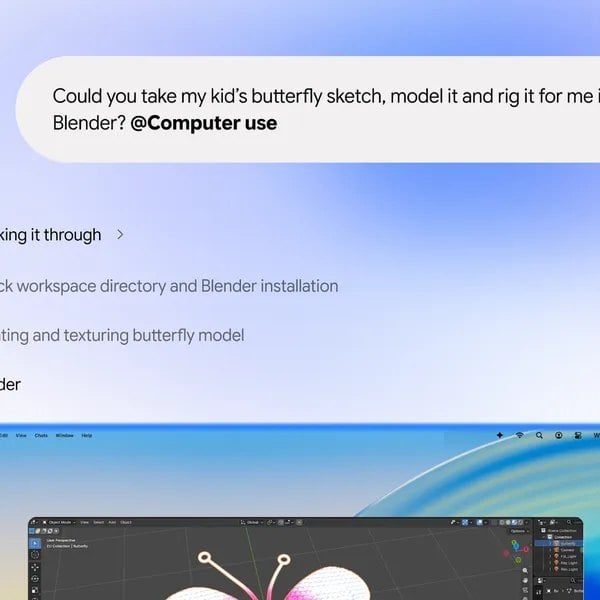
Google's examples are tasks that span apps and websites that don't normally work together. Here are the four it highlighted:
- Creative work: color-grading a batch of photos in design software, or setting up complex 3D scenes.
- Form filling: pulling weights, dimensions and addresses out of local PDFs to complete multi-box shipping quotes.
- Presentations: gathering metrics and screenshots from live dashboards across several regions and building a deck in Google Slides.
- Resale listings: analyzing clothing photos in a local folder, researching prices, logging item details and setting up draft listings on resale platforms.
In each example, Gemini moves information from one place to another: from a PDF to a web form, from a dashboard to a slide deck, or from a photo folder to a listing. Until now, people usually did that kind of copying by hand.
How Gemini on Mac got here
The Gemini app has only been on the Mac for a few months. Google released the native macOS app on April 15, 2026, and it's free to download. On June 30, Google brought its Gemini Spark agent to the Mac app, which added automation for local files and connections to other apps.
Before this update, the Mac app's Tasks feature (formerly Gemini Spark) could work with local files and connected Google services like Gmail and Google Calendar, but it couldn't operate other desktop software. Computer use fills that gap: Gemini can now open and control third-party Mac apps and websites directly.
Google also offers Gemini as a desktop app on Windows. So far, Google has announced computer use only for the Mac version and hasn't said whether it will come to Windows.
Requirements and availability
You'll need the following to use computer use:
- A Mac with Apple Silicon running macOS Sequoia 15.0 or later
- A personal Google account belonging to someone 18 or older
- A Google AI Plus, Pro or Ultra subscription
- English as your language, and a location in the U.S.
The feature is rolling out gradually, so not every eligible account may have it yet. The Gemini app for Mac is available at gemini.google/mac. Google hasn't said when computer use will reach other languages or countries, or whether it will come to free Gemini accounts. We'll be watching for both, and for any sign of it on Windows.