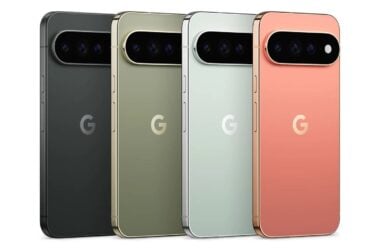


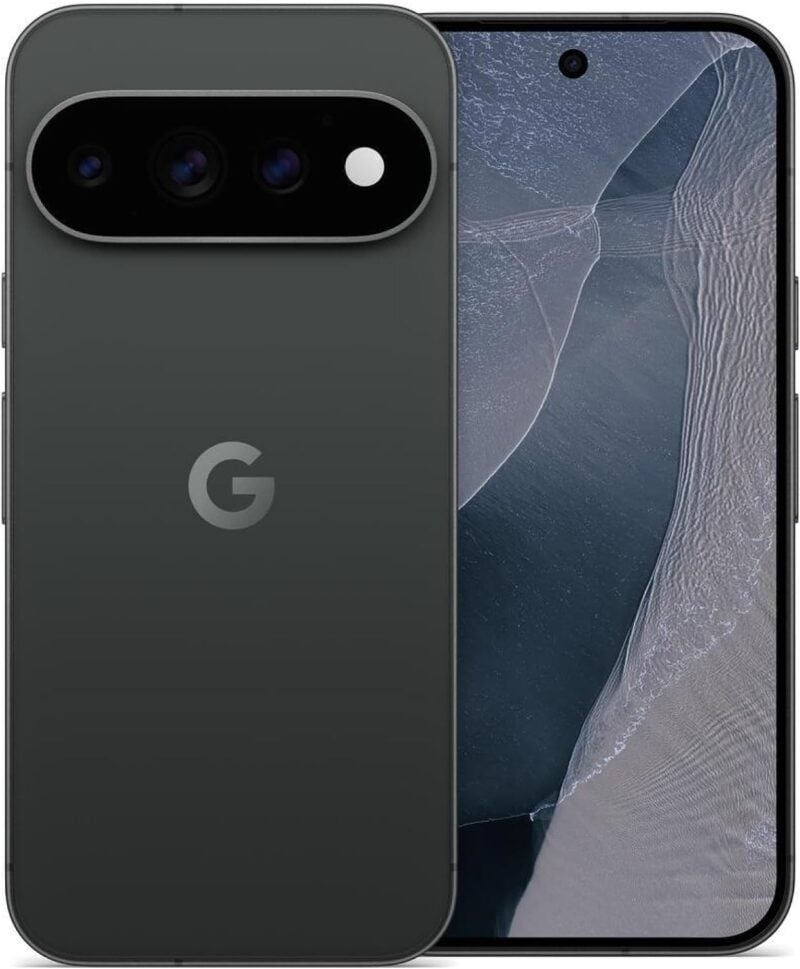
Pixel 10 and Pixel 11 owners are reporting camera problems after installing Google's November update, with the camera app showing a black screen or an error on launch. According to PhoneArena, which cites an Android Authority report, the problem also hits third-party camera apps. Google hasn't commented officially yet, though a simple shutdown trick is helping some people.
What Pixel owners are reporting
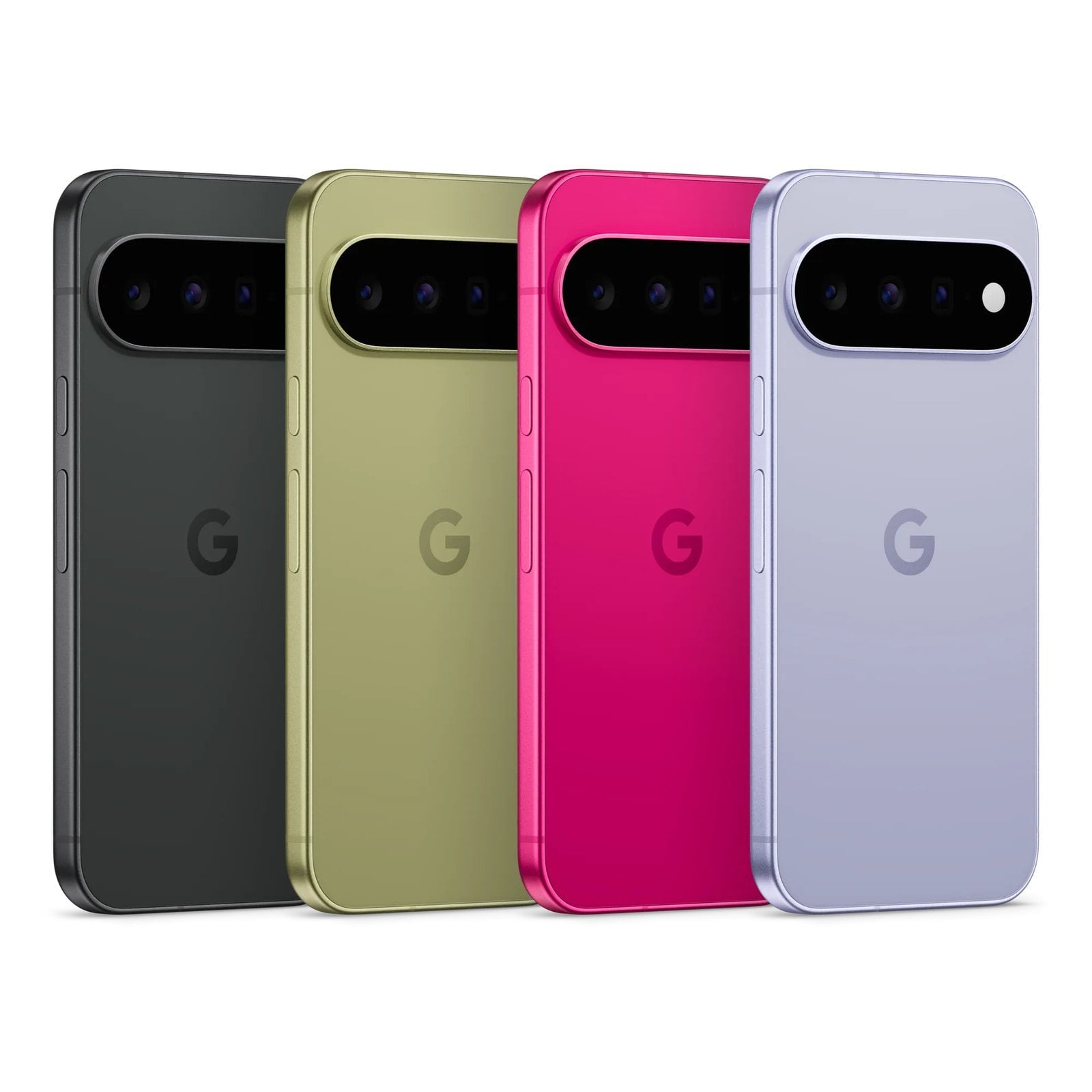
Reports on Reddit and Google's support forum describe cameras that either show a black screen or fail to open after the update. Some owners see a “Something went wrong” error in the Pixel Camera app, and PhoneArena says both the front and rear cameras are affected.
PhoneArena says clearing the camera app's cache and data, uninstalling app updates and even Safe Mode didn't help some owners. Android Authority adds that a factory reset didn't fix it either.
Here's what has been reported so far:
- Affected phones: The Pixel 10 and Pixel 11 series, according to the reports so far.
- Camera symptoms: A black viewfinder or an error message telling you to close and reopen the camera app.
- Other reported issues: Android Authority also lists always-on display, lock screen and notification problems among the bugs Pixel owners have reported since the update, though it says they don't appear widespread.
- Google's response: No official statement or fix timeline yet, though PhoneArena says Google appears to be investigating and has contacted some affected users.
A five-minute shutdown that helps some people
The workaround doing the rounds is a complete shutdown, with the phone left off for about five minutes before you turn it back on. PhoneArena says Diamond and Gold product experts on Google's support forum recommended it, and several owners report it brought their cameras back. It doesn't work for everyone, but it costs nothing to try before you do anything drastic.
Why this bug stands out
A camera that won't open is the kind of bug you notice within minutes, not days. It also lands on the newest hardware, and the Pixel 10 and Pixel 11 are the phones Google leans on most for its camera pitch.
It's a change from last month, too, when October's Pixel update fixed bugs and critical flaws without this kind of fallout. Google also started pushing Android 17 QPR2 to Pixel phones a month early earlier this week, so it's worth noting which build you're on if you report an issue.
What to do if you haven't updated yet
If you haven't installed the November update, it may be worth waiting for Google to acknowledge the problem. If you've already updated and lost your camera, try the shutdown trick first.
We're still waiting on Google to say how widespread the issues are and when a fix will land. We'll update this story as soon as it does.