




Video content has become the undisputed king of digital marketing, with studies showing it drives significantly higher engagement and conversion rates than any other format. Yet for many business owners, creating professional videos remains frustratingly out of reach due to steep production costs, technical complexity, and time demands. Enter Text to Video AI technology—a revolutionary solution that's dismantling these barriers entirely. This innovative approach allows anyone, regardless of technical skill or budget, to transform simple written descriptions into polished, professional videos within minutes. No cameras, no editing software expertise, no expensive production crews required. This article will guide you through the process of leveraging AI-powered video generation for your business marketing efforts. Whether you're a solo entrepreneur or managing a small team with limited resources, you'll discover how to harness this accessible technology to create compelling video content that drives results without draining your budget or schedule.
Why Text to Video AI is a Game-Changer for Modern Businesses
Video content now accounts for over 80% of all internet traffic, and consumers are 64% more likely to purchase after watching a product video. Despite these compelling statistics, most small business owners struggle to capitalize on video marketing's potential. Traditional video production demands substantial investments—hiring videographers, purchasing equipment, mastering complex editing software, and dedicating days or weeks to a single project. For businesses operating on tight budgets with lean teams, these requirements often make professional video content feel impossible.
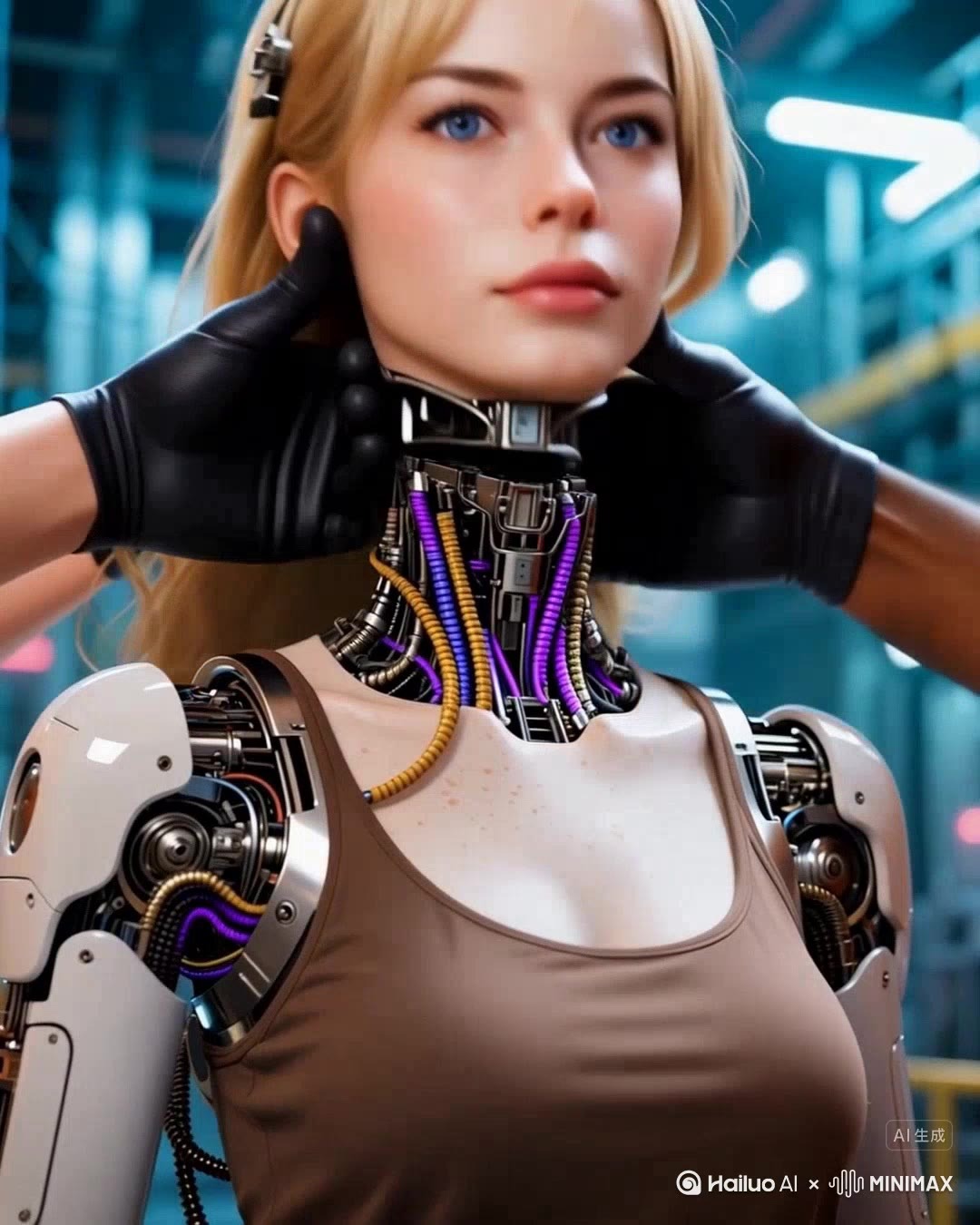
Text to video AI fundamentally transforms this landscape by eliminating every traditional barrier. Instead of coordinating shoots and learning technical skills, you simply describe what you want in plain language, and sophisticated algorithms handle the rest. The technology delivers professional-quality videos in minutes rather than days, at a fraction of traditional costs—often for less than the price of a single stock photo subscription. This speed and affordability unlock genuine scalability; you can produce dozens of videos monthly to test different messages, target various audience segments, and maintain consistent social media presence without exhausting resources.
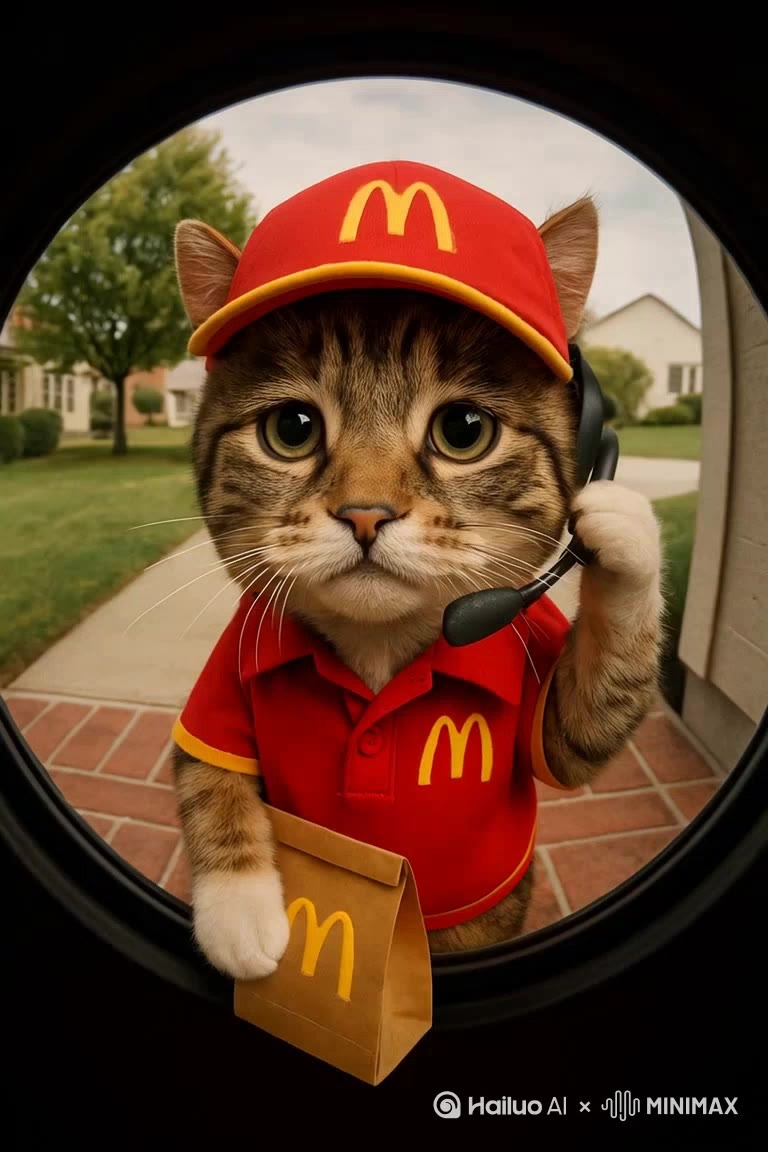
For small business owners juggling multiple responsibilities, this simplicity represents liberation. You no longer need specialized expertise or creative teams. The AI handles visual composition, timing, transitions, and even voiceovers, allowing you to focus on strategy and messaging rather than technical execution. This democratization of video production means your marketing can finally compete with larger competitors who previously dominated through sheer production capacity.
Understanding Text-Based Video Generation Technology
At its core, text-to-video AI transforms written descriptions into visual content through a sophisticated process that happens almost invisibly. When you input text, natural language processing algorithms first analyze your words to understand context, intent, and key visual elements you're describing. The system identifies subjects, actions, moods, and settings, then maps these concepts to its extensive libraries of visual assets—stock footage, animations, graphics, and templates. Advanced generative AI components can even create original visuals based on your descriptions, while automated editing algorithms determine optimal pacing, transitions, and synchronization between visuals and any accompanying audio or text overlays.
Key Technologies Powering AI Video Creators
The technology operates through three foundational systems working in concert. Natural language processing interprets your script's meaning and extracts actionable visual instructions from everyday language. Generative AI engines then produce or select appropriate visual elements—whether realistic footage, animated sequences, or synthesized imagery—and can generate matching voiceovers with remarkably natural intonation. Finally, automated editing algorithms apply professional production principles, determining shot duration, applying transitions, syncing audio to visuals, and maintaining rhythm that keeps viewers engaged. Different AI video tools emphasize various approaches: some specialize in photorealistic AI avatars that deliver your script as on-screen presenters, others excel at dynamic animations perfect for explainer content, while still others function as intelligent compositors that assemble stock footage into cohesive narratives. Understanding these distinctions helps you select the right tool for your specific marketing objectives and brand aesthetic.
Step-by-Step Guide: Creating Your First AI Video with HailuoAI
Step 1: Defining Your Goal and Scripting
Before touching any software, clarity about your video's purpose is essential. Are you introducing a new product, explaining a service, sharing customer testimonials, or announcing a promotion? Your goal shapes everything that follows. Once defined, craft a script that speaks directly to your audience in conversational language. Keep it concise—aim for 30 to 90 seconds of content, which typically translates to 75-200 words. AI systems interpret literal descriptions best, so be specific about what you want viewers to see and hear. Instead of vague phrases like “show our product,” write “close-up of the blue wireless headphones rotating on a white background.” Include natural pauses and emphasis where you want the voiceover to breathe. End with a clear call-to-action that tells viewers exactly what to do next, whether that's visiting your website, using a discount code, or scheduling a consultation.
Step 2: Platform Navigation and Input
Visit the HailuoAI platform and create your account using your business email. After logging in, you'll land on the main dashboard where video creation tools are prominently displayed. Look for the “Create New Video” or “Text to Video” button, typically positioned centrally or in the top navigation. Clicking this opens the creation interface with a text input field as the primary element. Paste or type your prepared script into this field. Most platforms, including HailuoAI, provide a character or word count indicator to help you stay within optimal limits. Some interfaces offer script enhancement suggestions powered by AI—these can help refine your language for better visual interpretation, though your original intent should guide any adjustments. Double-check your script for typos or unclear phrases before proceeding, as the AI will interpret exactly what you've written.
Step 3: Customizing Styles, Voices, and Assets
After inputting your script, HailuoAI presents customization options that determine your video's look and feel. Browse the style presets—options typically include professional corporate aesthetics, vibrant social media formats, minimalist designs, or animated explainer styles. Select the one that aligns with your brand identity and target platform. Next, choose your voiceover from the AI voice library. Listen to samples to find a tone that matches your brand personality—authoritative for B2B services, friendly for consumer products, energetic for promotions. You can adjust speaking pace and add emphasis to specific words. Upload your logo and select brand colors to maintain visual consistency; most platforms allow you to position these elements in corners or as watermarks. If your plan includes access to stock footage libraries, you can manually select specific clips to replace AI-chosen visuals, giving you additional creative control where it matters most for your message.
Step 4: Generating, Reviewing, and Exporting
Click the “Generate Video” button and the AI begins processing, typically completing within two to five minutes depending on video length and complexity. Once generated, the platform displays a preview player. Watch your video completely, checking that visuals align with your script, transitions feel natural, and the pacing keeps viewers engaged. Most platforms including HailuoAI offer basic editing capabilities at this stage—you can trim clips, adjust text overlay timing, swap individual scenes, or regenerate specific segments that don't quite work. If the overall result meets your standards, proceed to export. Select your preferred resolution (1080p for most marketing purposes, though 4K is available for premium needs) and aspect ratio based on your distribution channel: 16:9 for YouTube and websites, 1:1 for Instagram feed posts, or 9:16 for Stories and Reels. Download the final file and you're ready to deploy your AI-generated video across your marketing channels.
Best Practices for Effective AI-Generated Marketing Videos
Creating videos with AI is remarkably simple, but strategic refinement separates mediocre content from marketing gold. Start every video with a compelling hook in the first three seconds—a provocative question, surprising statistic, or bold statement that stops the scroll. Your script should follow a clear narrative arc even in short formats: problem identification, solution presentation, and benefit demonstration. Write in active voice with concrete verbs that translate well to visuals; “customers discover instant savings” generates better imagery than “savings are available.” Keep sentences short and punchy, as this creates natural pacing that maintains viewer attention.
Brand consistency transforms individual videos into recognizable assets. Establish visual standards—specific color palettes, logo placement, and typography—then apply them uniformly across all AI-generated content. This consistency builds recognition even before viewers consciously register your brand name. Your call-to-action deserves particular attention; place it both mid-video and at the conclusion, making the desired action crystal clear with specific instructions like “Click the link below to claim your 20% discount” rather than generic phrases like “Learn more.”
Platform optimization dramatically impacts performance. Vertical 9:16 videos dominate on Instagram Stories, TikTok, and YouTube Shorts, while horizontal 16:9 formats suit YouTube main feeds and website embeds. Square 1:1 videos perform well in Instagram and Facebook feeds. Beyond dimensions, adjust pacing for context—social media audiences expect faster cuts and bolder visuals, while website explainer videos can breathe more. Always add captions since most social video plays without sound initially; this accessibility feature often doubles engagement rates while serving viewers in sound-sensitive environments.
Exploring Other Powerful AI Tools for Video Creation
While HailuoAI offers an excellent entry point for AI video creation, several alternative platforms deserve consideration based on your specific requirements. Synthesia specializes in AI avatar presenters, making it ideal for training videos and corporate communications where a human-like spokesperson delivers your script directly to camera. Pictory excels at transforming blog posts and long-form content into engaging video summaries, perfect if you're repurposing existing written content. Runway ML provides advanced creative control for users comfortable with more technical interfaces, offering cutting-edge generative capabilities for unique visual styles. InVideo stands out with its massive template library spanning virtually every industry and use case, accelerating production when working within established formats. Lumen5 integrates seamlessly with content management systems, automating social media video creation from your existing articles. Each platform offers distinct pricing structures and feature sets, so evaluate based on your primary use case, desired aesthetic control, and integration needs with your existing marketing workflow.
Start Creating AI-Powered Videos for Your Business Today
Text-to-video AI represents nothing less than a democratization of professional video marketing, placing powerful creative capabilities into the hands of every business owner regardless of budget or technical background. What once required thousands of dollars and weeks of coordination now takes minutes and costs less than a business lunch. This technology doesn't just level the playing field—it fundamentally redefines what's possible for small businesses competing in an increasingly visual digital landscape. The key takeaways are clear: AI video generation is genuinely accessible to anyone who can write a few sentences, remarkably cost-effective compared to traditional production, and powerful enough to produce content that drives real engagement and conversions. The barrier to entry has never been lower, and the potential return has never been higher. If you've been postponing video marketing due to perceived complexity or cost, now is the moment to act. Start with a single video using HailuoAI or any platform that resonates with your needs—test a product announcement, create a quick tip, or introduce your services. As AI technology continues evolving at breakneck speed, early adopters gain invaluable experience and competitive advantage. Your business growth in the video-first future begins with a simple text description today.

