

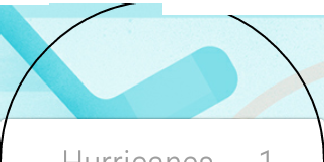

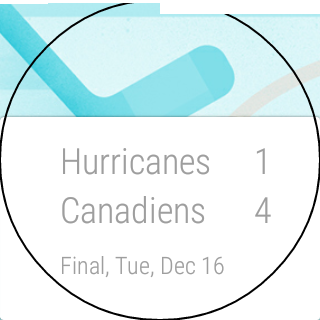
Taking a screenshot from your Android Wear smartwatch is so much easier now that Android Wear 5.0.1 is upon us. However, if you own a G Watch R, you may have noticed that things don't work so well. The top right of each image is cutoff as you can see in the image above. The good news is that you can still capture decent images. They still won't be perfect, but they will be damn close.
Note: If you're not sure on how to capture screenshots from your Android Wear smartwatch, see our extensive guide.
The trick to capturing better images is to wait a little longer before tapping on Take Wearable Screenshot. I have found that if you initiate it just before the screen goes dim, you have a good shot at getting something worthwhile. You will have to play with it a bit, but what works for me is to count 8 seconds slowly and initiate it on the 8th second. There seems be a point in which the images start to get better, which might be around 7 seconds. You can see in the below images how it improves the longer you wait.
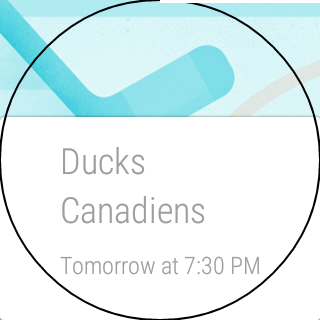
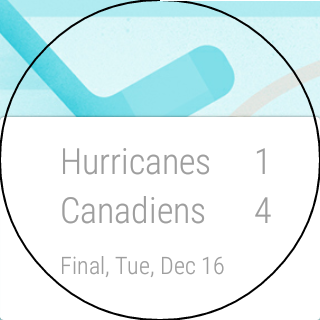
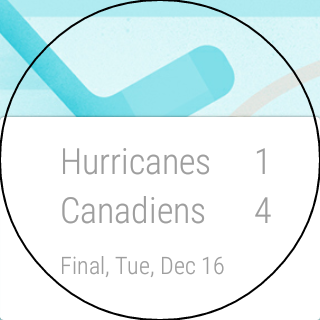
Now if you wait too long, you will end up with a screenshot of the watch face itself.
The other thing I noticed when using this method is that the notification for the completion of the screenshot sometimes takes an extra few seconds to appear.
I am sure this will get straightened out with the next update, but until then, I hope this guide helped you.
Be sure to check out all our Android Wear guides for more tips and tricks.
