




Videos are everywhere in 2025, from sharing funny clips with friends to uploading professional content online. But here’s the catch: video files can eat up storage and make uploads painfully slow. That’s where a reliable video compressor comes in. It helps you cut down file size while keeping your video clear and sharp. No more waiting forever to send a clip or struggling with file limits on apps like Discord or email.
In this guide, we’ve rounded up the 18 best free video compressors that actually work. Whether you need desktop software for heavy-duty tasks or quick online tools for one-off jobs, we’ve got you covered. Read on to learn more.
Part 1: Quick List of 15 Best Video Compressors
Let’s dive into the heart of this guide. Here are the 15 best free video compressors 10 desktop software options and 5 online tools. Each one has unique features, so you’ll find something that fits your needs.
1. HitPaw Univd:
If you want an all-in-one solution, this is the tool. HitPaw Univd supports MP4, MOV, and more. You can adjust resolution and settings easily. It also uses a smart algorithm to balance compression ratio and image quality.
Key Functionalities:
- Compress videos without visible loss.
- Batch processing for speed.
- Supports multiple formats.
- Preview before compressing.
- AI-powered algorithm for balance.
Features:
- Fast compression speed.
- User-friendly dashboard.
- HD screenshots and clean interface.
- Supports audio and video.
- Safe login with client account.
Process Overview:
The entire process of downloading, installing the software to your first compression is easy and user-friendly.
- Start the software: The home screen provides easily understandable choices such as Converter, Editor and Compressor.
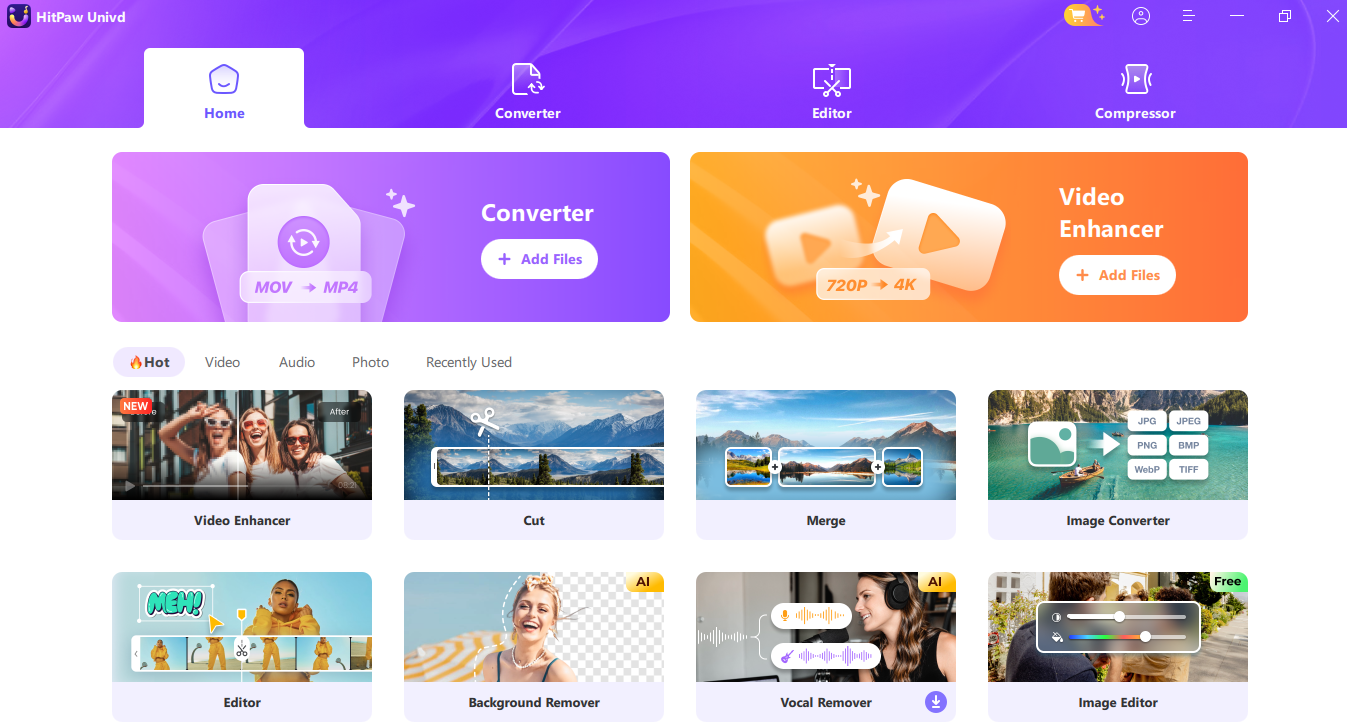
- Use the dashboard: All the tools, such as video enhancer, cutter and compressor are well-organized.
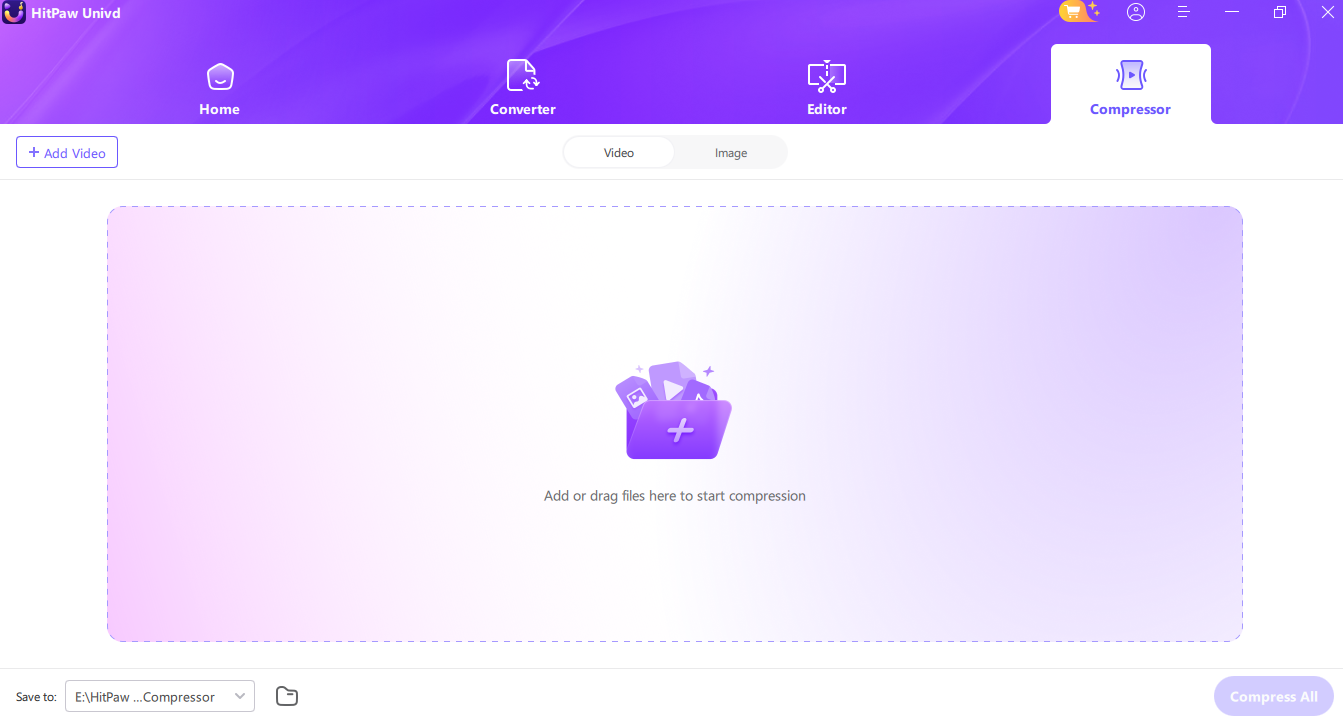
- Click Compressor tab: Drop your video file into the workspace .
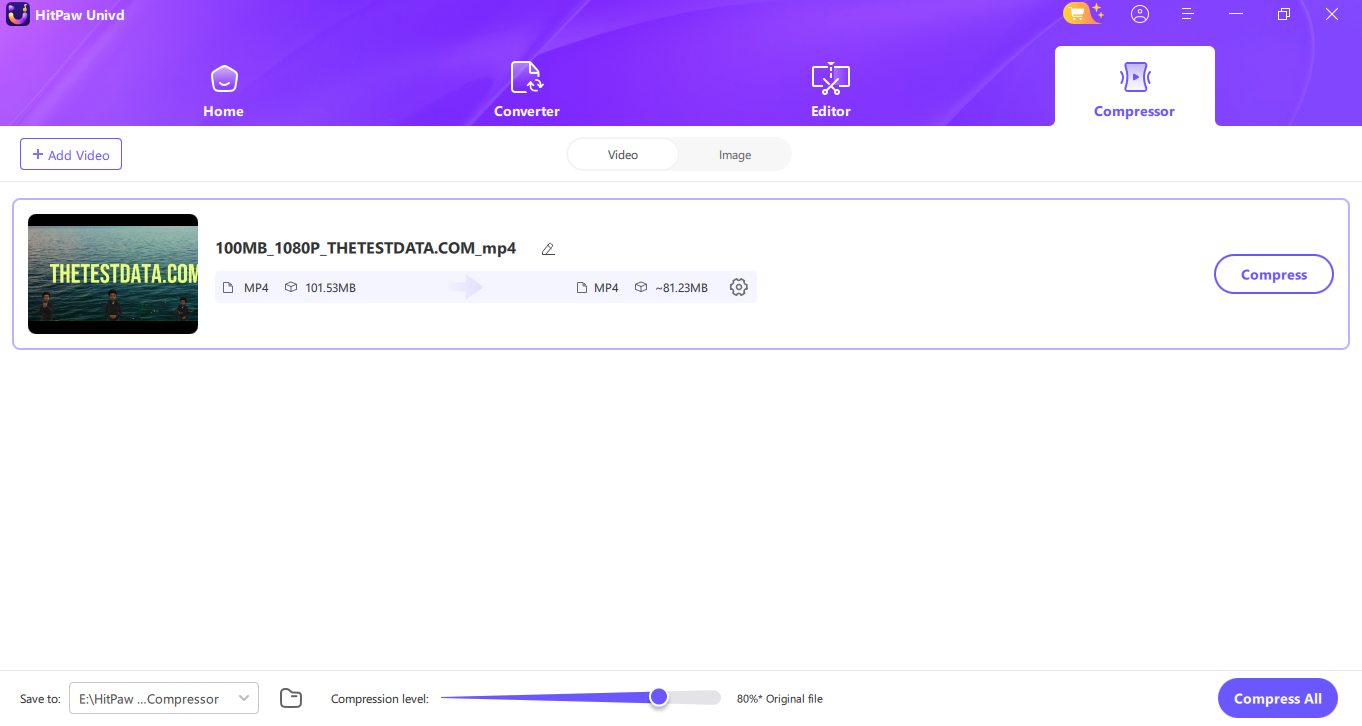
- Load your file: File information about format and size is shown in the software .
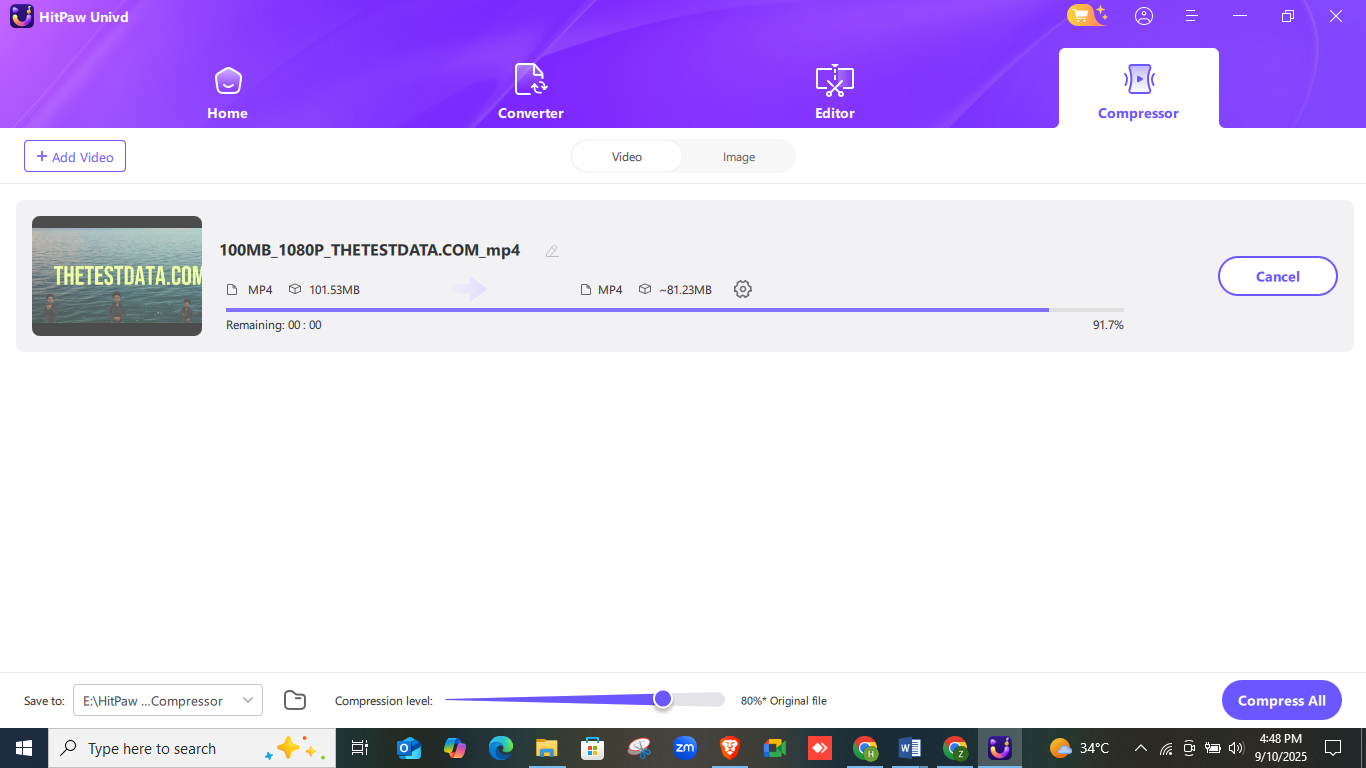
- Compression level: the slider sets the size of the file, such as to 80 percent of the original file.
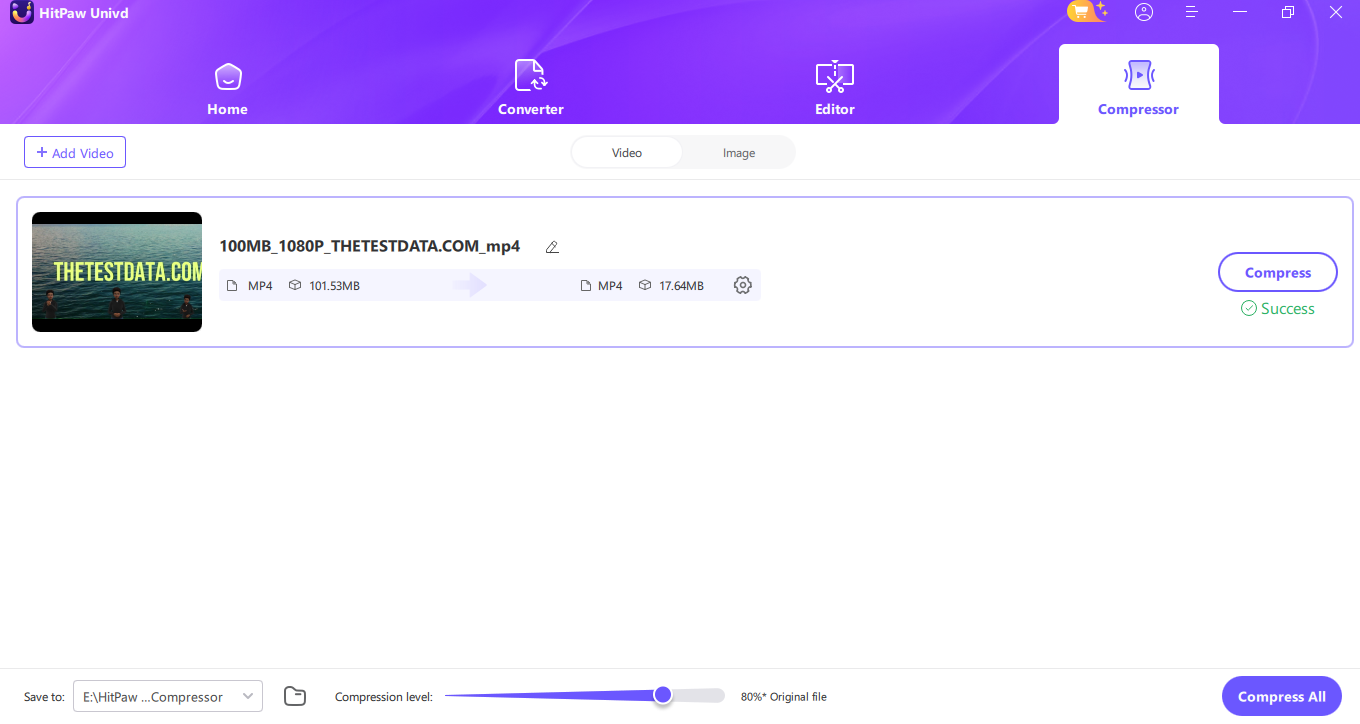
- Full compression: The software displays a success message and the reduced and smaller size of the file.
Pros:
- Very easy for beginners.
- High-quality output even at 80% compression.
- Works for both small and large files.
Cons:
- Requires download.
- Free version has some feature limits.
2. VideoProc Converter AI:
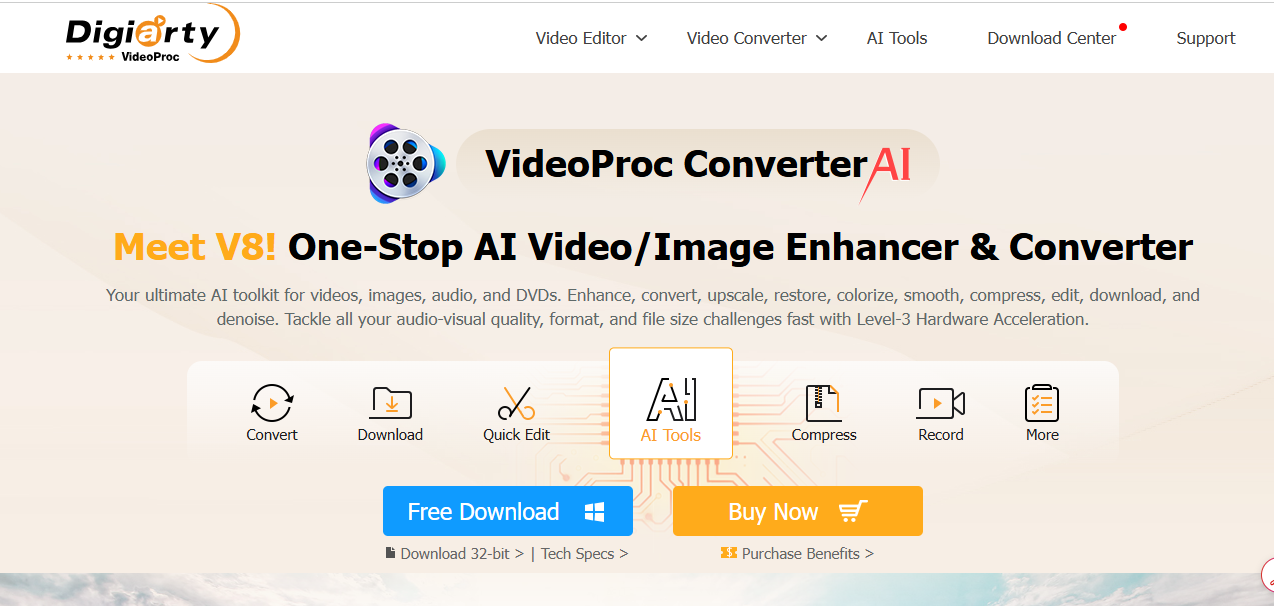
This software combines speed with AI. It’s built for large videos, including 4K and 8K files.
Key Functionalities:
- GPU acceleration.
- AI-powered compression.
- Batch support.
- High codec support.
- Screen recording built in.
Features:
- Works on Windows and Mac.
- Supports H.264, HEVC, VP9.
- Clean user interface.
- Noise reduction features.
- Works with DVDs too.
Pros:
- Handles heavy video files.
- AI improves clarity.
Cons:
- Free version has time limit for videos.
3. Movavi Video Converter:
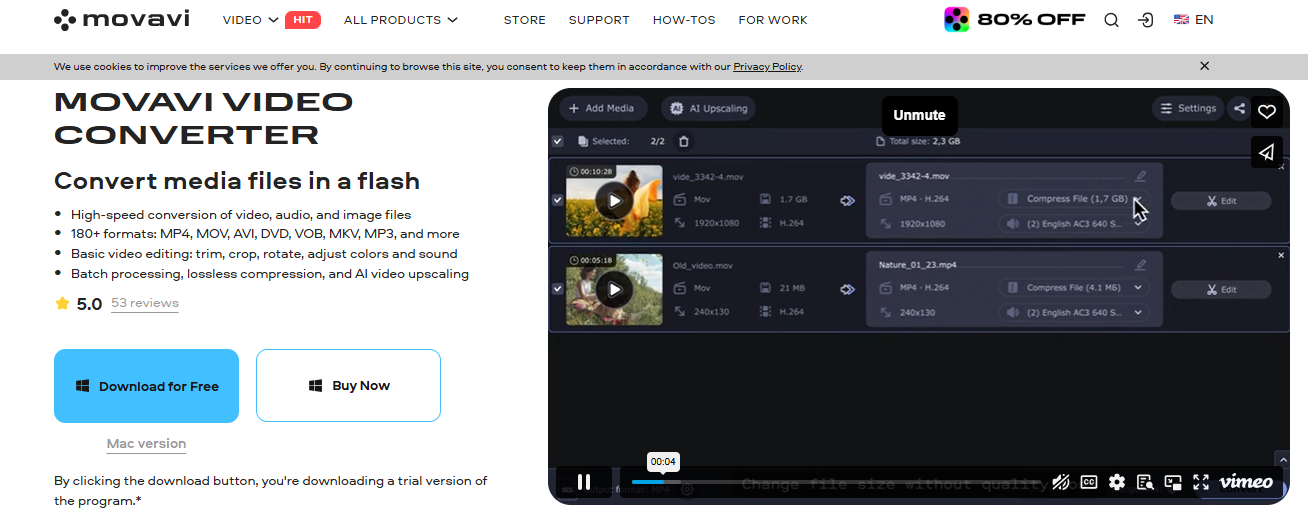
A trusted name for years. Movavi makes compression simple with drag-and-drop features.
Key Functionalities:
- Compress any format.
- Presets for mobile devices.
- Adjust bitrate easily.
- Subtitle support.
- Preview feature.
Features:
- Clean interface.
- Works on Mac and Windows.
- One-click conversion.
- Safe for beginners.
- Quick processing.
Pros:
- Extremely easy to use.
- Supports subtitles and extras.
Cons:
- Free version adds watermark.
4. Freemake Video Converter:
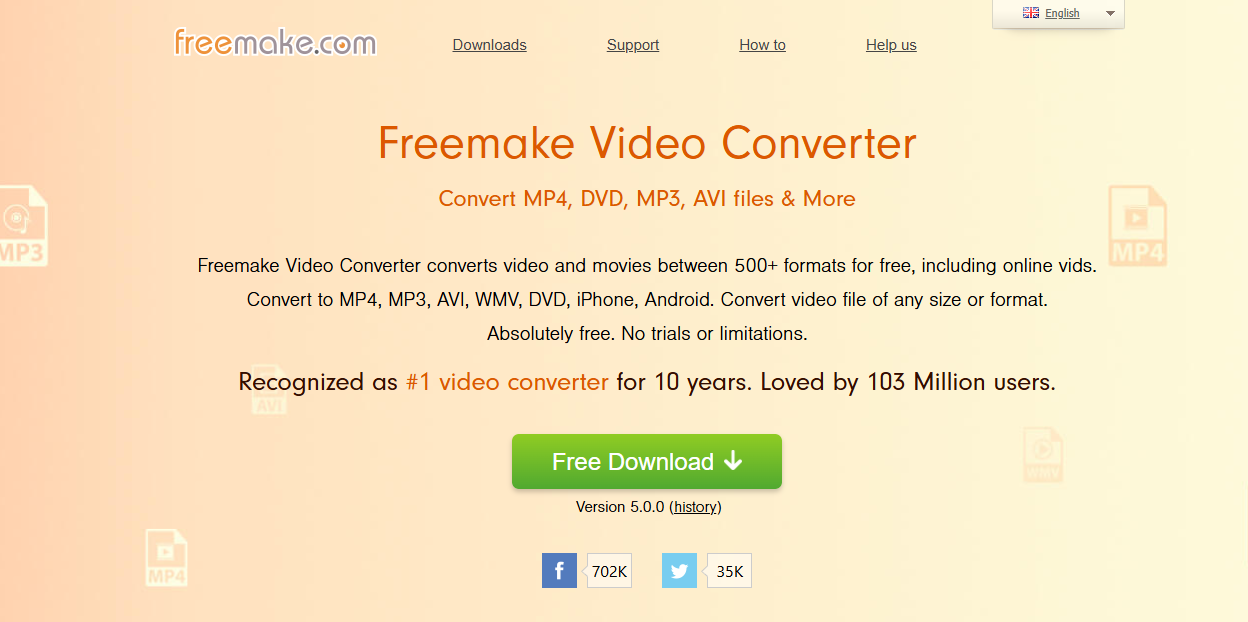
This Windows-only tool is popular for simple compression.
Key Functionalities:
- Converts and compresses.
- Supports MP4, AVI, MKV.
- Burn to DVD option.
- Presets available.
- Share directly to YouTube.
Features:
- Nice interface.
- Colorful design.
- Supports subtitles.
- Auto-save options.
- Safe and free.
Pros:
- Friendly for casual users.
- Lots of presets.
Cons:
- Watermark in free version.
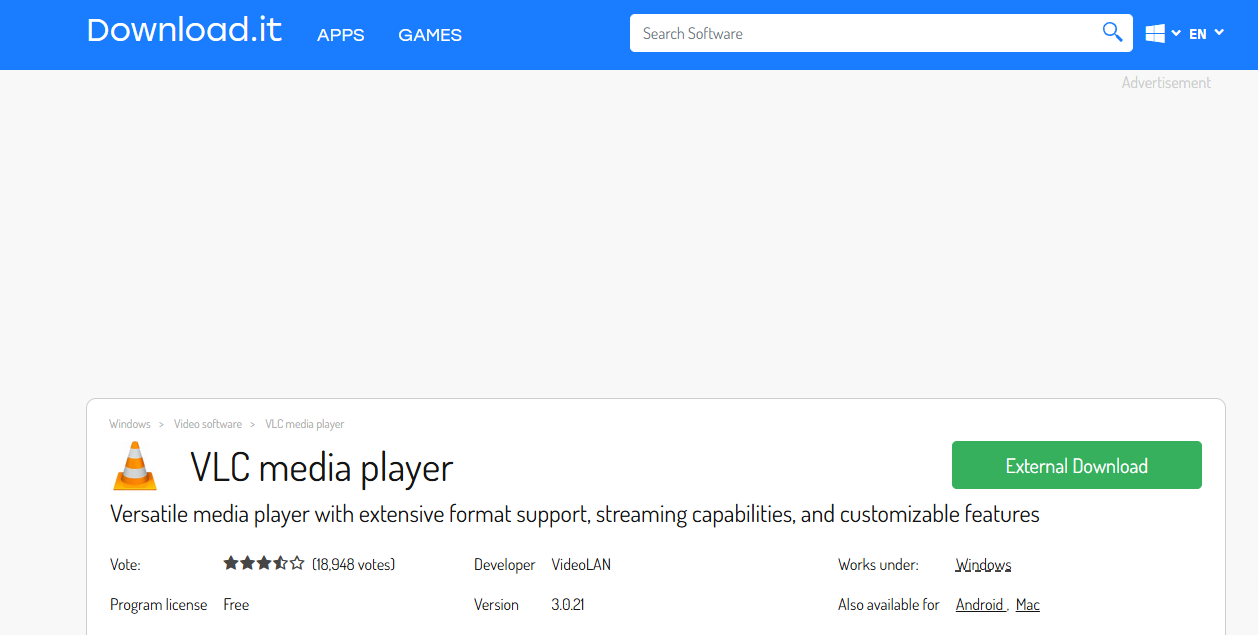
5. VLC Media Player:
Did you know VLC is also a free video compressor? Besides playing every file under the sun, it can shrink files too.
Key Functionalities:
- Compress via Convert/Save.
- Change resolution.
- Adjust bitrate.
- Choose codecs.
- Free forever.
Features:
- Cross-platform.
- No ads.
- Safe open source.
- Trusted by millions.
- Simple menus.
Pros:
- 100% free.
- No watermark.
Cons:
- Interface feels old.
- Not as quick as others.
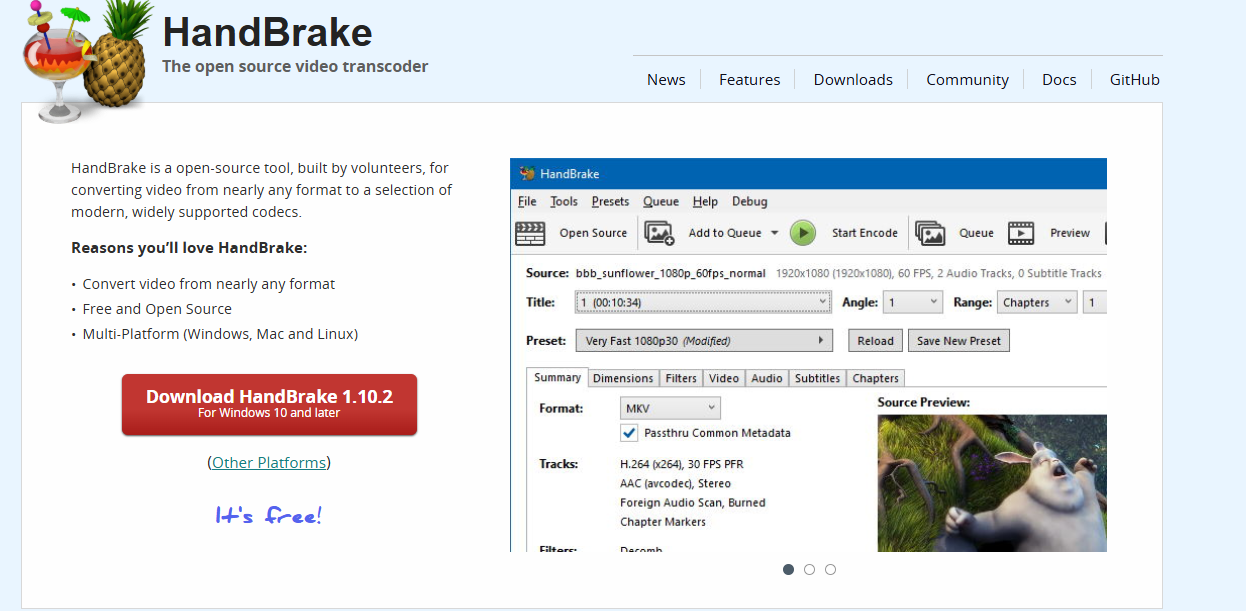
6. HandBrake:
The classic open-source converter. It’s a must-have for people who want control.
Key Functionalities:
- Compress with codec options.
- Works on Mac, Windows, Linux.
- Batch encode.
- Constant Quality mode.
- Subtitles and chapters.
Features:
- Open source.
- Free forever.
- Works with DVDs.
- Regular updates.
- Powerful filters.
Pros:
- Full control of settings.
- Handles large files well.
Cons:
- Learning curve.
7. Shutter Encoder:
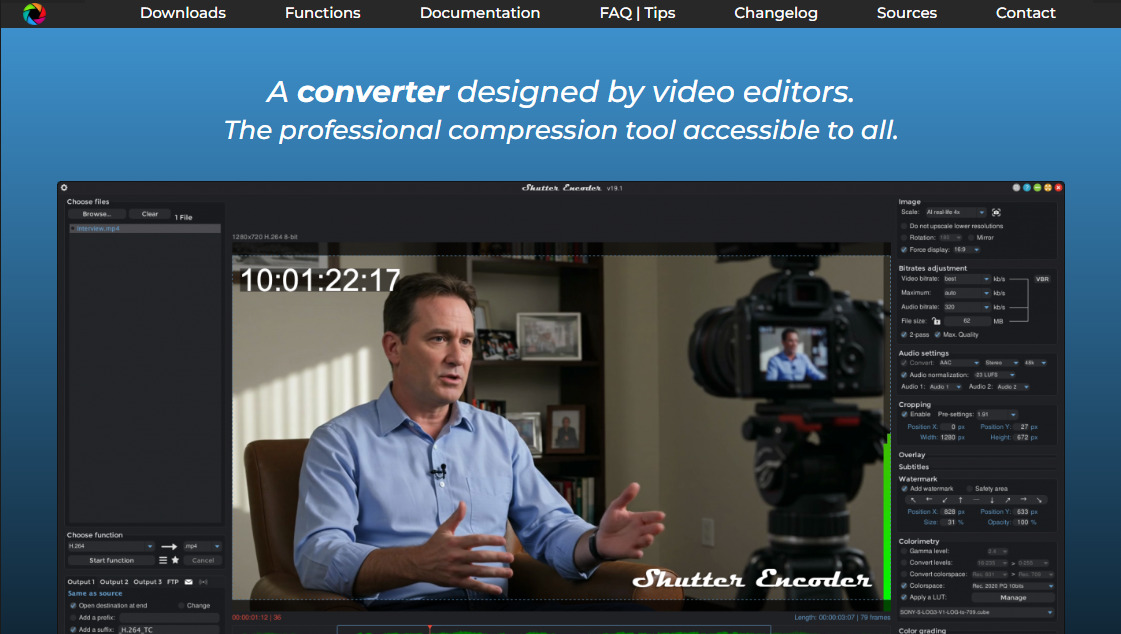
This is a favorite among video editors. It uses FFmpeg at its core but adds a simple interface.
Key Functionalities:
- Compress with pro-level settings.
- Supports all major formats.
- Batch support.
- Filters and effects.
- Advanced codec options.
Features:
- Free and open source.
- Regularly updated.
- Works on all platforms.
- Pro-level features.
- Subtitle support.
Pros:
- Great for professionals.
- Clean compression results.
Cons:
- May feel heavy for beginners.
8. FFmpeg:
The engine behind many tools. FFmpeg is command-line based but very powerful.
Key Functionalities:
- Works with every format.
- Custom compression commands.
- Audio and video editing.
- Batch support.
- Free forever.
Features:
- Extremely lightweight.
- Runs on any platform.
- Open source.
- Supported by community.
- Powerful scripting.
Pros:
- Unlimited control.
- Handles any file.
Cons:
- Needs command-line knowledge.
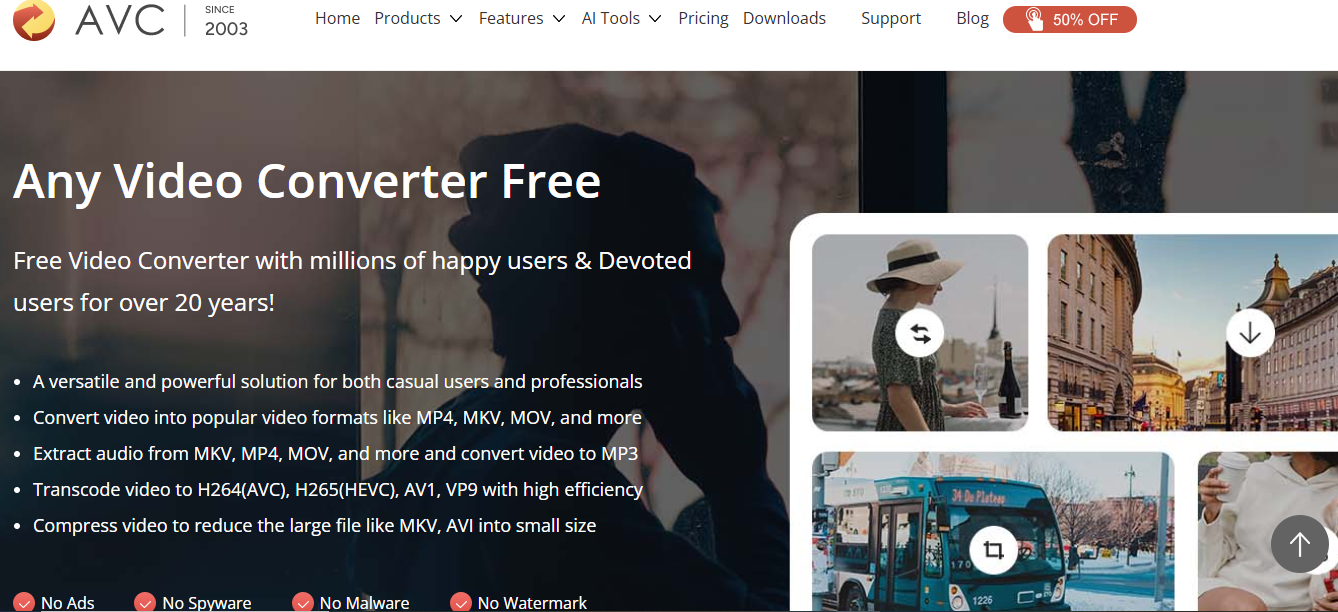
9. Any Video Converter:
Popular for beginners who want both conversion and compression.
Key Functionalities:
- Convert + compress.
- Batch support.
- Presets for devices.
- Download videos online.
- Edit clips quickly.
Features:
- Friendly interface.
- Supports 100+ formats.
- Subtitles support.
- Works on Windows/Mac.
- Quick conversion.
Pros:
- Easy to use.
- Works well for casual needs.
Cons:
- Free version has ads.
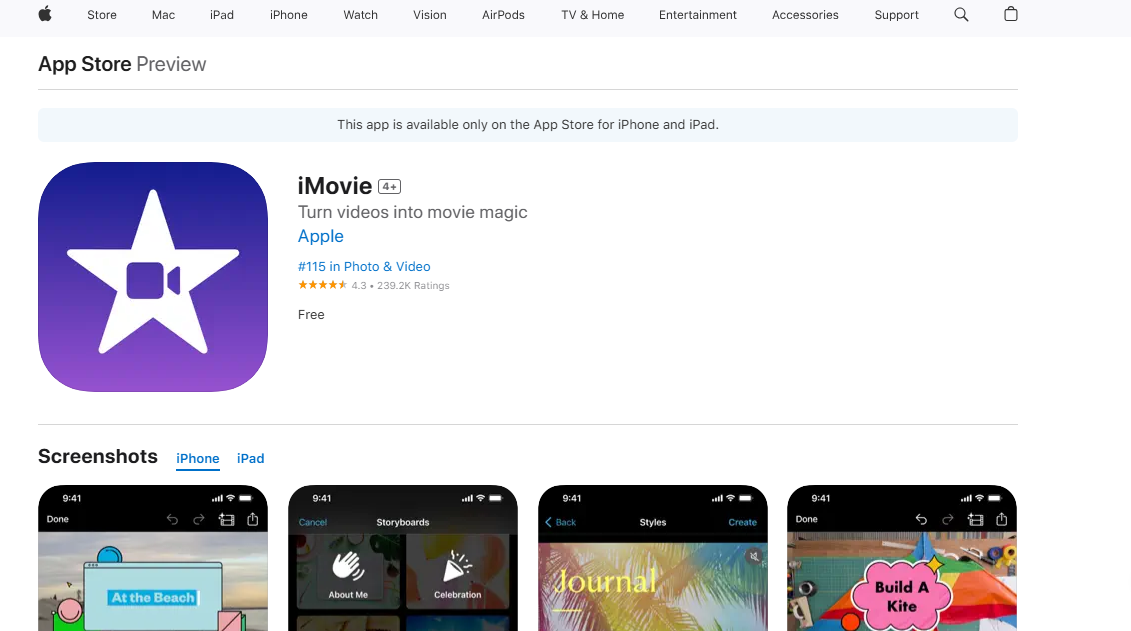
10. iMovie:
Apple’s free video editor also doubles as a simple compressor.
Key Functionalities:
- Export in smaller sizes.
- Adjust resolution.
- Trim clips.
- Add transitions.
- Quick sharing.
Features:
- Built into Mac/iOS.
- Intuitive interface.
- Free with Apple devices.
- High-quality output.
- Regularly updated.
Pros:
- Perfect for Apple users.
- Very clean exports.
Cons:
- Only for Mac/iOS.
Part 2: 5 Best Online Video Compressors
If downloading software feels like too much hassle, these online video compressors are your lifesaver. They’re quick, free, and run straight from your browser. No installs, no fuss.
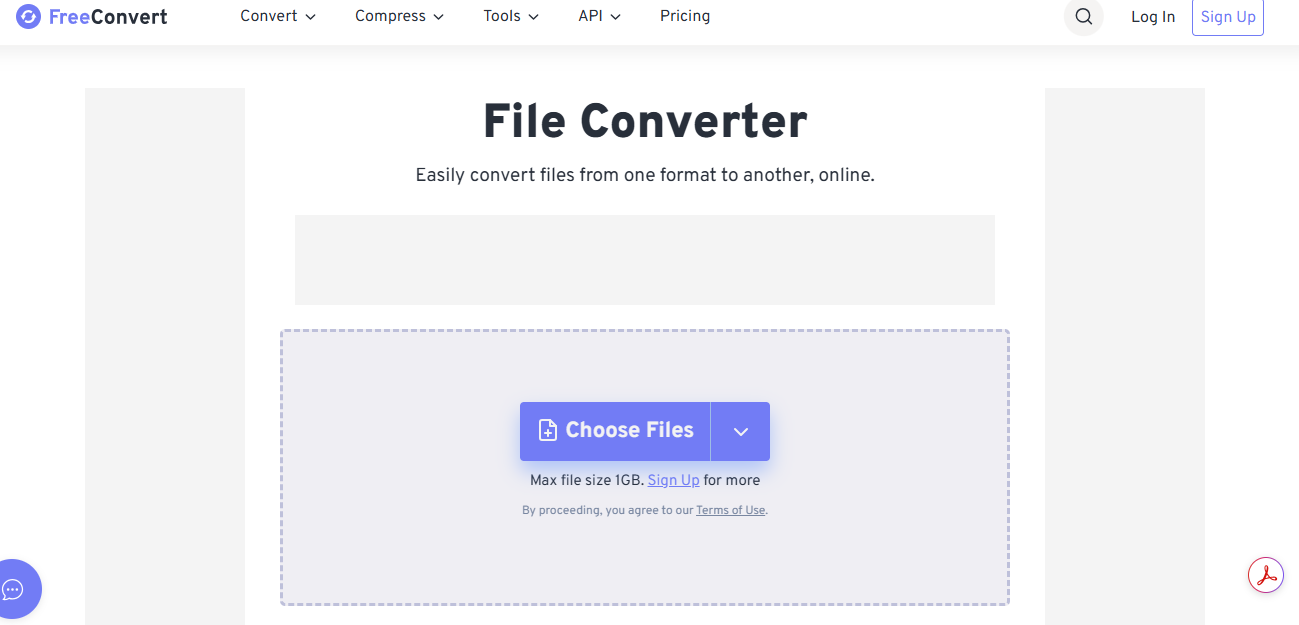
1. FreeConvert:
If you need a quick and flexible option with no setup, FreeConvert is a safe bet for everyday use.
Key Functionalities:
- Compress by file size or quality.
- Supports MP4, MKV, AVI, and more.
- Works on any browser.
- Secure file handling with HTTPS.
- Batch compression available.
Product Features:
- Clean drag-and-drop interface.
- Converts and compresses in one place.
- Mobile-friendly design.
- Fast cloud-based process.
- Download link expires for security.
Pros: Free, fast, and easy to use.
Cons: File size limit for free users.
2. OnlineConverter:
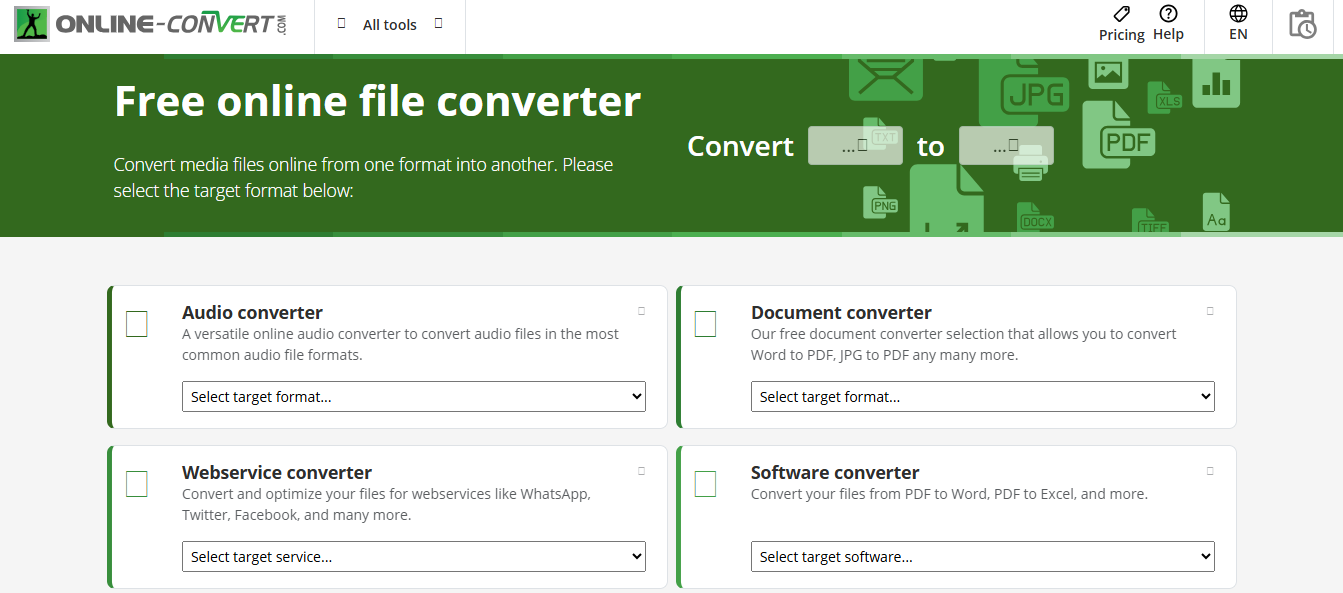
For users who want a no-frills tool that just works, OnlineConverter is as straightforward as it gets.
Key Functionalities:
- Shrinks video by percentage.
- Works across browsers.
- Handles common formats (MP4, AVI, MOV).
- Adjusts output resolution.
- Quick one-step process.
Product Features:
- Simple interface, no clutter.
- No sign-up required.
- Supports video trimming before compression.
- Lightweight design loads fast.
- Files auto-delete for privacy.
Pros: Quick and simple to use.
Cons: Interface looks outdated.
3. MP4Compress:
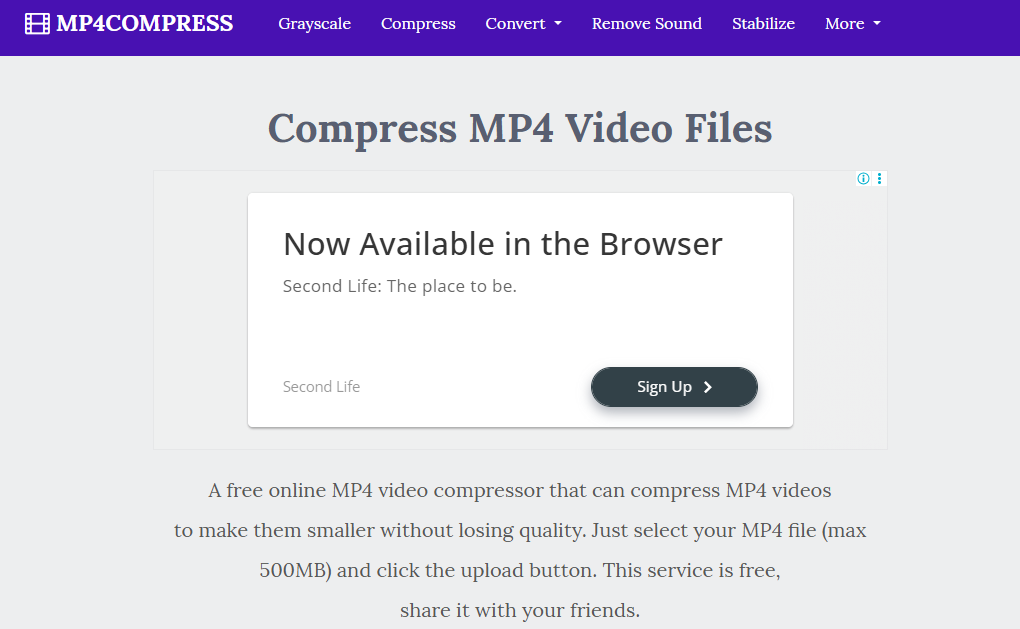
If MP4 is all you use, MP4Compress is the easiest way to shrink files without any learning curve.
Key Functionalities:
- Specializes in MP4 files.
- Automatic compression settings.
- Mobile-friendly operation.
- Works without extra steps.
- Instant download option.
Product Features:
- Drag-and-drop upload.
- Runs smoothly on phones.
- No sign-up required.
- Lightweight browser tool.
- Focused just on MP4 compression.
Pros: Extremely simple for beginners.
Cons: Only works with MP4.
4. 8mb.video:
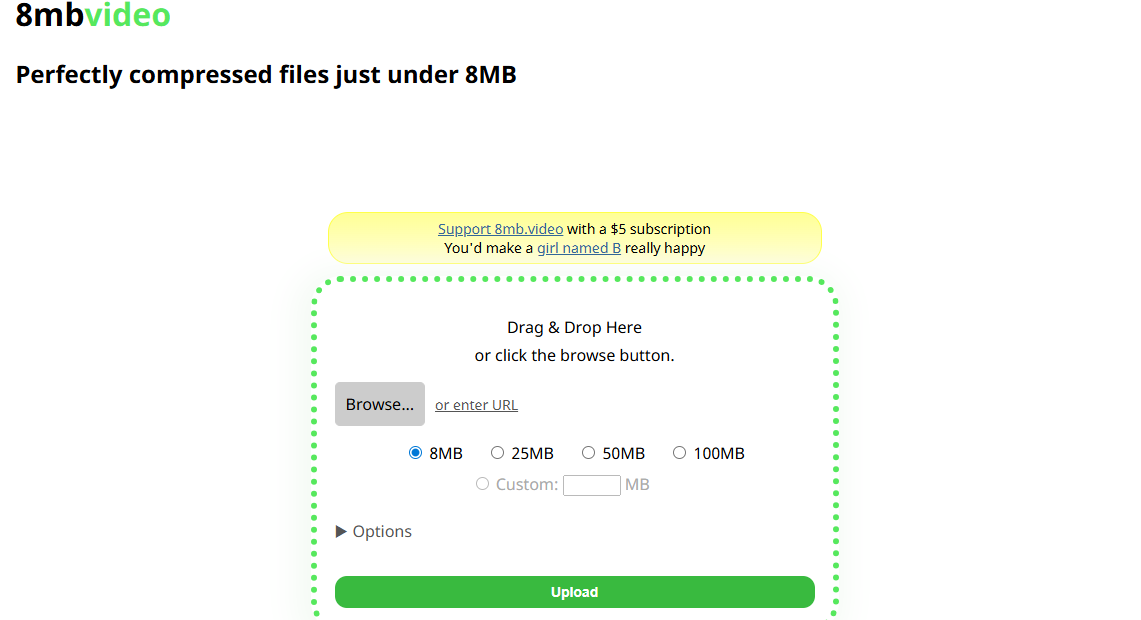
For gamers or anyone sharing on Discord, 8mb.video is the go-to tool to keep your clips under the limit.
Key Functionalities:
- Designed for Discord file limits.
- Choose between 8MB or 50MB outputs.
- Fast online processing.
- Works on desktop and mobile browsers.
- Simple user flow.
Product Features:
- Gamer-friendly design.
- Perfect for Discord or social uploads.
- No login needed.
- Clean interface.
- Free for regular use.
Pros: Great for Discord users.
Cons: Strict size limits.
5. Zamzar:
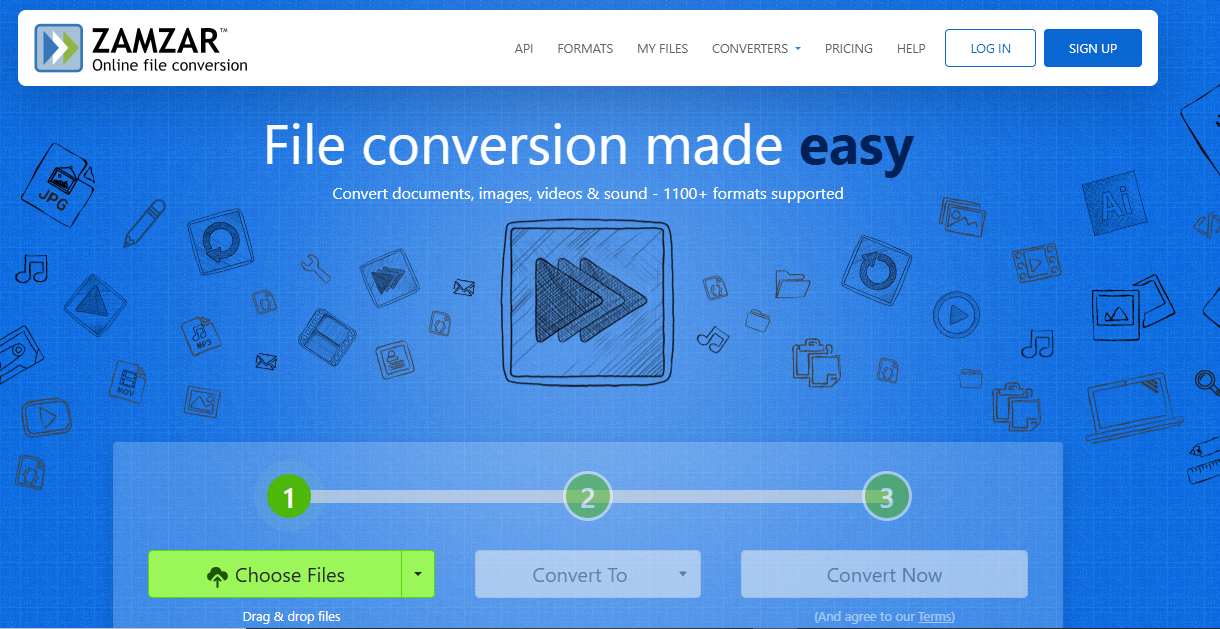
If you want a trusted name with a long track record, Zamzar is a solid choice for compressing and converting videos.
Key Functionalities:
- Compress and convert videos.
- Supports 1,200+ file types.
- Works online in any browser.
- Sends file via email if preferred.
- Cloud-based processing.
Product Features:
- Established, trusted brand.
- Easy-to-navigate interface.
- Handles large range of formats.
- Free option plus premium upgrades.
- Provides customer support.
Pros: Reliable and secure.
Cons: Free version can be slower.
Part 3: FAQs About Free Video Compressors
Question 1: Will using these free video compressors definitely reduce video quality?
Answer: Not always. Tools like HitPaw Univd use smart algorithms to shrink files while keeping videos sharp. So, quality loss is minimal.
Question 2: Which free video compressor is best for batch compressing multiple videos?
Answer: HitPaw Univd stands out here. Its batch support saves time while ensuring smooth results.
Question 3: Can the online video compressors (like MP4Compress or 8mb.video) handle large files (e.g., 1GB+)?
Answer: Usually not. Most online tools have size limits. For large files, desktop tools like HitPaw Univd work better since they use intelligent algorithms to minimize quality loss.
Conclusion:
It does not need to be daunting to select the appropriate free video compressor in 2025. When speed, smart algorithms and high-quality results are the requirements, it is difficult to compete with HitPaw Univd. It strikes the right balance between compression and clarity so that you will never worry that you lost the details in your videos.

