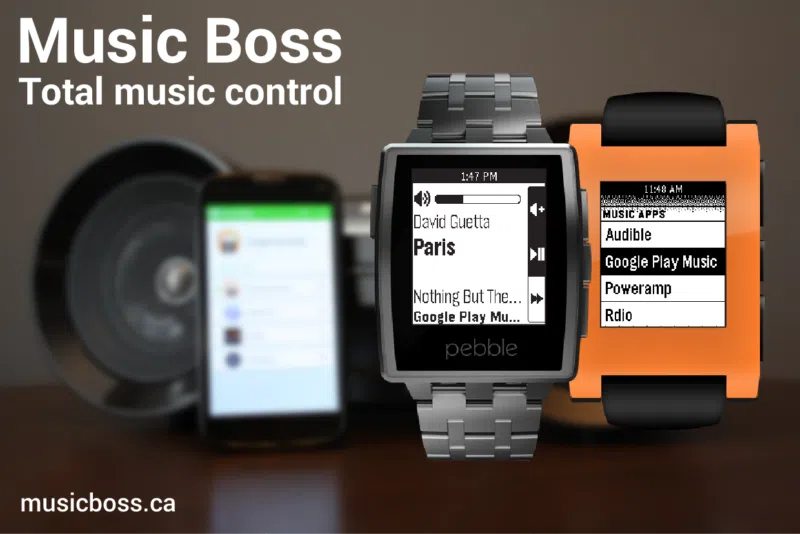
Music Boss allows you to control the playback of the various media apps on your Android device directly from your Pebble or Pebble Steel smartwatch. That said, you can add you favorite media/audio apps to Music Boss and then control a media app via your smartwatch such as play/pause, adjust volume, go to next track and much more.
In addition, you can also launch and switch the media apps on your Android device via your Pebble smartwatch without having to touch your Android device. But that's not all, the app recently received an update that brings a host of new features. Now you can easily control the volume and playback of your Chromecast media right from your Pebble.
Once you stream a video you're watching on your device to your TV via Chromecast, you can open the Music Boss app on your device and connect it to the same Chromecast device. Now you can adjust the volume of the video playing via your Pebble smartwatch and even Play/Pause the content which works for apps that respond to Media Buttons. Check out the video of the Music Boss app in action below.